Panel PC vs Computador Industrial: Diferenças de arquitetura e integração
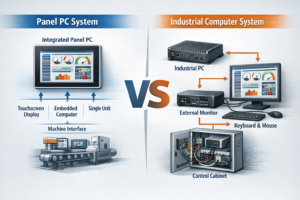
Introdução Na conceção de sistemas industriais, a seleção da arquitetura informática adequada afecta diretamente a fiabilidade e a complexidade da integração do sistema, ...
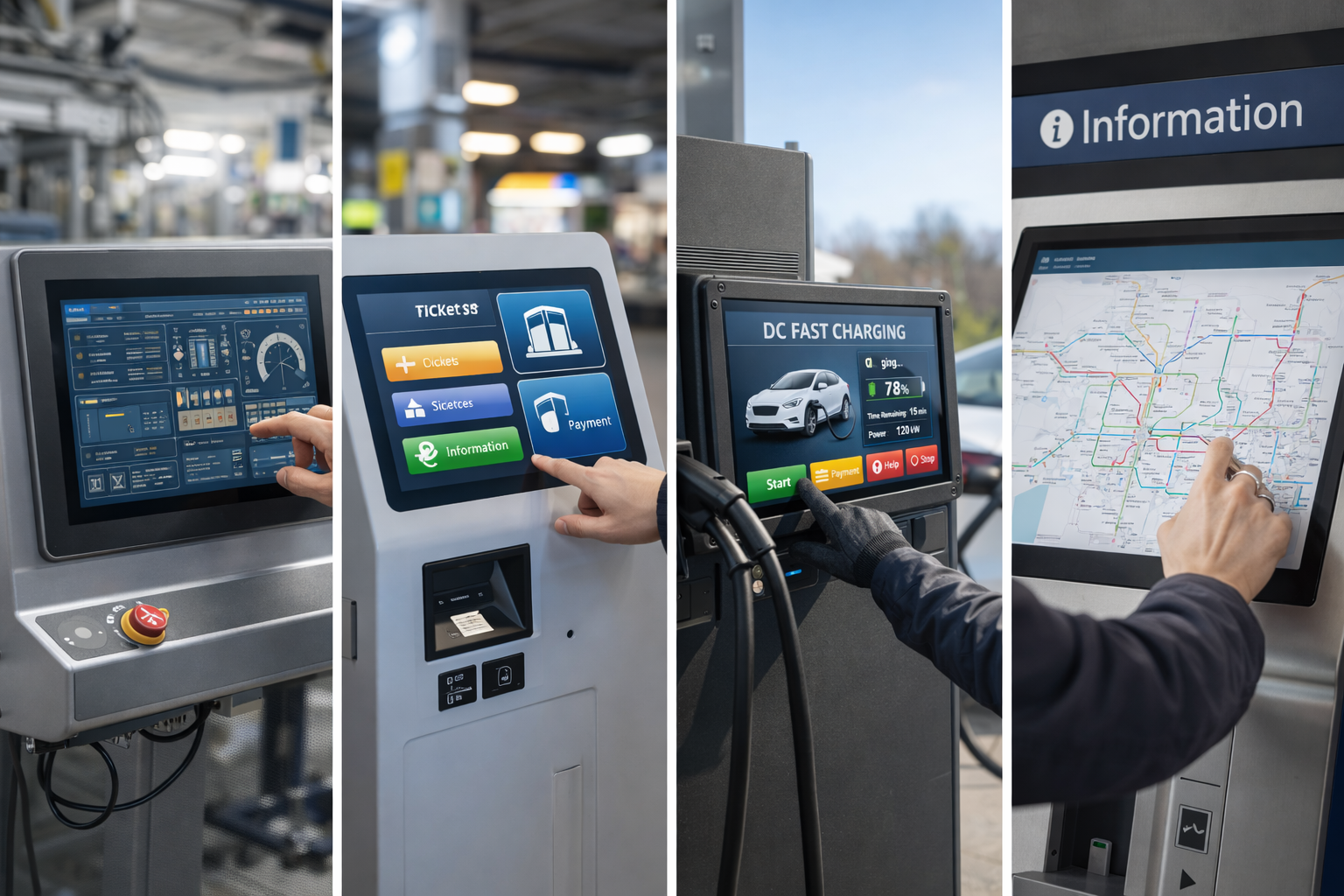
Os monitores de ecrã tátil são agora amplamente utilizados em aplicações industriais, comerciais e de contacto com o público.
Desde painéis de controlo e quiosques a carregadores de veículos eléctricos e sistemas de bilhética, o monitor tátil certo afecta diretamente facilidade de utilização, fiabilidade e custos de manutenção a longo prazo.
Em vez de se concentrar em listas efémeras de “melhores do ano”, este guia explica como avaliar e escolher o melhor monitor de ecrã tátil para a sua aplicação específica.
Um monitor de ecrã tátil é um dispositivo de visualização que permite aos utilizadores interagir diretamente com o conteúdo no ecrã utilizando a introdução por toque.
Ao contrário dos tablets de consumo, os monitores tácteis industriais e comerciais são concebidos para:
São normalmente constituídos por um painel de visualização, um sensor tátil, um controlador e um vidro de proteção.
Diferentes aplicações requerem diferentes tecnologias tácteis.
As opções mais comuns incluem:
Para sistemas industriais modernos, Os monitores tácteis PCAP são a solução mais amplamente adoptada.
Os tamanhos comuns dos monitores tácteis variam entre 7″ a 27″, dependendo da aplicação.
Ao selecionar o tamanho e a resolução, tenha em conta:
Uma resolução mais elevada melhora a nitidez, mas deve ser acompanhada de uma conceção adequada da IU.
Os monitores tácteis utilizados em ambientes públicos ou semi-exteriores devem manter-se legíveis em condições de luz variáveis.
As principais considerações incluem:
A visibilidade é especialmente importante para aplicações como quiosques e estações de carregamento de veículos eléctricos.
Os monitores tácteis industriais e comerciais estão frequentemente expostos a:
Escolher um monitor com um painel frontal selado e vidro de cobertura temperado melhora a fiabilidade a longo prazo.
Os monitores tácteis raramente são produtos autónomos em projectos industriais.
Os métodos de integração mais comuns incluem:
O suporte de montagem adequado simplifica a conceção do sistema e reduz o risco de instalação.
Os monitores de ecrã tátil são amplamente utilizados em:
Cada aplicação impõe exigências diferentes a desempenho ao toque, durabilidade e suporte ao ciclo de vida.
Muitos problemas surgem não da tecnologia em si, mas de seleção incorrecta.
Os erros mais comuns incluem:
Evitar estes erros numa fase inicial ajuda a reduzir os custos de reconcepção mais tarde.
O “melhor” monitor de ecrã tátil não se define apenas pela marca ou pelas especificações.
Em vez disso, é a que melhor corresponde:
Para OEM e integradores de sistemas, avaliação e validação técnica precoce são essenciais.
Sim. Os monitores tácteis de nível industrial são concebidos para um funcionamento contínuo e uma longa vida útil.
O toque capacitivo projetado é a solução mais utilizada devido à sua durabilidade, precisão e suporte de interfaces modernas.
Sim. Muitos monitores tácteis industriais podem ser personalizados em termos de tamanho, brilho, vidro e interfaces.
Em vez de seguir as listas anuais dos “melhores”, a seleção do monitor de ecrã tátil certo requer compreender os requisitos da sua aplicação.
Ao concentrar-se na tecnologia tátil, na durabilidade, na visibilidade e na integração, pode escolher uma solução que ofereça desempenho fiável e valor a longo prazo.
Esta abordagem garante que o seu monitor de ecrã tátil se mantém eficaz muito para além de um único ano.
Introdução Na conceção de sistemas industriais, a seleção da arquitetura informática adequada afecta diretamente a fiabilidade e a complexidade da integração do sistema, ...
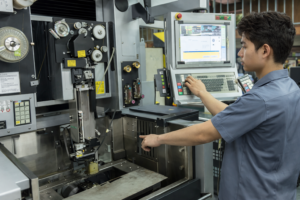
Introdução Nos equipamentos industriais, o subsistema "ecrã" faz parte de uma interface homem-máquina (IHM) mais vasta e ...
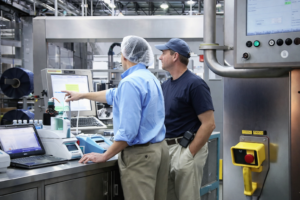
Introdução Na conceção de equipamento industrial, a interface homem-máquina (HMI) afecta diretamente a facilidade de utilização, a fiabilidade e a manutenção do sistema ...

Introdução As interfaces homem-máquina (IHM) são atualmente componentes normais dos equipamentos industriais modernos. Os ecrãs permitem aos operadores ...
Envie os detalhes da sua aplicação. Responderemos com orientações de configuração e próximos passos.