Industrielle Display-Monitore für die OEM-Integration
Projektdefinierte Monitorbaugruppen für Geräteprogramme - mit Schwerpunkt auf mechanischer Passung und Schnittstellenkompatibilität.
Industrielle Display-Monitore für die Geräteintegration
Wir liefern Industriemonitor-Baugruppen für die Integration für die Integration in Geräte, Terminals, Kioske und Infrastrukturplattformen.
Die Monitore sind in Open-Frame-, Panel-Mount- und VESA-Konfigurationen erhältlich und werden Monitore werden auf der Grundlage von Gehäusegröße, Schnittstellenkompatibilität und Einsatzumgebung spezifiziert.
Das Angebot ist für OEM- und Systemintegrationsprogramme strukturiert, bei denen Konfigurationskonsistenz und eine langfristige Verfügbarkeitsplanung erforderlich sind.

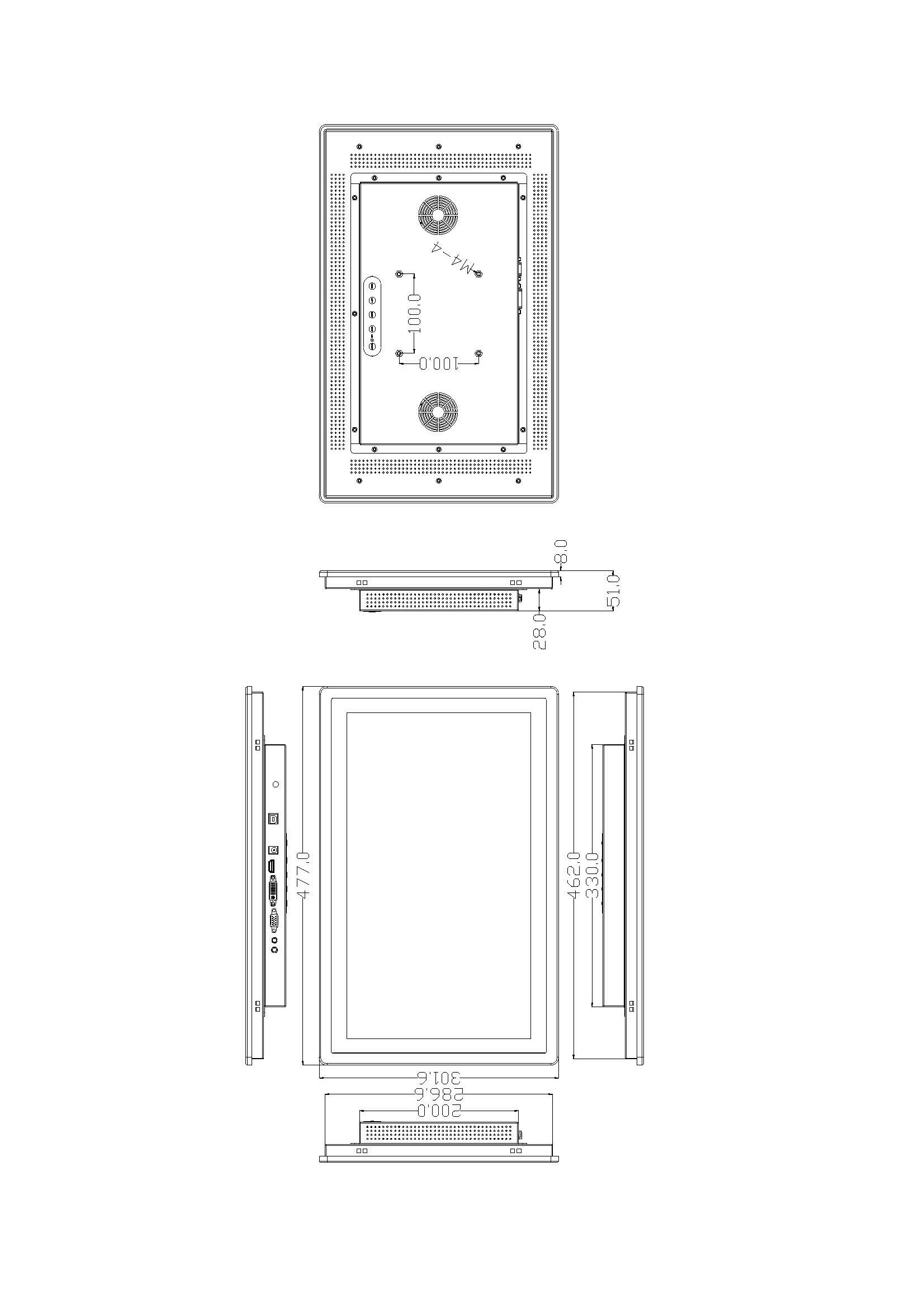
Typische Konfiguration Abdeckung
Gemeinsame Spezifikationsbereiche für OEM- und Systemintegrationsprojekte. Die endgültige Konfiguration wird pro Anwendung festgelegt.
| Größe | 7"-32"+ industrielle Standardgrößen |
|---|---|
| Auflösung | Definiert durch die Plattenauswahl pro Größe |
| Helligkeit | Optionen von Standard bis hohe Helligkeit |
| Berühren Sie | PCAP oder resistiv (anwendungsbezogen) |
| Signal-Schnittstellen | HDMI / VGA / DVI / LVDS |
| Montage | Offenes Gestell / Einbaumontage / VESA / Benutzerdefiniert |
| Betriebstemperatur | Standard- oder Breittemperatur (projektspezifisch) |
Teilen Sie uns Ihre Zielgröße, Schnittstelle und Montagebedingungen mit - wir bestätigen die Konfigurationsrichtung und Kompatibilität.
Größenreferenz für die Geräteintegration
Wählen Sie Ihre Ziel-Displaygröße, um typische mechanische Layouts, Schnittstellenerwartungen und Touch-Konfigurationen zu überprüfen, und Touch-Konfigurationen, die in Geräteprojekten verwendet werden.
Andere Größen und Konfigurationen werden durch die Montage/den Ausschnitt, die Schnittstellenzuordnung und die Einsatzumgebung bestimmt.
Konfiguration Auswahlhilfe
Bewertung der Strukturrichtung auf der Grundlage der Integrationsmethode, Schnittstellenarchitektur und Einsatzbedingungen.
Konfigurationsarten anzeigen
Übliche strukturelle Konfigurationen, die bei der Geräteintegration verwendet werden. Jeder Typ enthält Integrationshinweise und projektspezifische Optionen.
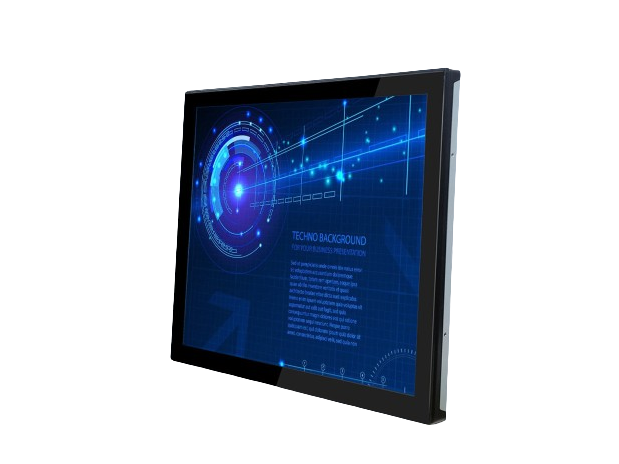
Offener Rahmen
Konzipiert für die Innenmontage in kundenspezifischen Gehäusen. Die Art der Halterung und die Frontabdichtung werden durch das Gehäusedesign bestimmt.
Ansicht Open Frame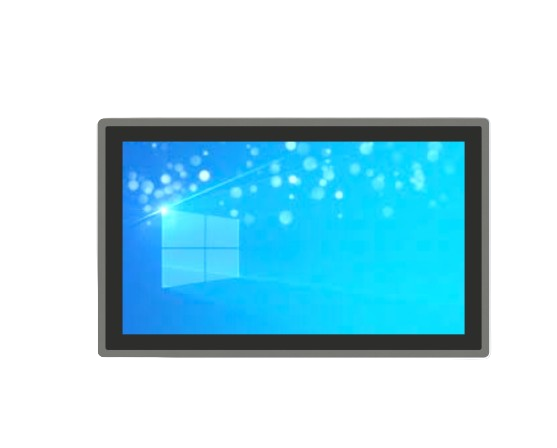
Panel-Montage
Einbau in einen Schalttafelausschnitt mit Blendensicherung. Frontseitiger Einbau und Dichtungsstrategie sind projektspezifisch.
Ansicht Panelmontage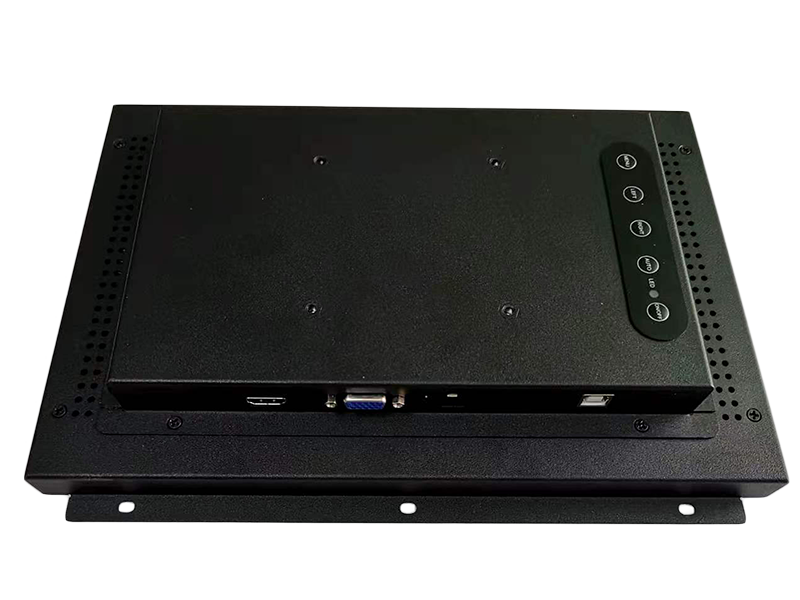
VESA-Halterung
Konfiguriert mit VESA-Montagemustern für Arm, Halterung oder Wandintegration.
VESA-Optionen anzeigenFür den Einsatz im Freien oder in rauen Umgebungen wird die Konfiguration durch die Exposition definiert, Temperaturbereich und die Abdichtung des Gehäuses.
Ansicht Outdoor-KonfigurationenBereitstellungsbeschränkungen, die die Konfiguration bestimmen
In Geräteprogrammen wird die Konfiguration des Monitors durch den Arbeitszyklus bestimmt, Gehäusedesign, Servicezugang und Standortbedingungen. Diese Randbedingungen bestimmen in der Regel die Struktur und den Aufbau.
24/7 Arbeitszyklus
Der thermische Ansatz und die Auswahl der Komponenten sind auf Dauerbetrieb ausgelegt.
Service Zugang
Montage und Kabelführung sind auf den Wartungs- und Austauschbedarf abgestimmt.
Gehäuse-Integration
Der Ausschnitt, die Art der Befestigung und die Frontabdichtung werden durch das Design des Gehäuses bestimmt.
Standortbedingungen
Temperatur, Sonnenlicht, Staub und Wasser sowie das Risiko der Handhabung beeinflussen den endgültigen Aufbau.
Konfigurationskontrolle in OEM-Programmen
Bei langfristigen Ausrüstungsprogrammen wird die Überwachungskonfiguration durch definierte Revisions-Baselines und formelle Änderungsmitteilungen verwaltet, um die Stabilität der Integration über die Produktionschargen hinweg zu gewährleisten.
- Revision Baseline: die genehmigte Konfiguration wird zu einem kontrollierten Referenzaufbau (Form-Fit-Function).
- PCN-Disziplin: Bauteil- oder Konstruktionsänderungen erfolgen nach einer strukturierten Mitteilung mit vereinbarter Vorlaufzeit.
- Rückverfolgbarkeit: Überarbeitungen, der Umfang der Änderungen und das Datum des Inkrafttretens werden dokumentiert, um die Kontinuität des Programms zu gewährleisten.
Definierte Kontrollpunkte
- BOM-Gefrierpunkt: Die Konfiguration geht nach der Genehmigung des Musters in die Revisionskontrolle ein.
- Vorlaufzeit ändern: auf die Anforderungen des Validierungszyklus und der Bestandsplanung abgestimmt.
- Zugelassene Alternativen: dokumentiert, wenn die Risikominderung oder die Kontinuität der Versorgung dies erfordern.
Lebenszyklus-Stabilität für langfristige Ausrüstungsprogramme
OEM-Implementierungen erstrecken sich oft über mehrere Jahre. Die Display-Konfiguration muss stabil bleiben um ein Redesign, eine Revalidierung und eine Unterbrechung des Einsatzes während des Programmlebenszyklus zu vermeiden.
Bewusstsein für den Lebenszyklus des Panels
Bei der Auswahl der Panels werden der Lebenszyklusstatus des Herstellers und das Ausstiegsrisiko berücksichtigt.
Konsistenz von Charge zu Charge
Mechanische Passform und optische Leistung bleiben über alle Produktionszyklen hinweg aufeinander abgestimmt.
Kontinuitätsplanung
Potenzielle Liefer- oder Komponentenrisiken werden im Zusammenhang mit der Programmdauer bewertet.
Dokumentation der Programmüberprüfung
Die Dokumentation wird im Rahmen des vereinbarten Umfangs und der NDA bereitgestellt, sofern erforderlich.
- Engineering-Paket: Umrisszeichnung, Ausschnittbezug, Montagehinweise
- Definition der Schnittstelle: Signalzuordnung, Touch USB/HID-Hinweise
- Stücklistenrevisionssatz: kontrollierte Ausgangssituation und genehmigte Alternativen
- PCN / ECN-Bekanntmachungen: dokumentierter Änderungsumfang und Gültigkeitsdaten
- Rückverfolgbarkeit der Produktion: Chargenidentifikation (programmdefiniert)
- Dokumentation zur Einhaltung der Vorschriften: sofern zutreffend
Erwartungen überprüfen (erforderliche Dokumente, PCN-Vorlaufzeit, Programmdauer) können während der Projektbesprechung abgeglichen werden.
Strukturierter Arbeitsablauf
Klare Vorgaben. Definierte Ergebnisse. Von der Spezifikation bis zur Produktion.
Bestätigen Sie Randbedingungen und legen Sie die Richtung der Konfiguration fest.
- Größe/Helligkeit
- Schnittstellenliste (HDMI / DP / LVDS / eDP)
- Montageverfahren
- Betriebstemperatur
- Anforderungen an die Berührung (Handschuh / nass, falls erforderlich)
Technische Probe und Validierung unter Betriebsbedingungen.
Nullserie, dann wiederholbare Produktion mit kontrollierten Revisionen.
Teilen Sie uns mit, was Sie haben, und wir werden Ihnen die Konfiguration und die nächsten Schritte mitteilen.
Häufig gestellte Fragen zu Industriemonitoren
Wichtige Fragen zur Technik und Integration.
Technische Überprüfung
Senden Sie uns Ihre Anwendungsdetails. Wir antworten mit einer Konfigurationsanweisung und den nächsten Schritten.