Panel PC industrial para HMI de máquinas, equipos OEM y sistemas de automatización
Panel PC industrial diseñado para interfaces de máquinas, equipos OEM y sistemas de automatización donde el método de montaje, el entorno operativo, la interacción táctil, la disposición de la interfaz y la plataforma de software deben alinearse como parte del diseño del equipo. Comparta las condiciones actuales del proyecto y la revisión de la configuración puede comenzar normalmente antes de que se finalice la especificación completa.
¿Para qué sirve un Panel PC Industrial?
Un panel PC industrial combina hardware informático, pantalla y entrada táctil en un dispositivo integrado. Se suele utilizar en sistemas HMI de máquinas, paneles de control de operarios, equipos industriales e interfaces de automatización en los que es importante una instalación estable y un funcionamiento predecible.
Interfaces de equipos OEM
Común en máquinas en las que el PC de panel se utiliza como interfaz principal para el control y la supervisión del equipo.
Sistemas HMI industriales
Se utiliza con frecuencia en entornos de automatización en los que se requiere una interacción táctil estable y un funcionamiento continuo.
Si las especificaciones siguen evolucionando, suele bastar con empezar por el entorno, el método de montaje, la gama de tamaños de pantalla, las interfaces necesarias y el sistema operativo.
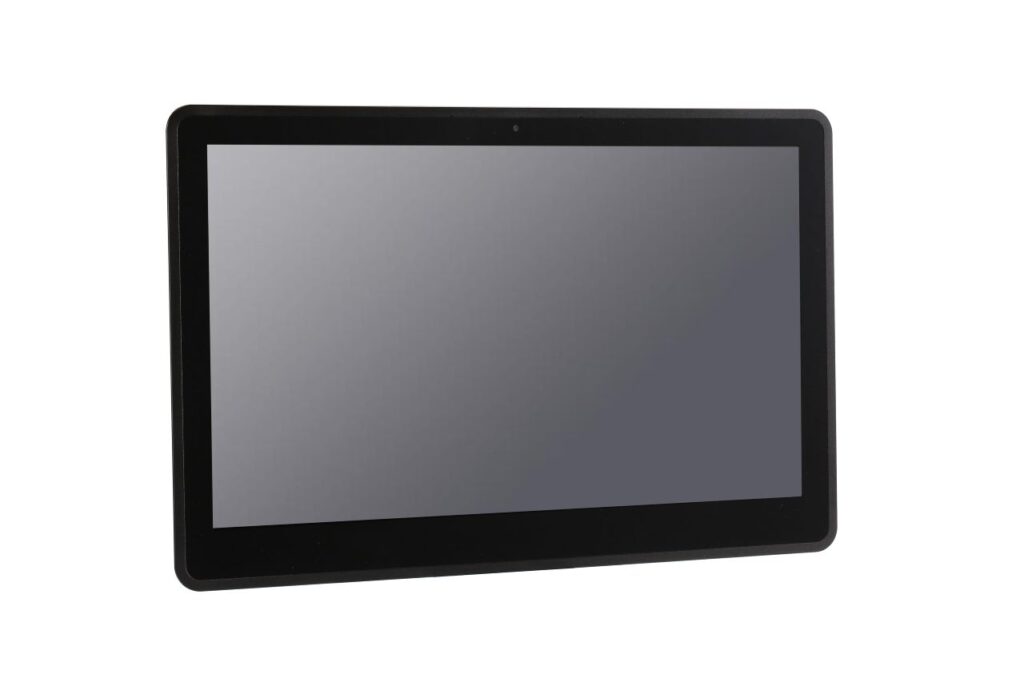
Los PC industriales suelen instalarse en máquinas, equipos de producción y estaciones de automatización.
Estaciones HMI
Máquina UI
Control del sistema
Tipos comunes de Panel PC industrial para diferentes condiciones de proyecto
La mayoría de los proyectos empiezan por identificar la plataforma de software y las condiciones de funcionamiento. Estas indicaciones suelen utilizarse como punto de referencia inicial.
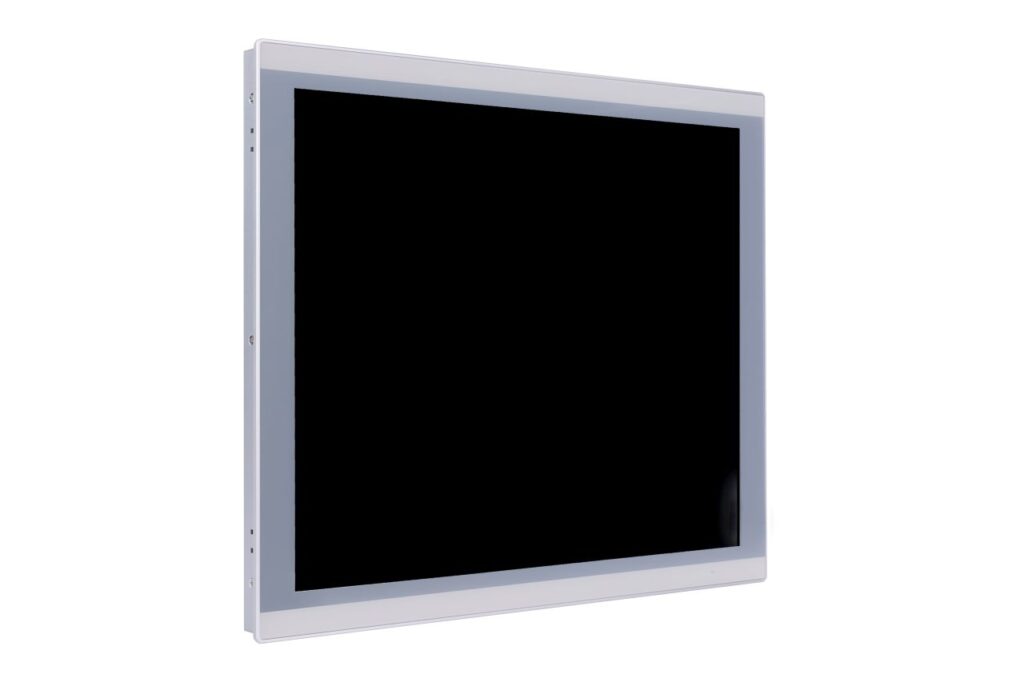 Plataforma Windows
Panel PC industrial con Windows
Adecuado para proyectos de equipamiento en los que el software de aplicación, los controladores o las plataformas de control ya están creados en torno a Windows.
- HMI y sistemas de interfaz de operador
- Compatibilidad de software y controladores industriales
- Común en aplicaciones de equipos y control
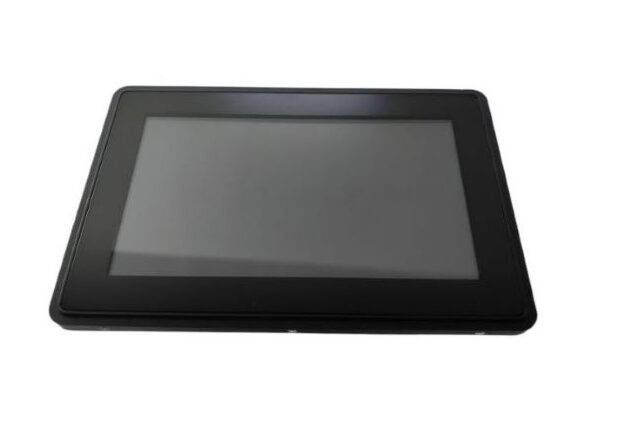 Plataforma Android
Paneles industriales Android
Suelen utilizarse para sistemas con funciones específicas en los que la interacción táctil, el arranque rápido y el funcionamiento simplificado son las principales prioridades.
- Interfaces de operador basadas en aplicaciones
- Arranque rápido y menor sobrecarga del sistema
- Adecuado para aplicaciones táctiles específicas
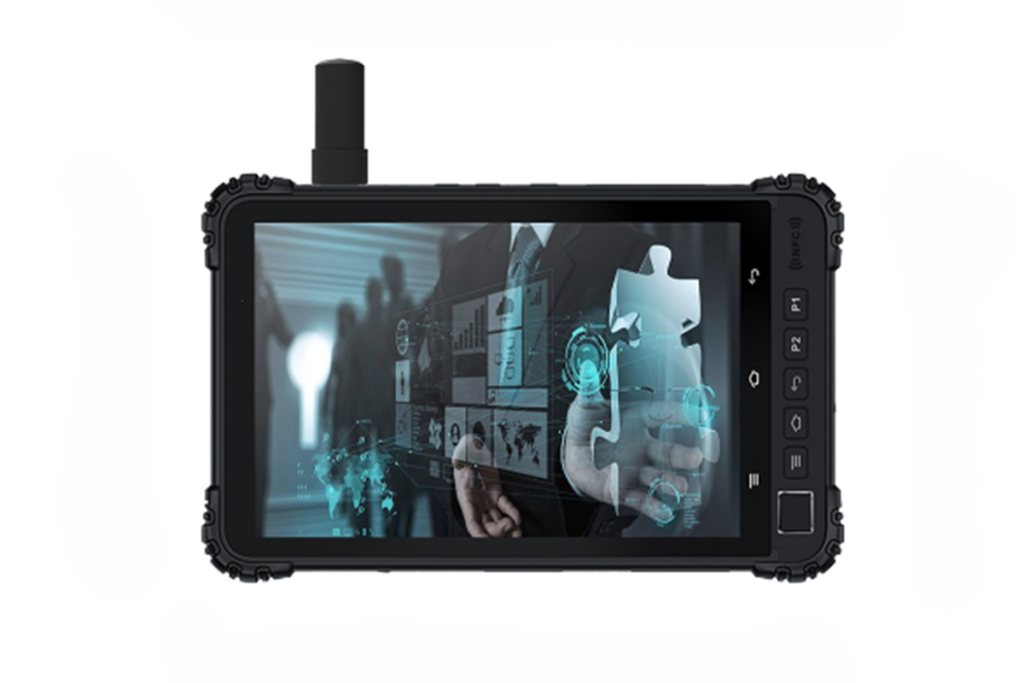 Condiciones exigentes
Configuraciones reforzadas
Se utiliza cuando el entorno de instalación incluye polvo, humedad, vibraciones, limpieza frecuente o mayores requisitos de protección estructural.
- Opciones de protección frontal como IP65
- Diseños sin ventilador para reducir el mantenimiento
- Estructura adaptada a entornos exigentes
Especificaciones típicas de Panel PC industrial para implantaciones OEM
Esta descripción general refleja las direcciones de configuración habituales en los proyectos de PC industriales. Los detalles finales suelen confirmarse tras revisar las limitaciones de la instalación, las interfaces y los requisitos de software.
- Tamaños comunes de 7" a 21,5"
- Luminosidad seleccionada por la iluminación de la instalación
- Antideslumbramiento o adhesión óptica opcionales
- PCAP para interfaces multitáctiles
- Resistivo para funcionamiento con guantes o en mojado
- Opciones de cristal de recubrimiento según las necesidades de durabilidad
- x86 para sistemas basados en Windows o Linux
- ARM para interfaces basadas en Android
- Configuraciones sin ventilador de uso común
- LAN y USB como base común
- Opciones COM como RS232 / RS485
- Salida de vídeo o GPIO cuando sea necesario
- Montaje en panel o instalación VESA
- Opciones de sellado frontal como IP65 frontal
- Estructura definida por el entorno y las condiciones de servicio
Cómo elegir un Panel PC industrial para su proyecto
Los PC industriales suelen seleccionarse en función de las condiciones de instalación y los requisitos del sistema, más que de especificaciones aisladas.
Las condiciones de polvo, temperatura, humedad y limpieza determinan la envolvente y el nivel de protección.
PCAP para interfaces multitáctiles, táctil resistivo para guantes o funcionamiento en mojado.
Los diseños de montaje en panel y montaje VESA se utilizan habitualmente en la integración de equipos.
LAN, USB, RS232, RS485 y salidas de vídeo son requisitos habituales.
El sistema operativo, la arquitectura del software y el nivel de rendimiento requerido suelen guiar en primer lugar la selección de la plataforma. Windows, Linux y Android pueden ajustarse a diferentes condiciones de proyecto.
Asistencia de OEM Panel PC desde la revisión de requisitos hasta la evaluación piloto
En muchos proyectos OEM y de integración de sistemas, la tarea principal es definir una configuración de panel PC que se adapte desde el principio al método de instalación, la estructura del equipo, los requisitos de interfaz y la plataforma de software.
- Revisión de las condiciones de instalación como el entorno, el método de montaje y las limitaciones del recinto
- Confirmación de las interfaces necesarias incluyendo LAN, USB, COM y cualquier E/S específica del proyecto.
- Alineación de la plataforma de hardware con los requisitos del sistema operativo y el software
- Definición de una base de configuración estable para revisión de muestras, fase piloto y despliegue previsto
Aunque algunas especificaciones estén aún en evolución, una primera revisión de las condiciones del proyecto suele bastar para iniciar un debate práctico.
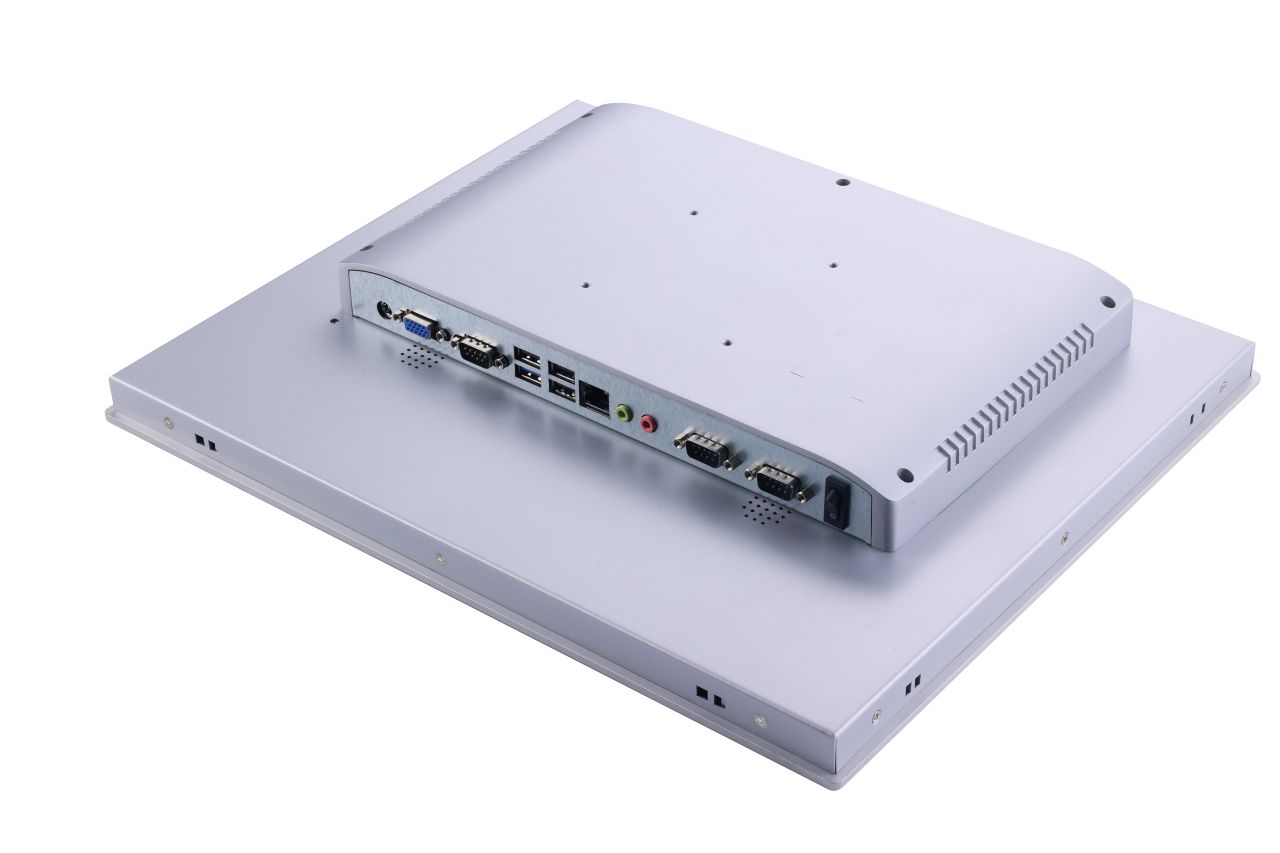
Compartir desde el principio el entorno, el método de montaje, los requisitos de la interfaz y los antecedentes del software suele hacer más eficaz la evaluación del proyecto.
Flujo de trabajo típico: revisión de requisitos → alineación de configuraciones → evaluación de muestras → fase piloto → despliegue según las necesidades del proyecto.
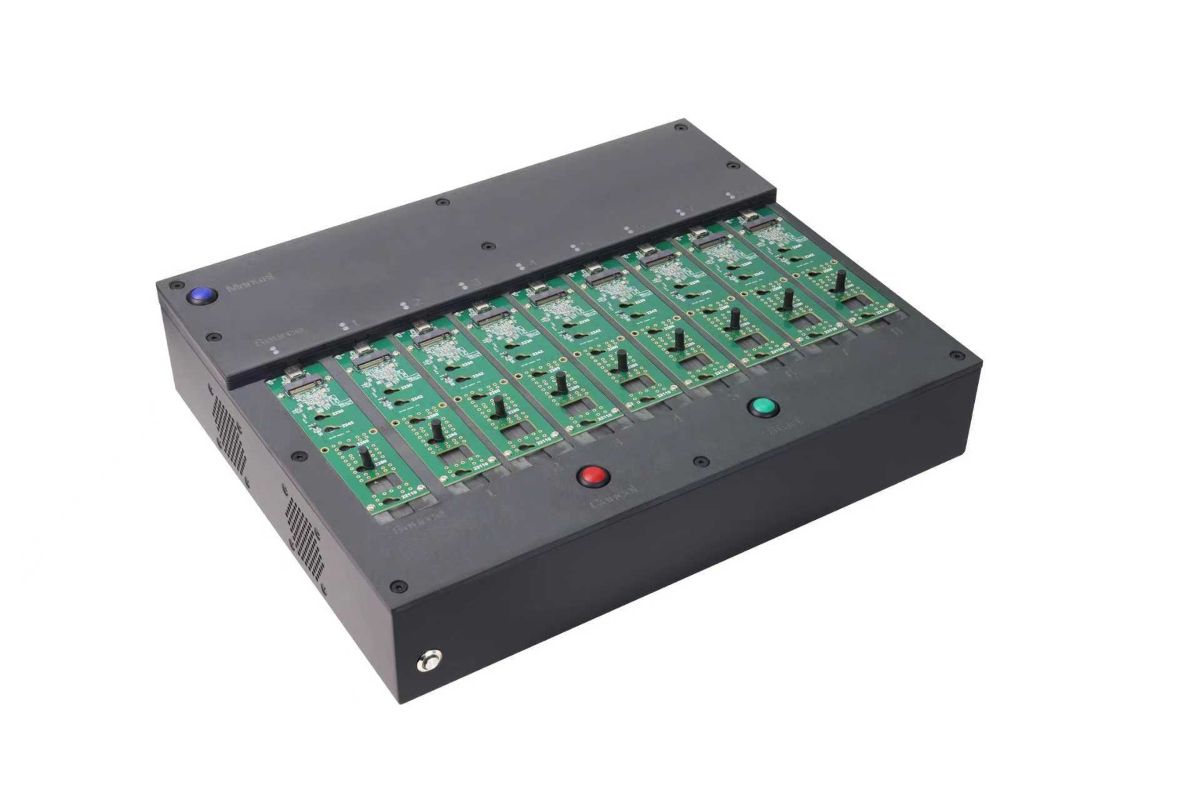
Equipo dedicado a la duplicación de imágenes de sistemas utilizado para preparar dispositivos de almacenamiento SSD para la implantación por lotes de PC industriales.
Para los proyectos que despliegan varias unidades, este paso de preparación puede ayudar a mantener alineados los entornos de software en todos los dispositivos entregados.
Preparación de imágenes del sistema por lotes para el despliegue de Panel PC en varias unidades
Para los programas de equipos OEM que despliegan varios sistemas, preparar el entorno del sistema operativo de antemano puede simplificar la instalación y ayudar a mantener configuraciones de software coherentes en todos los dispositivos.
- Preparación de la imagen del sistema para series piloto y de producción
- Configuración por lotes de dispositivos de almacenamiento SSD
- Entornos OS coherentes a través de las unidades entregadas
- Reducción del tiempo de preparación de la instalación
Este paso de preparación puede incluirse cuando los proyectos de equipamiento requieren un despliegue repetido en máquinas o líneas de producción.
Flujo de trabajo estructurado
Entradas claras. Resultados definidos. De la especificación a la producción.
Confirme las restricciones y defina la dirección de la configuración.
- Tamaño / luminosidad
- Lista de interfaces (HDMI / DP / LVDS / eDP)
- Método de montaje
- Temperatura de funcionamiento
- Requisitos táctiles (guante / mojado si es necesario)
Muestra de ingeniería y validación frente a las condiciones de funcionamiento.
Tirada piloto, luego producción repetible con revisiones controladas.
Comparta lo que tiene - le responderemos con la dirección de la configuración y los próximos pasos.
FAQ sobre Panel PC industriales
Respuestas a las preguntas más habituales sobre paneles PC industriales, sistemas HMI e implantación de OEM.
Revisión de ingeniería
Envíe los detalles de su solicitud. Le responderemos con la dirección de configuración y los siguientes pasos.