Industrial Panel PCs for Reliable 24/7 Operation
Engineered for long-term stability, flexible integration, and industrial-grade reliability — helping you define the right panel PC configuration for your application, environment, and lifecycle needs.
Why Industrial Panel PCs Are Used Instead of Commercial Devices
Industrial panel PCs are designed for environments and use cases where standard commercial hardware becomes unreliable. While consumer devices focus on performance and cost, industrial panel PCs prioritize stability, compatibility, and long-term availability — making them suitable for control systems, automation, and embedded applications.
Built for continuous 24/7 duty cycles with reliability-first design choices.
Industrial interfaces and mounting options reduce integration friction.
- Designed for continuous 24/7 operation
- Stable hardware platforms with controlled specifications
- Industrial I/O options (COM ports, dual LAN, GPIO)
- Long-term supply planning and lifecycle support
Share your environment, mounting, OS preference, and required I/O. We’ll recommend a stable configuration and confirm feasibility before sampling.
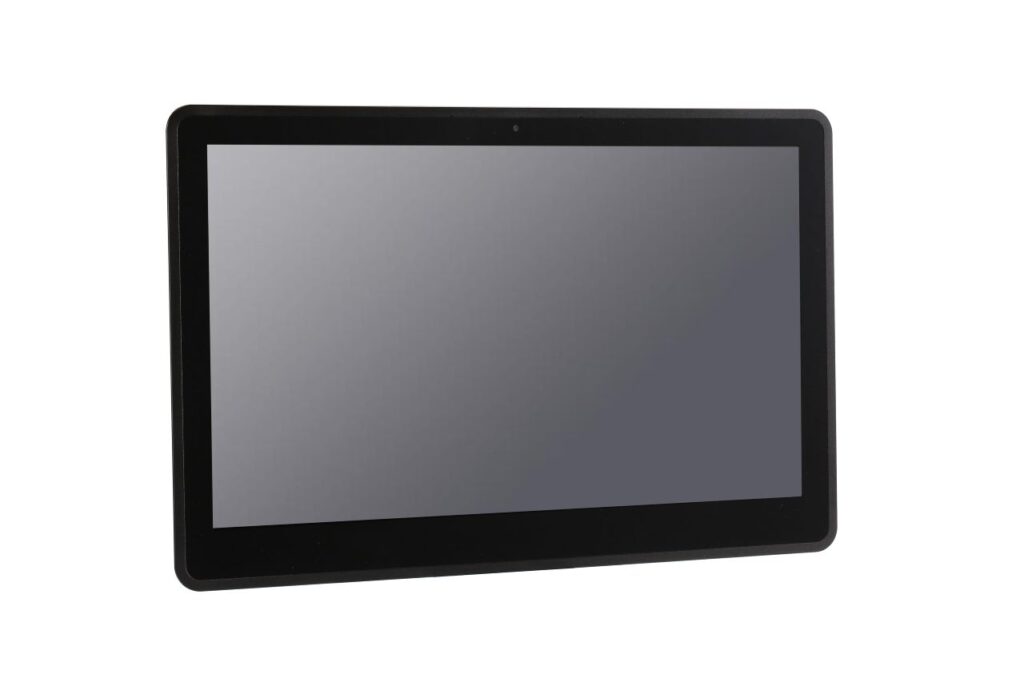
Industrial panel PCs are commonly used for HMI, automation stations, embedded equipment UI, and project-based deployments.
Stable 24/7
Designed for continuous operation with industrial-grade reliability focus.
Industrial I/O
Interfaces for automation and system integration (COM/LAN/USB/Video).
Consistency
Controlled specification planning for projects requiring stable supply.
Typical Industrial Panel PC Configurations We Support
Most buyers search by practical constraints (touch, I/O, mounting, protection, OS). This quick range overview helps engineering and procurement align the baseline faster.
- Common sizes: 7"–21.5" (custom sizes available)
- Brightness options based on installation lighting
- Anti-glare / bonding options for visibility
- PCAP multi-touch for modern UI
- Resistive touch for glove / wet operation
- Cover glass options for durability
- LAN / USB standard
- COM ports: RS232 / RS485 options
- Industrial integration-ready interfaces
- Panel mount / VESA options
- Front IP65 options for industrial stations
- Structure options for demanding environments
For project delivery, we align configuration stability with your lifecycle plan. Share annual volume and lifecycle expectations to improve long-term consistency.
Are You Facing Any of These Challenges?
These issues often appear when consumer devices are used in industrial projects. Industrial panel PCs are built to reduce risk and improve long-term stability.
Downtime risk
Failures from heat, dust, vibration, or long continuous runtime.
Touch usability
Gloves, moisture, cleaning, or false touches impacting operation.
Missing interfaces
No COM (RS232/RS485), insufficient USB, or unstable connectivity.
Mounting mismatch
Cutout size, depth constraints, or VESA requirements discovered too late.
Visibility issues
Glare, low brightness, or poor viewing angles in real installation lighting.
Supply uncertainty
Spec changes, inconsistent BOM, and difficulties in replacement planning.
More Than Hardware — Engineering-Oriented Support
We don’t simply offer panel PCs as standalone products. Our role is to help you define a configuration that remains stable throughout your project lifecycle — from evaluation and pilot runs to mass production.
- Engineering-driven configuration guidance
- Industrial-grade design choices (thermal, structure, connectors)
- Controlled BOM and specification consistency
- Support for OEM and system integration projects
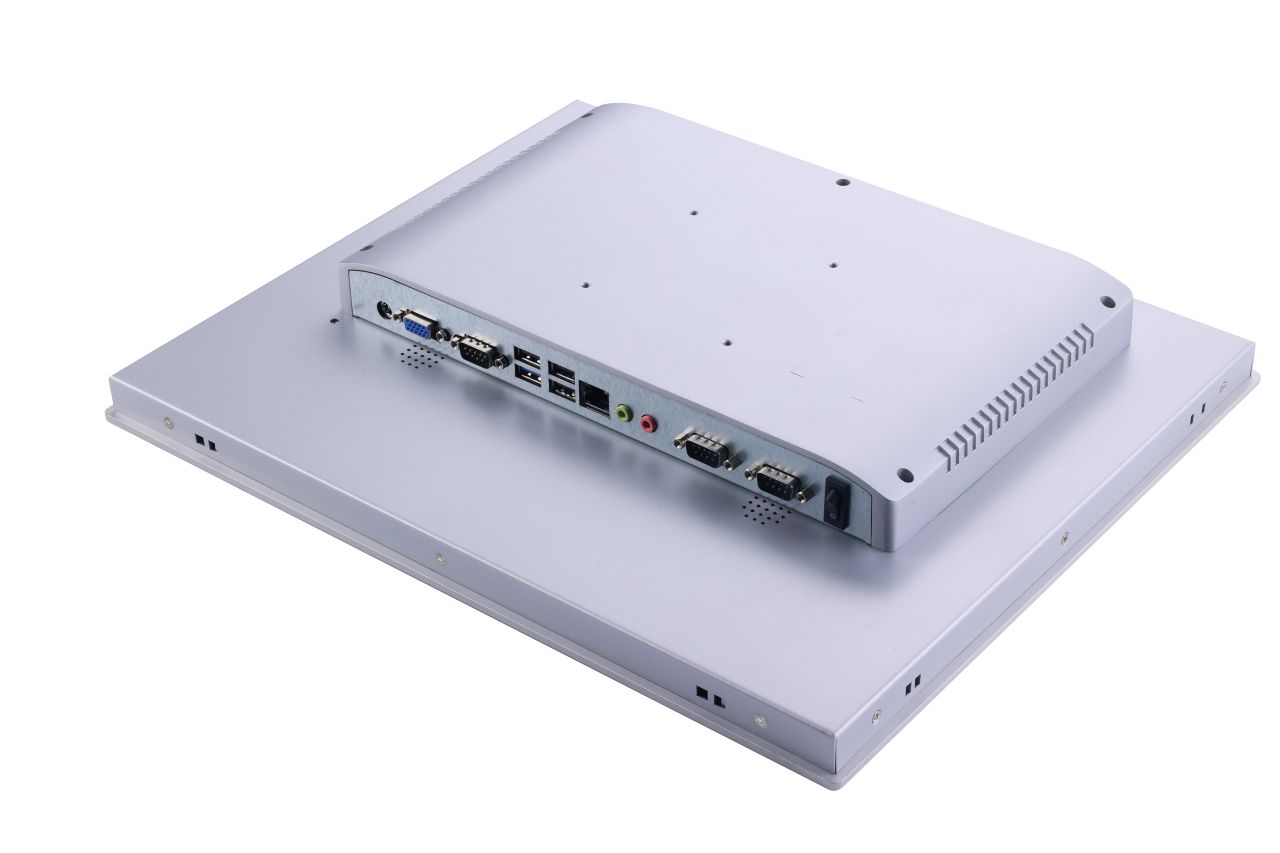
Share your constraints early (environment, mounting, I/O, OS). It reduces iterations and improves project success.
Typical workflow: requirements → recommendation → sample → pilot → mass production (based on project needs).
System Image Preload & Batch Deployment Support
For project-based industrial panel PC deployments, we support system image preloading and batch storage preparation to reduce manual setup time and improve consistency during pilot runs and production rollouts.
When This Helps
- System image preloading for pilot runs and production batches
- Batch preparation of NVMe or SATA M.2 SSDs for consistent deployment
- Data consistency verification between source and target images
- Reduced manual installation time during system rollout
- Used as part of OEM and system integration delivery workflows
Share your OS, software stack, and rollout quantity — we’ll advise a practical deployment workflow and confirm feasibility early.
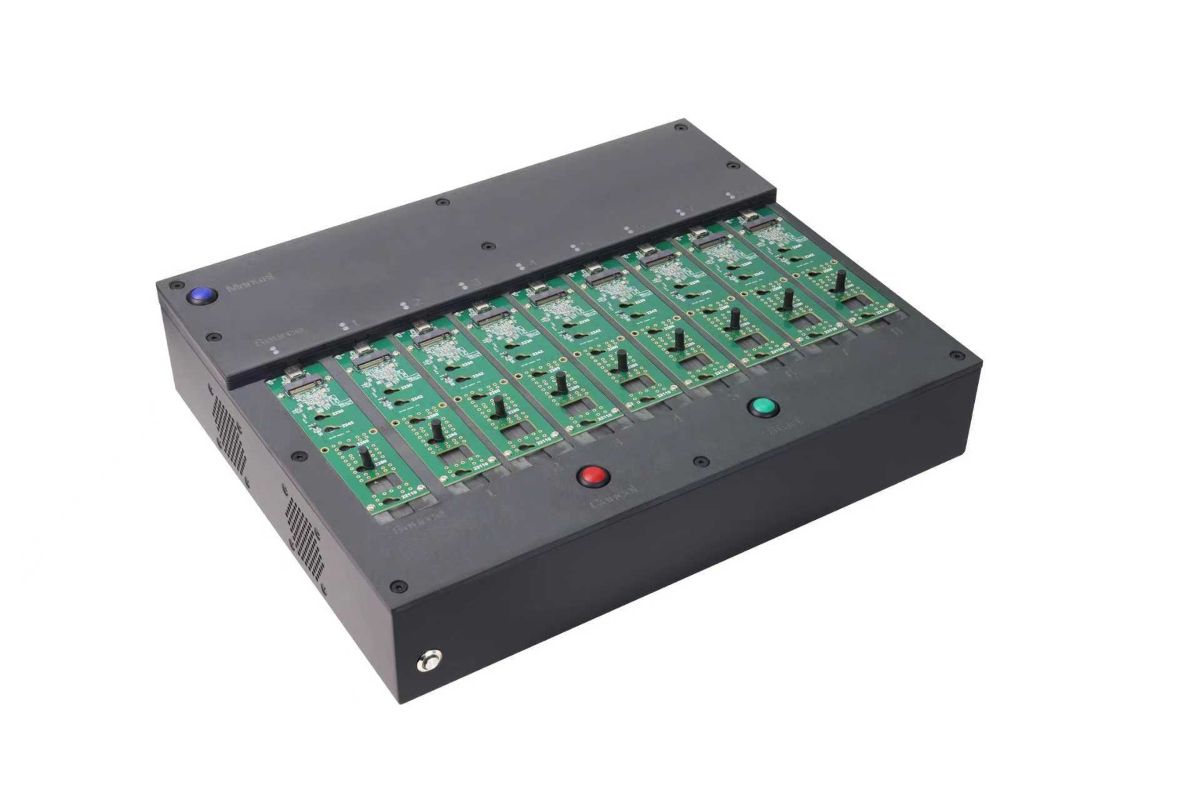
Typically used during pilot and production stages to keep storage preparation consistent across delivered units.
Note: This is an optional delivery support item — we recommend it when you need repeatable, batch-ready system preparation.
Typical Industrial Panel PC Solution Paths
Most projects start by defining the system platform and operating conditions — not by selecting a specific model. Below are three common solution paths we support.
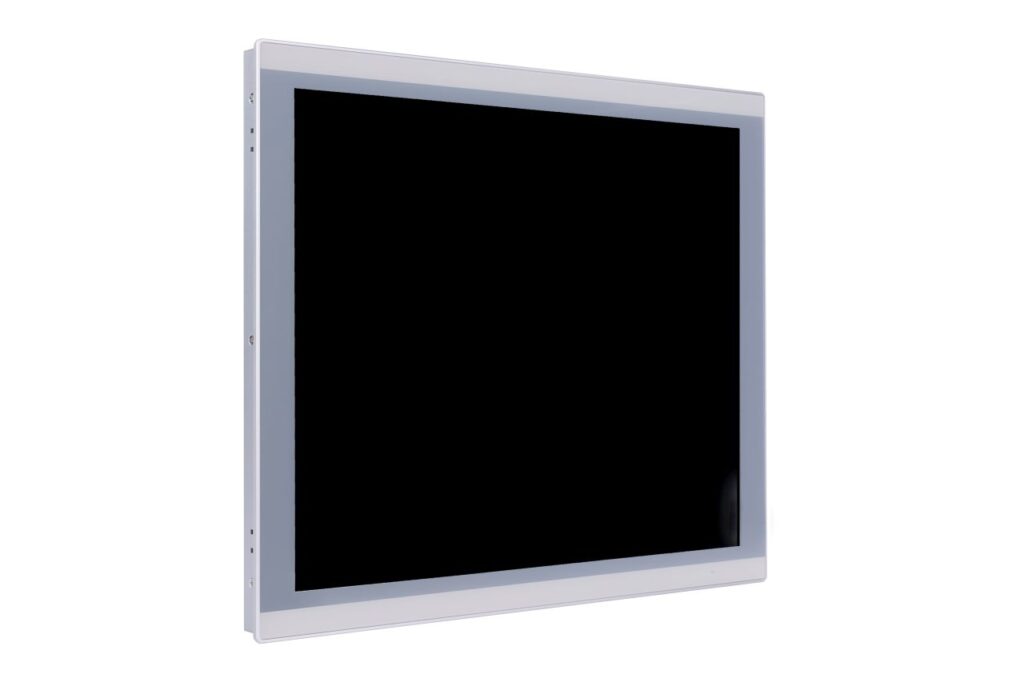 Platform
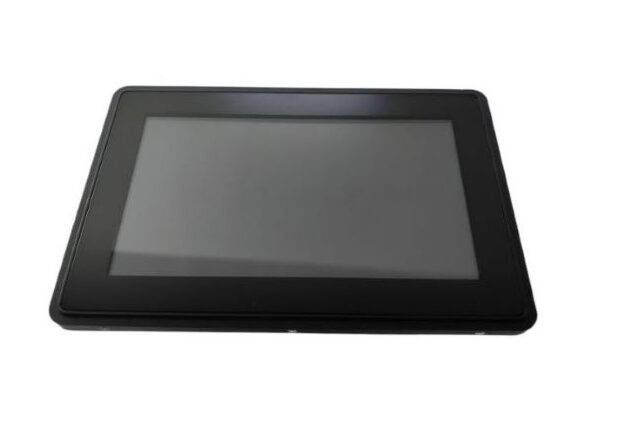
Windows Industrial Panel PCs
Widely used in automation systems, HMI applications, and industrial control environments where software and driver compatibility is critical.
- Windows-based HMI / SCADA compatibility
- Flexible I/O configurations (COM/LAN/USB)
- Suitable for long-term industrial deployment
 Interface
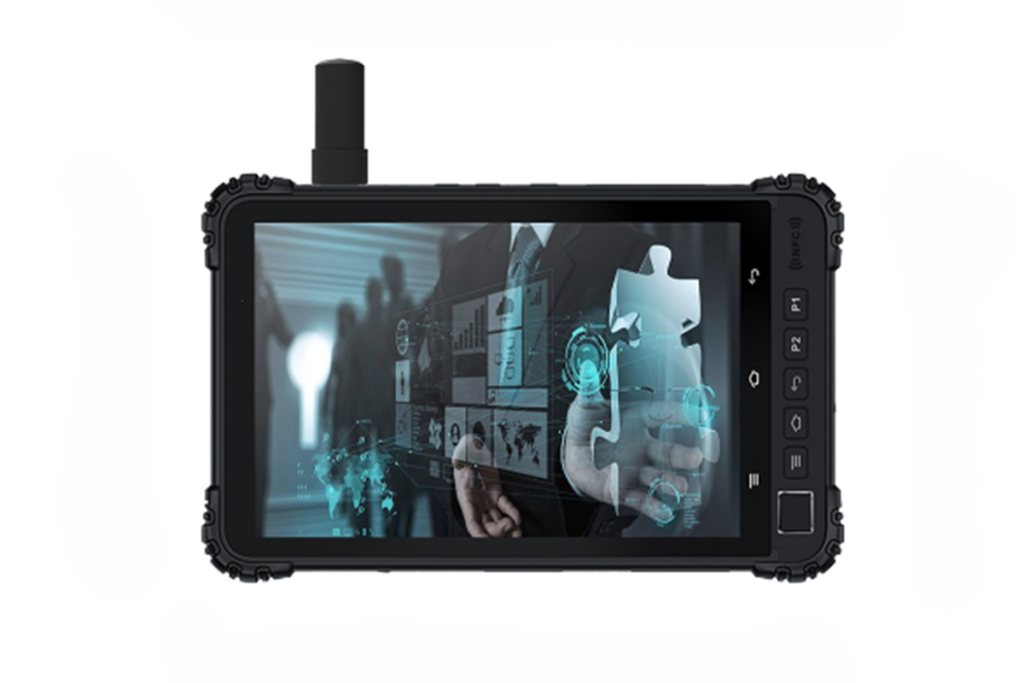
Android Panel PCs
Chosen for projects that prioritize fast boot time, ease of use, and app-based user interfaces — often in kiosk-style or dedicated-function systems.
- Intuitive touch experience
- Fast startup and low power consumption
- Great for fixed-function interfaces
 Protection
Rugged Panel PCs
For applications exposed to dust, moisture, vibration, or frequent cleaning, rugged solutions add structural and environmental protection.
- Front IP65 or higher protection options
- Fanless thermal design for reduced maintenance
- Reinforced structure for demanding conditions
5 Key Factors That Determine the Right Panel PC
The goal isn’t “maximum specs”. The goal is a stable configuration that matches your application, integration needs, and lifecycle plan.
Decide first
- Operating environment: clean indoor, dust/oil, moisture exposure, temperature range
- Touch requirements: gloves, wet operation, cleaning methods, UI behavior
- Mounting method: panel mount, VESA mount, wall or kiosk installation
- Interfaces & connectivity: LAN, USB, COM (RS232/RS485), video outputs, GPIO
- System platform: OS (Windows/Linux/Android), CPU class, fanless preference
Copy/Paste Spec Summary for Inquiry
Display
- Size range
- Brightness target
- Anti-glare / bonding (optional)
- Installation lighting notes
Toccare
- Resistive or PCAP
- Glove/wet requirements
- Cleaning method
- Cover glass preference
System
- OS (Windows/Linux/Android)
- CPU class preference
- RAM / SSD target
- Fanless preference
I/O & Mounting
- LAN (1–2), USB count
- COM (RS232/RS485)
- Video output needs
- Panel mount / VESA
Providing this information helps us recommend a suitable configuration faster and reduces back-and-forth.
Un flusso di lavoro orientato alla progettazione per monitor touch e Panel PC
Ingressi chiari. Risultati chiari. Convalida più rapida, meno sorprese e un percorso stabile verso la produzione di massa.
Ci allineiamo all'ambiente, alle specifiche dell'obiettivo, alle interfacce e ai vincoli meccanici per confermare la fattibilità e far emergere tempestivamente i rischi principali. e far emergere tempestivamente i rischi principali (sia per Monitor tattili e PC a pannello).
- Dimensione / risoluzione / luminosità
- Tipo di tocco
- Interfaccia (HDMI/DP/LVDS/eDP)
- Montaggio
- Temperatura di esercizio
- Note di fattibilità
- Voci di rischio
- Direzione di configurazione consigliata
- Lente di copertura
- Guanti / uso bagnato
- Preferenza per il legame
- Problemi di EMI
- Obiettivo IP anteriore (se presente)
- Piattaforma CPU / OS
- Elenco I/O (USB/LAN/COM/CAN/GPIO)
- Gamma di potenza e sovratensione
- Limiti termici
Riceverete un riepilogo della soluzione con la direzione della distinta base, l'offerta, i tempi di consegna e un piano di campionamento e di test allineato alle vostre condizioni di impiego, progettato per ridurre le rielaborazioni prima della produzione pilota e di massa.
- Preventivo + sintesi della soluzione
- Programma di esempio
- Lista di controllo del test
- Prestazioni del display e del touch in condizioni reali
- Controlli termici/ambientali come richiesto
- Guida all'integrazione e note sull'impatto del cambiamento
- Controllo luminosità/contrasto
- Precisione del tocco
- Test del guanto bagnato (se necessario)
- Cicli di temperatura
- Vibrazioni (se necessario)
- Analisi di base del rischio EMI
- Toccare le note impilate
- Guida all'incollaggio
- Articoli di convalida ottica / visibilità
- Mappatura I/O
- Approccio termico
- Immagine del sistema operativo/opzioni del BIOS (come richiesto)
Eseguiamo prima un pilota per bloccare la stabilità delle prestazioni, poi passiamo alla produzione di massa con punti di controllo della qualità, documentazione controllata e coordinamento delle spedizioni, con l'obiettivo di ottenere una Distinta base stabile e consegna prevedibile.
- Programma di produzione
- Registri di ispezione IQC / IPQC / OQC
- Supporto per l'imballaggio e la spedizione
- Blocco della distinta base
- Controllo ECO / modifiche quando necessario
- Tracciabilità della versione per una fornitura a lungo termine
Pronti per iniziare? Inviate le vostre specifiche e vi forniremo una direzione tecnica e un preventivo. dopo aver ricevuto gli input completi.
Ideale per: Progetti OEM/ODM, progetti di integrazione, forniture a medio-lungo termine. Non ideale per: richieste di prezzi al consumo una tantum o requisiti incompleti.
Panel PC Application Scope
Panel PCs are deployed as integrated HMI computing nodes in controlled systems, where OS image control, I/O mapping consistency, mechanical fit, and long-term availability are required.
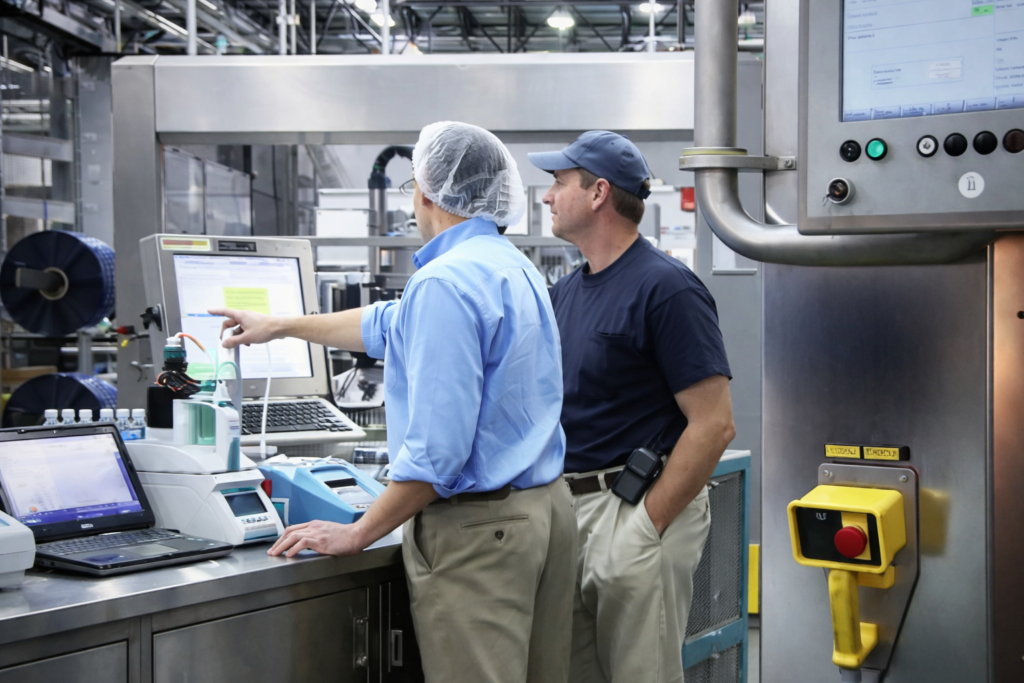
Fixed-mount operator interfaces for PLC/SCADA-connected equipment where revisions support validation.
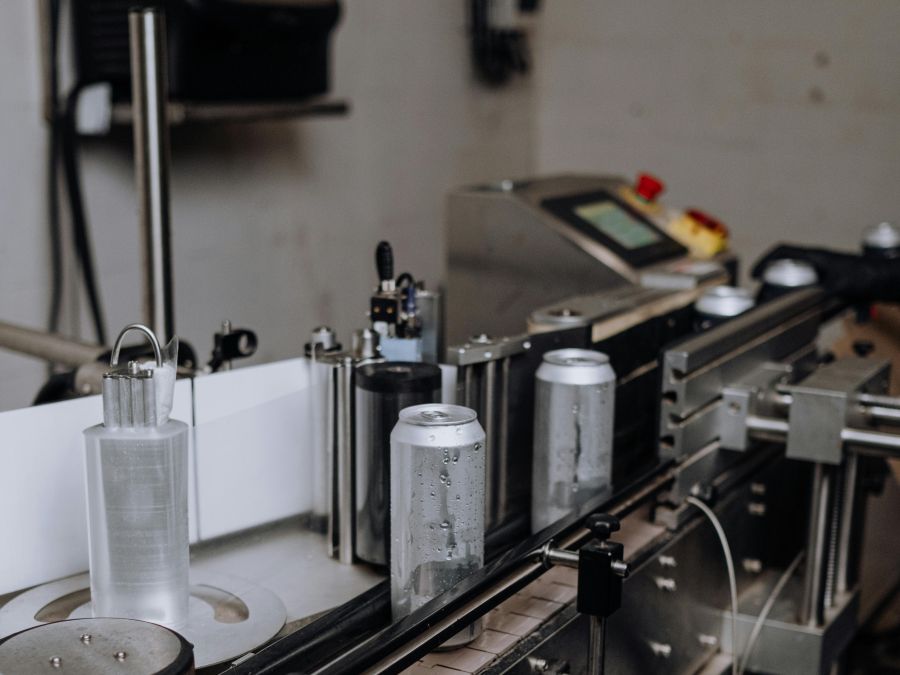
Panel-mount deployments where cutout, sealing concept, and service access are defined.
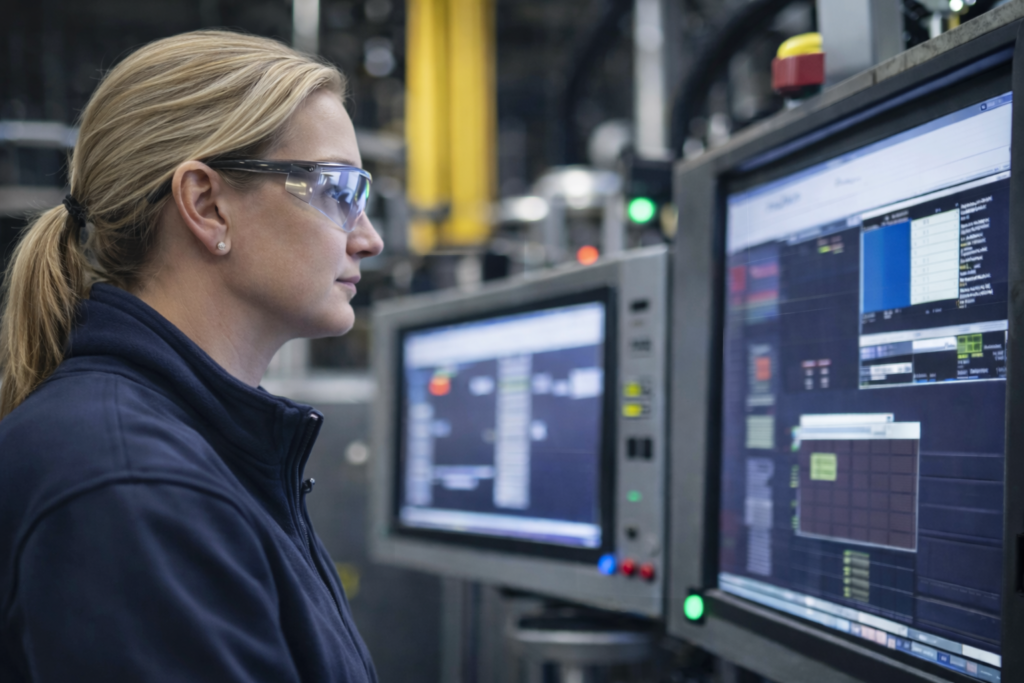
Line-side workstations where OS image, peripherals, and port mapping must remain consistent across batches.
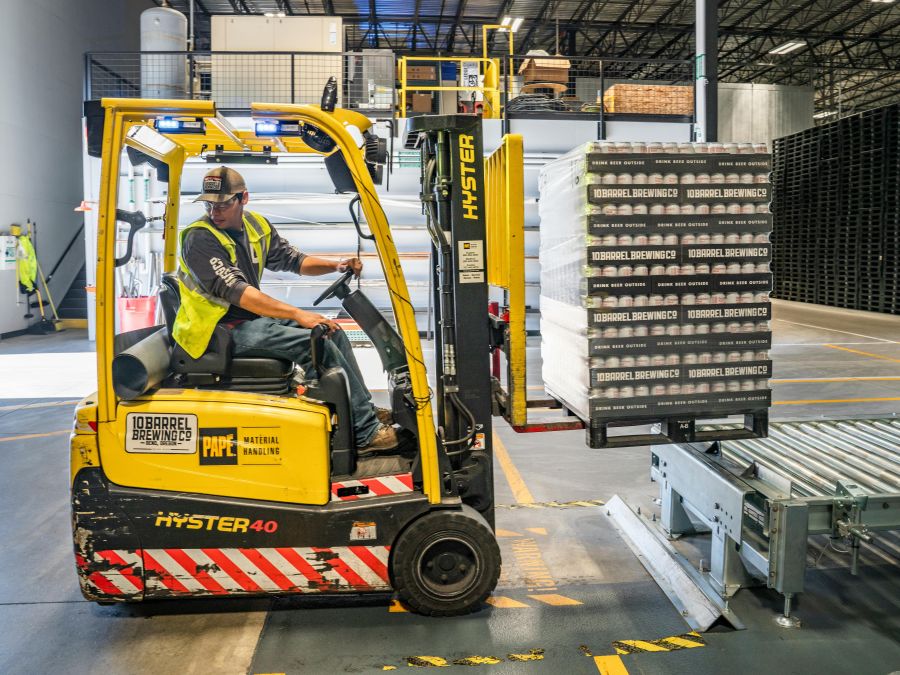
Fixed-position terminals for dispatch, scanning, and status tracking where uptime and peripheral I/O matter.

Station-based inspection interfaces where validated workflows require controlled software and I/O changes.

Semi-public or restricted-access units where limited service access drives requirements for controlled deployment.
These deployments share a common requirement: the computing platform and I/O are specified as part of a controlled system, not treated as a replaceable office PC.
Have a defined OS, I/O, mounting, and lifecycle plan? Send your requirements for an engineering review.
Domande frequenti
Quick answers that help engineering and procurement align requirements early.
Siete pronti per una revisione tecnica?
Condividete la vostra applicazione e i requisiti chiave per Monitor tattili o PC a pannello. I nostri ingegneri esamineranno la fattibilità, i rischi e consiglieranno la giusta direzione della configurazione.