Industrie-Panel-PCs für Maschinen-HMI, OEM-Ausrüstung und Automatisierungssysteme
Industrie-Panel-PCs für Maschinenschnittstellen, OEM-Ausrüstung und Automatisierungssysteme bei denen Montageart, Betriebsumgebung, Touch-Interaktion, Schnittstellenlayout und Softwareplattform als Teil des Geräteentwurfs aufeinander abgestimmt werden müssen. Teilen Sie uns die aktuellen Projektbedingungen mit, und die Überprüfung der Konfiguration kann in der Regel beginnen, bevor die vollständige Spezifikation fertiggestellt ist.
Wofür wird ein Industrie-Panel-PC verwendet?
Ein Industrie-Panel-PC vereint Computerhardware, Display und Toucheingabe in einem integrierten Gerät. Er wird häufig in HMI-Systemen, Bedienfeldern, Industrieanlagen und Automatisierungsschnittstellen eingesetzt, und Automatisierungsschnittstellen, bei denen eine stabile Installation und ein vorhersehbarer Betrieb wichtig sind.
OEM-Geräte-Schnittstellen
Üblich in Maschinen, bei denen der Panel PC als primäre Schnittstelle für die Steuerung und Überwachung der Ausrüstung verwendet wird.
Industrielle HMI-Systeme
Wird häufig in Automatisierungsumgebungen eingesetzt, in denen stabile Berührungsinteraktion und kontinuierlicher Betrieb erforderlich sind.
Wenn die Spezifikationen noch in der Entwicklung sind, genügt es in der Regel, mit der Umgebung zu beginnen, Montageart, Bildschirmgrößenbereich, erforderliche Schnittstellen und Betriebssystem.
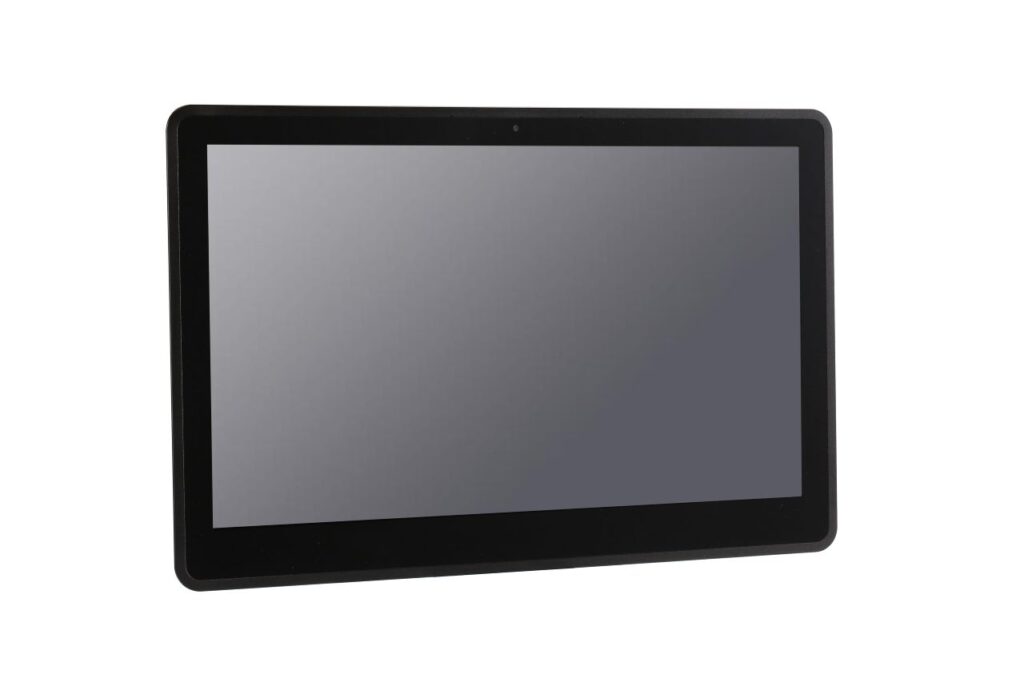
Industrie-Panel-PCs werden in der Regel in Maschinen, Produktionsanlagen und Automatisierungsstationen installiert.
HMI-Stationen
Maschine UI
Systemsteuerung
Gängige Industrie-Panel-PC-Typen für unterschiedliche Projektbedingungen
Die meisten Projekte beginnen mit der Festlegung der Softwareplattform und der Betriebsbedingungen. Diese Richtungen werden üblicherweise als erster Bezugspunkt verwendet.
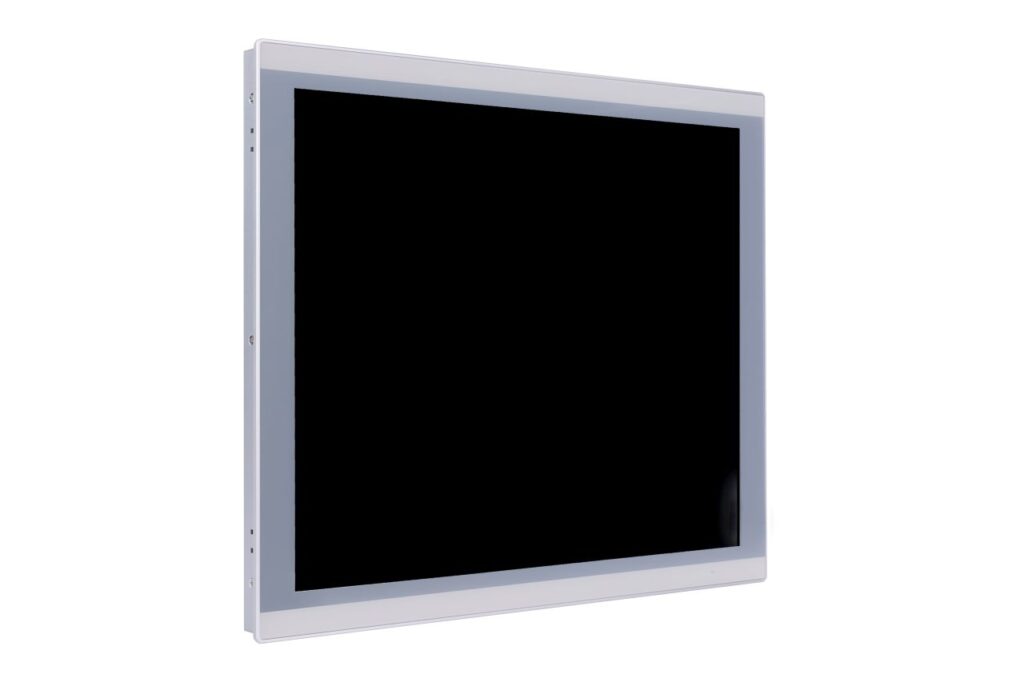 Windows-Plattform
Windows-Industrie-Panel-PCs
Geeignet für Geräteprojekte, bei denen Anwendungssoftware, Treiber oder Steuerungsplattformen bereits auf Windows basieren.
- HMI und Bedienerschnittstellensysteme
- Kompatibilität mit industrieller Software und Treibern
- Häufig in Geräten und Kontrollanwendungen
 Android-Plattform
Android-Industrie-Panel-PCs
Wird häufig für Systeme mit speziellen Funktionen verwendet, bei denen Touch-Interaktion, schnelle Inbetriebnahme und vereinfachte Bedienung im Vordergrund stehen.
- App-basierte Bedienerschnittstellen
- Schnelles Starten und geringerer System-Overhead
- Geeignet für fokussierte Touch-Anwendungen
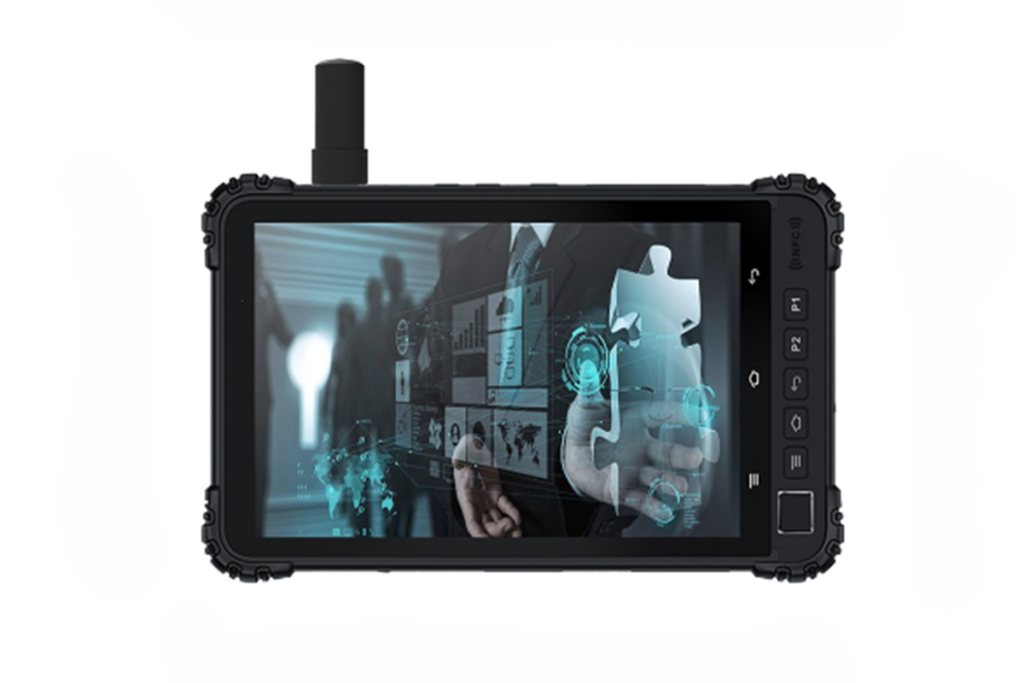 Anspruchsvolle Bedingungen
Robuste Konfigurationen
Wird verwendet, wenn die Installationsumgebung Staub, Feuchtigkeit, Vibrationen, häufige Reinigung oder höhere bauliche Schutzanforderungen beinhaltet.
- Frontschutzoptionen wie IP65
- Lüfterloses Design für geringeren Wartungsaufwand
- Auf anspruchsvolle Umgebungen abgestimmte Struktur
Typische Industrie-Panel-PC-Spezifikationen für OEM-Einsätze
Diese Übersicht spiegelt die üblichen Konfigurationsrichtungen wider, die in industriellen Panel-PC-Projekten verwendet werden. Die endgültigen Details werden in der Regel nach Prüfung der Installationsbedingungen, Schnittstellen und Softwareanforderungen bestätigt.
- Übliche Größen von 7" bis 21,5"
- Helligkeit wird durch die Installationsbeleuchtung gewählt
- Wahlweise Blendschutz oder optische Bindung
- PCAP für Multitouch-Oberflächen
- Widerstandsfähig für Handschuh- oder Nassbetrieb
- Abdeckglasoptionen nach Anforderungen an die Haltbarkeit
- x86 für Windows- oder Linux-basierte Systeme
- ARM für Android-basierte Schnittstellen
- Häufig verwendete lüfterlose Konfigurationen
- LAN und USB als gemeinsame Basis
- COM-Optionen wie RS232 / RS485
- Videoausgang oder GPIO bei Bedarf
- Schalttafelmontage oder VESA-Installation
- Optionen für die Frontabdichtung, z. B. IP65-Front
- Die Struktur wird durch die Umgebung und die Einsatzbedingungen bestimmt
Wie Sie einen Industrie-Panel-PC für Ihr Projekt auswählen
Industrie-Panel-PCs werden in der Regel nach den Installationsbedingungen und Systemanforderungen und nicht nach einzelnen Spezifikationen ausgewählt.
Staub, Temperatur, Feuchtigkeit und Reinigungsbedingungen bestimmen das Gehäuse und den Schutzgrad.
PCAP für Multitouch-Schnittstellen, resistiver Touch für Handschuhe oder Nassbedienung.
Bei der Integration von Geräten werden häufig Ausführungen für die Panelmontage und VESA-Montage verwendet.
LAN, USB, RS232, RS485 und Videoausgänge sind gängige Anforderungen.
Das Betriebssystem, die Softwarearchitektur und das erforderliche Leistungsniveau sind in der Regel ausschlaggebend für die Wahl der Plattform. Windows, Linux und Android können jeweils für unterschiedliche Projektbedingungen geeignet sein.
OEM-Panel-PC-Unterstützung von der Anforderungsprüfung bis zur Pilotbewertung
Bei vielen OEM- und Systemintegrationsprojekten besteht die Hauptaufgabe darin, eine Panel-PC-Konfiguration zu definieren die von Anfang an auf die Installationsmethode, die Gerätestruktur, die Schnittstellenanforderungen und die Softwareplattform abgestimmt ist.
- Überprüfung der Installationsbedingungen wie z. B. Umgebung, Montageart und Gehäuseeinschränkungen
- Bestätigung der erforderlichen Schnittstellen einschließlich LAN, USB, COM und alle projektspezifischen E/A
- Anpassen der Hardware-Plattform mit Betriebssystem- und Softwareanforderungen
- Definieren einer stabilen Konfigurationsbasis für die Überprüfung von Mustern, die Pilotphase und die geplante Einführung
Auch wenn einige Spezifikationen noch in der Entwicklung begriffen sind, reicht eine frühzeitige Prüfung der Projektbedingungen in der Regel aus, um eine praktische Diskussion zu beginnen.
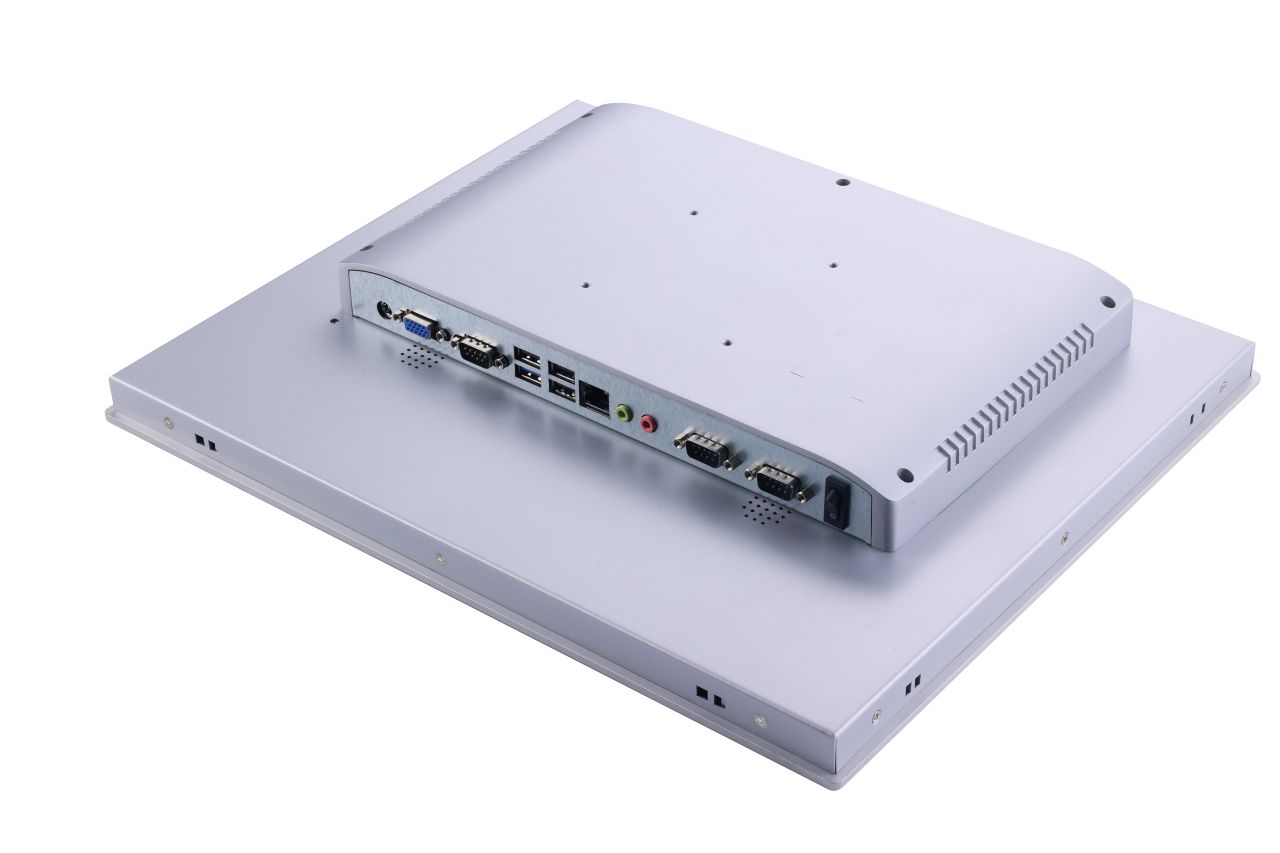
Die frühzeitige Weitergabe der Umgebung, der Montagemethode, der Schnittstellenanforderungen und des Software-Hintergrunds macht die Projektbewertung in der Regel effizienter.
Typischer Arbeitsablauf: Überprüfung der Anforderungen → Abgleich der Konfiguration → Evaluierung von Beispielen → Pilotphase → Einsatz je nach Projektbedarf.
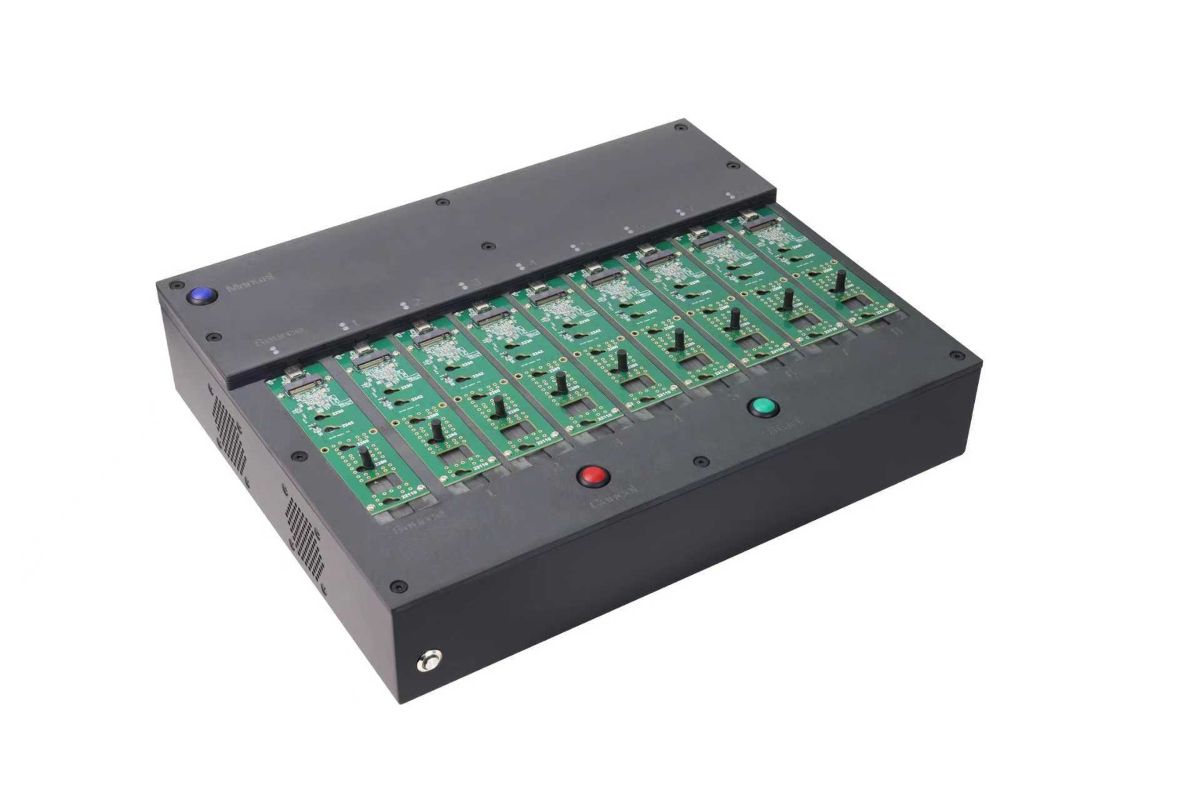
Spezielles Gerät zur Vervielfältigung von Systemabbildern, das zur Vorbereitung von SSD-Speichergeräten für die stapelweise Bereitstellung von Industrie-Panel-PCs verwendet wird.
Bei Projekten, in denen mehrere Einheiten bereitgestellt werden, kann dieser Vorbereitungsschritt dazu beitragen, dass die Softwareumgebungen auf allen bereitgestellten Geräten aufeinander abgestimmt sind.
Batch-System-Image-Vorbereitung für die Bereitstellung von Panel-PCs mit mehreren Einheiten
Für OEM-Ausrüstungsprogramme, die mehrere Systeme einsetzen, kann die Vorbereitung der Betriebssystemumgebung im Voraus die Installation vereinfachen und dazu beitragen, konsistente Softwarekonfigurationen für alle Geräte zu erhalten.
- Vorbereitung des Systembildes für Pilot- und Produktionsläufe
- Batch-Konfiguration von SSD-Speichergeräten
- Konsistente Betriebssystemumgebungen über gelieferte Einheiten
- Geringere Einrichtungszeit
Dieser Vorbereitungsschritt kann einbezogen werden, wenn Ausrüstungsprojekte einen wiederholten Einsatz an verschiedenen Maschinen oder Produktionslinien erfordern.
Strukturierter Arbeitsablauf
Klare Vorgaben. Definierte Ergebnisse. Von der Spezifikation bis zur Produktion.
Bestätigen Sie Randbedingungen und legen Sie die Richtung der Konfiguration fest.
- Größe/Helligkeit
- Schnittstellenliste (HDMI / DP / LVDS / eDP)
- Montageverfahren
- Betriebstemperatur
- Anforderungen an die Berührung (Handschuh / nass, falls erforderlich)
Technische Probe und Validierung unter Betriebsbedingungen.
Nullserie, dann wiederholbare Produktion mit kontrollierten Revisionen.
Teilen Sie uns mit, was Sie haben, und wir werden Ihnen die Konfiguration und die nächsten Schritte mitteilen.
Industrie-Panel-PC FAQ
Antworten auf häufige Fragen zu Industrie-Panel-PCs, HMI-Systemen und OEM-Einsatz.
Technische Überprüfung
Senden Sie uns Ihre Anwendungsdetails. Wir antworten mit einer Konfigurationsanweisung und den nächsten Schritten.