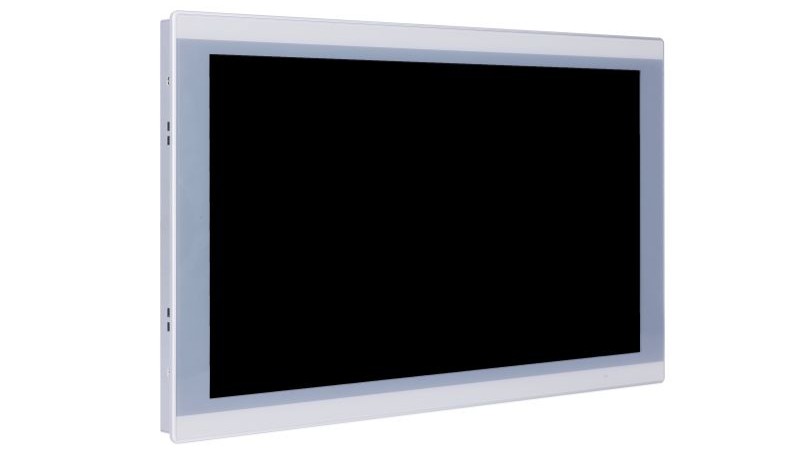
Custom Touch Panels & Integration-Ready Displays for OEM/ODM Programs
When standard touch modules don’t match your stack-up, mounting, or field conditions (gloves / water / sunlight / EMI), send what you know. We help you lock a controlled specification (touch behavior + optics + mechanics + interfaces) and deliver prototype builds, validation samples, 和 production with BOM control.
Lock the Right Controlled Specifications with Fast Inputs
Custom touch is not just “change the size”. Field stability depends on stack-up, 环境, 和 system noise / grounding. These three input groups are what we use to evaluate project fit and recommend a controlled spec. Share what you already know — we’ll guide you through missing items step-by-step.
Gloves, Water, Sunlight, EMI
Real field conditions can change touch behavior dramatically. We design targets and validation around your usage scenario.
- Glove types & wet operation (water rejection targets)
- Outdoor readability / condensation notes
- EMI level, grounding, and shield constraints
Fast inputs: glove type, wet scenario, outdoor/indoor, known EMI notes.
Mounting, Sealing, Stack-up
Most rework happens when mounting and sealing are fixed too late. We align structure early to avoid surprises.
- Embedded / open-frame / VESA (and front depth limits)
- Bezel / cut-out / compression & tolerance notes
- Flat-front concept & sealing constraints (system-defined)
Fast inputs: mounting method, cut-out/bezel, stack-up sketch (if any), depth limits.
Validation Steps & BOM Stability
To keep deliveries stable, we define validation gates and control BOM changes — instead of “best-effort” builds.
- Prototype → validation sample → pilot → production planning
- Controlled BOM (versioning / approved alternates if needed)
- Change management to protect long-term stability
Fast inputs: target qty, timeline, life-cycle expectation, any approved component rules.
If you don’t have a complete spec yet, that’s normal — send what you have and we’ll structure the rest.
Custom touch is a system decision — not a drawing change
In industrial deployments, touch issues often show up after installation: false touches, unstable tracking, poor readability, condensation, or unexpected EMI behavior. These are avoidable when the deciding variables are set early and validated with the real stack-up + environment.
Based on recurring root causes we see during prototype validation, the failure points below usually decide field stability.
- Touch behavior: glove/wet usage not defined early → tuning targets wrong → unstable interaction
- Optics & bonding: reflections/condensation ignored → readability drops / fogging complaints
- Mechanical stack-up: bezel compression & tolerance uncontrolled → non-uniform touch response
- EMI / grounding: system noise + weak shielding strategy → ghost touches / tracking drift
- Program control: BOM changes not controlled → validation breaks and stability drifts over time
What we do
- Controlled spec: touch + optics + mechanics + interfaces
- Controller selection & touch tuning (gloves / wet / EMI targets)
- Glass + bonding options (air / OCA / LOCA) to support readability
- Prototype builds, validation samples, and production with BOM control
What we don’t claim
- System IP rating without full enclosure design
- EMC/EMI “pass guarantee” without system-level test setup
- On-site installation responsibility (unless project-scoped)
- Undefined lifetime programs without agreed change control
Note: rugged targets (IK/IP) and EMC performance depend on the complete enclosure, cable routing, and grounding strategy. Touch tuning is dependent on your OS/driver + enclosure grounding. We align the touch/display spec to support your system validation.
Integration-ready build: mechanical fit + touch tuning + interface stability.
- Controlled specification sheet (Rev-controlled)
- BOM with approved alternates (if needed) + change log / ECN alignment
- Validation checklist (touch behavior / optics / mechanical / interfaces)
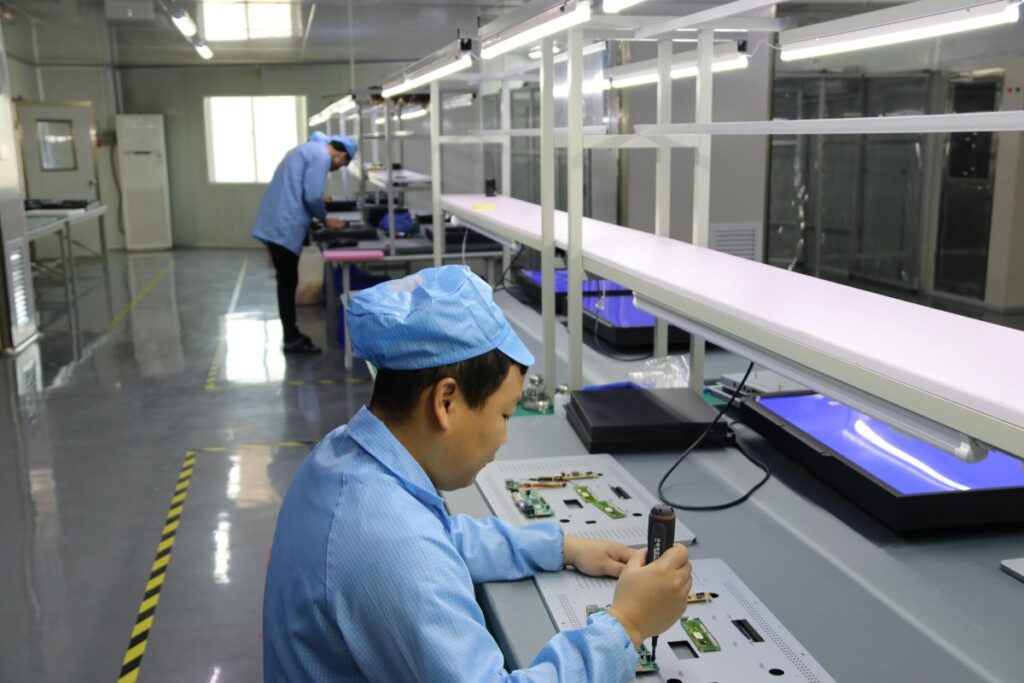
- Prototype & validation samples aligned to your real stack-up
- Problem: Outdoor kiosk, glove + wet use → unstable tracking after installation
- Root cause: Grounding + noise coupling + stack-up tolerance not aligned to tuning targets
- Deliverables: Controlled spec update + tuning target revision + mechanical tolerance notes
- Result: Stable behavior across validation samples before production release
Send your stack-up, mounting method, OS/interface, and field conditions — we’ll recommend a controlled spec quickly.
Choose the delivery scope — not a catalog SKU
Select what you want to integrate (touch layer / display assembly / display + computing). Behind each scope, we lock a controlled specification — touch behavior, optics, mechanics, interfaces, and BOM discipline — to reduce late-stage rework and keep validation repeatable.
If you are comparing standard models, use product pages. If you are validating an OEM build, start here.
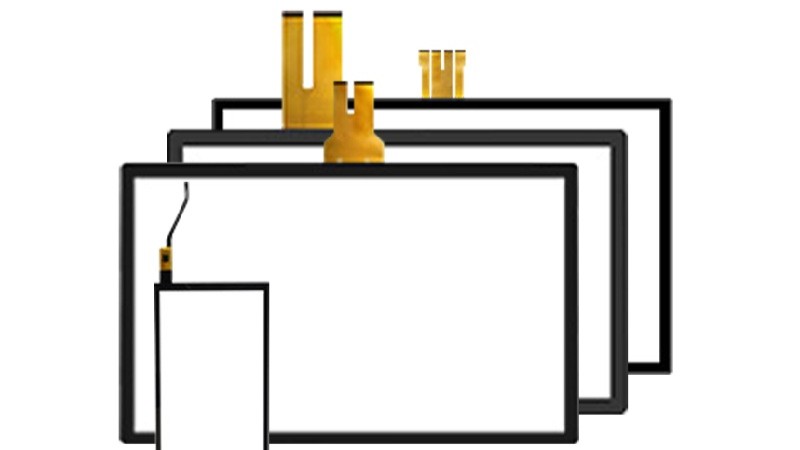
Custom PCAP Touch Panel
Best when your display & computing are already fixed and you only need a stable touch stack-up.
Typical fit: multi-touch UI + modern HMI, glove/wet targets need tuning.
- Touch behavior targets: glove / wet (project-defined)
- Cover glass + treatments: AG / AR / AF
- Bonding options: air / OCA / LOCA (when needed)
Typical outputs: Rev-controlled spec + tuning targets + glass/stack notes + BOM version.
View Standard Options
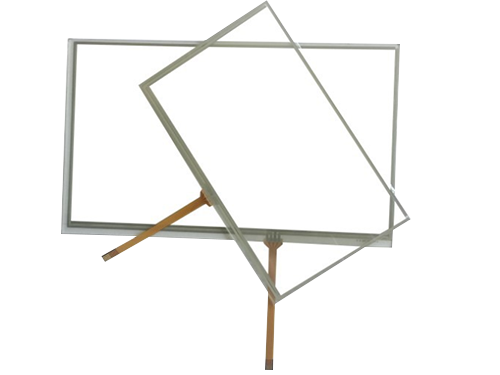
Custom Resistive Touchscreen
Best for stylus / glove-first workflows where simplicity and long-term BOM stability matter.
Typical fit: point input, stylus-heavy processes, long-life industrial programs.
- 4-wire / 5-wire options
- Surface options: anti-glare / hard-coat (project-based)
- Revision control for long-life programs
Typical outputs: drawing/outline + interface notes + BOM versioning + approved alternates (if needed).
View Standard Options
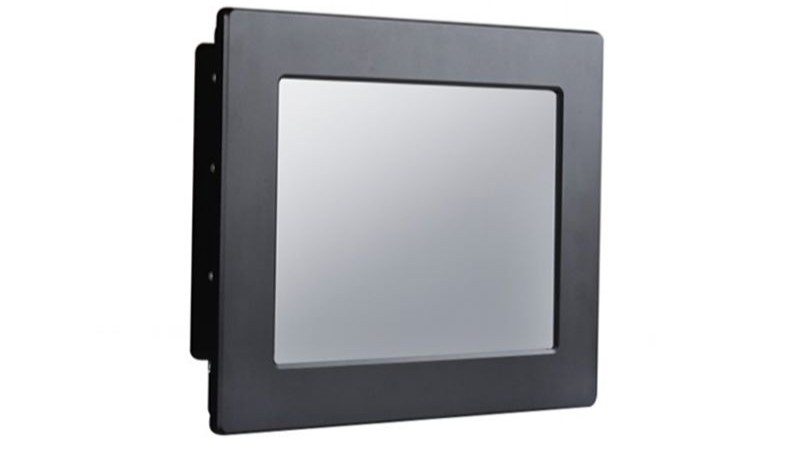
Industrial Monitor (Integration-Ready)
Best when you want a drop-in display assembly with defined mounting, interfaces, and controlled stack-up for validation.
Typical fit: enclosure direction is clear, but display assembly integration must be repeatable for validation.
- Open-frame / embedded / VESA concepts
- Brightness plan + glass/bonding alignment
- Interfaces aligned to your system (project-based)
Typical outputs: mounting concept + interface/connector notes + controlled stack-up + validation sample plan.
View Standard Options
Fanless Panel PC (Integration-Ready)
Best when computing must be included and you need one controlled configuration for I/O mapping, OS, and mechanical fit.
Typical fit: OS image + I/O mapping + thermal/mechanical constraints must be fixed for release.
- Platform direction: Intel / ARM (project-based)
- I/O mapping aligned to your enclosure constraints
- Mounting concept for embedded or VESA builds
Typical outputs: controlled configuration (platform/I/O/OS) + BOM control + validation & pilot plan.
View Standard OptionsNot sure which scope fits? Send your mounting method + interfaces/OS + field conditions — we’ll recommend the lowest-risk path.
Project inputs that actually determine field stability
This checklist reflects the inputs we use internally to evaluate feasibility and lock a controlled specification. If some items are unknown, that’s normal — missing inputs can be clarified during engineering review.
Touch behavior & usage
- Input method: finger / glove / stylus
- Wet conditions / water rejection expectation
- Single-touch or multi-touch requirement
- Known EMI or grounding constraints (if any)
Optics & front glass
- Indoor / semi-outdoor / outdoor usage
- Surface preference: AG / AR / AF (if defined)
- Cover glass thickness or constraints (if known)
- Bonding preference: air / OCA / LOCA (optional)
Mechanical & system context
- Mounting method: embedded / open-frame / VESA
- Panel cut-out or bezel constraint (if available)
- Target operating temperature & vibration notes
- Interfaces / OS environment (for touch tuning)
You can copy the text below into an email. If something is unknown, leave it blank — we’ll clarify during engineering review.
[Delivery scope] Touch layer / Monitor / Panel PC [Mechanical] - Mounting method: embedded / open-frame / VESA - Cut-out / bezel constraints: - Front depth limit / available space: - Stack-up (if any): (glass/touch/LCD/air gap/bonding) [Touch behavior] - Input method: finger / glove / stylus - Glove type (if applicable): - Wet operation scenario / water rejection expectation: - Single-touch or multi-touch: - Known EMI / grounding constraints: [Optics] - Indoor / semi-outdoor / outdoor: - Brightness direction (if known): - Surface preference: AG / AR / AF: - Bonding preference: air / OCA / LOCA: - Condensation / fogging risk notes (if any): [System] - Interface / OS: USB / I2C / RS232 / others; Windows / Linux / Android / custom - Cable length / routing notes (if any): - Grounding / shield constraints (if any): [Program] - Target quantity: - Timeline (prototype / validation / pilot / production): - Life-cycle expectation / BOM stability requirement: - Any approved component rules / alternates policy:
You don’t need all items above to start. In early-stage projects, partial inputs are common. The checklist helps structure engineering discussion and avoid late-stage rework.
触摸显示器和平板电脑的工程驱动工作流程
明确的投入。明确的交付成果。更快的验证,更少的意外,以及稳定的量产之路。.
我们根据您的环境、目标规格、接口和机械限制进行调整,以确认可行性 并及早发现关键风险(对于 触摸显示器 和 面板式 PC).
- 尺寸/分辨率/亮度
- 触摸式
- 接口(HDMI/DP/LVDS/eDP)
- 安装
- 工作温度
- 可行性说明
- 风险项目
- 建议的配置方向
- 盖镜头
- 手套/湿用
- 粘接偏好
- 电磁干扰问题
- 前置 IP 目标(如有)
- CPU 平台/操作系统
- 输入/输出列表(USB/LAN/COM/CAN/GPIO)
- 功率范围和浪涌
- 热极限
您将收到一份解决方案摘要,其中包括 BOM 方向、报价、交付周期以及取样和测试计划。 与您的部署条件相一致,旨在减少试生产和批量生产前的返工。.
- 报价+解决方案摘要
- 时间表样本
- 测试清单
- 真实条件下的显示和触摸性能
- 根据需要进行热/环境检查
- 整合指南和变革影响说明
- 亮度/对比度检查
- 触摸精度
- 手套湿测试(如需要)
- 温度循环
- 振动(如需要)
- 基本 EMI 风险审查
- 触摸堆叠笔记
- 粘接指导
- 光学/能见度验证项目
- 输入/输出映射
- 热学方法
- 操作系统映像/BIOS 选项(视需要而定)
我们首先进行试点,以锁定性能的稳定性,然后通过质量控制检查点进行大规模生产、 受控文档和运输协调--目标是 稳定的物料清单 和 可预测的交付.
- 生产计划
- IQC / IPQC / OQC 检查记录
- 包装和运输支持
- 物料清单锁
- 必要时进行生态控制/变更控制
- 长期供应的版本可追溯性
准备好开始了吗?发送您的规格要求,我们将为您提供技术指导和报价 在收到完整的输入后.
最适合 OEM/ODM 项目、集成构建、中长期供应。. 不适合 一次性消费级定价要求或不完整要求。.
Fast decisions for early-stage custom touch projects
This is a quick reference to reduce back-and-forth in early discussions. It complements the checklist above and helps align teams before prototypes and validation samples.
PCAP vs. Resistive — the decision signals
| Decision signal | PCAP | Resistive |
|---|---|---|
| Interaction model | Multi-touch, gesture-friendly UI | Precise point input, stylus workflow |
| Gloves | Possible with tuning (depends on glove) | Works naturally with gloves |
| Wet conditions | Designable with proper tuning & edge handling | Depends on front design and usage habits |
| Noise sensitivity | More sensitive to EMI / grounding strategy | Usually less sensitive to system noise |
| Typical fit | Modern interaction + multi-touch requirement | Industrial workflow, stylus-heavy or glove-first |
To recommend the right path quickly, share: glove type (if any), wet scenario, mounting method, and known EMI/grounding constraints.
Bonding & optics — when it matters
Bonding is typically chosen to improve readability and reduce internal reflections. The correct choice depends on your front glass, brightness plan, and condensation risk in the real enclosure.
- Surface: AG / AR / AF (based on viewing & cleaning needs)
- Impact: IK target (project-defined)
- Sealing: system-level IP concept (enclosure-defined)
If your team is still aligning internally, start with the checklist — it will structure engineering discussion before RFQ.
Questions that reduce rework and speed up OEM decisions
These are the questions we typically clarify early between engineering and procurement to avoid late-stage changes.
To speed up evaluation, include: delivery scope, mounting method, stack-up (if known), interfaces/OS, environment, and target quantity/timeline.
准备好进行工程审查了吗?
分享您的申请和关键要求 触摸显示器 或 面板式 PC. 我们的工程师将审查可行性和风险,并推荐正确的配置方向。.