Custom Touch Screens, Touch Monitors & Panel PCs for OEM Equipment
Eagle Touch develops custom touchscreen solutions for OEM equipment, from standalone touch screens and bonded display assemblies to complete industrial touch monitors and panel PCs.
Touch, display, cover glass, mounting, interfaces, power, computing, I/O, enclosure, and branding can be configured around your equipment and operating requirements.
Customize One Component or the Complete System
Start with the product level your equipment needs. Each solution can be adjusted around the installation, operating environment, system interface, and production requirements.
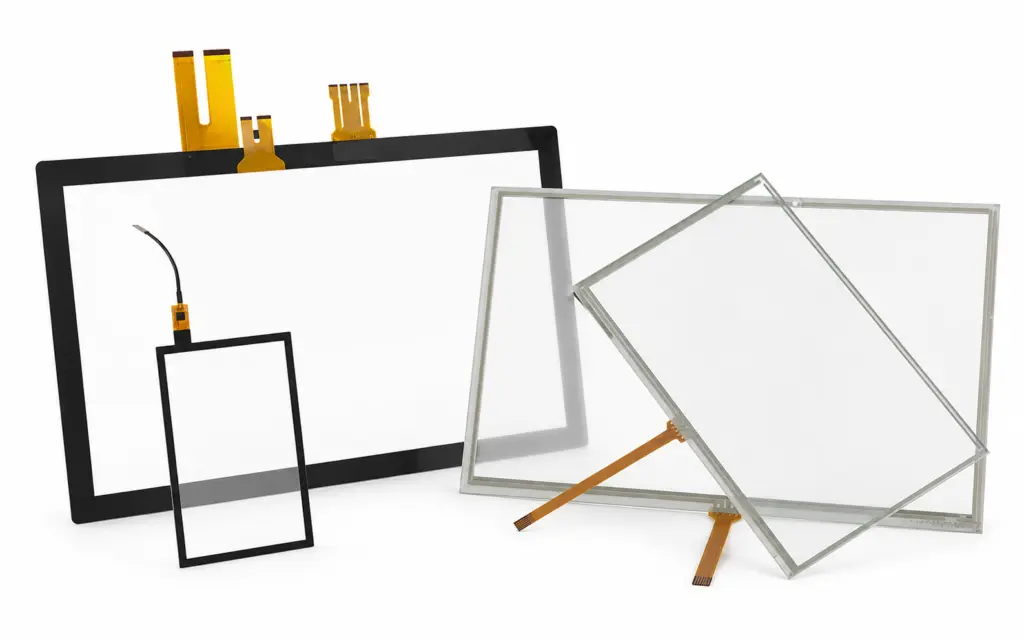
Custom Touch Screen
For equipment manufacturers that already have a display or system platform and need a touch interface designed around the enclosure.
- Custom sensor and cover glass dimensions
- PCAP or resistive touch technology
- Glass thickness, printing, shape, and openings
- Glove, wet-touch, and electrical-noise tuning
- Optical or air bonding with the LCD
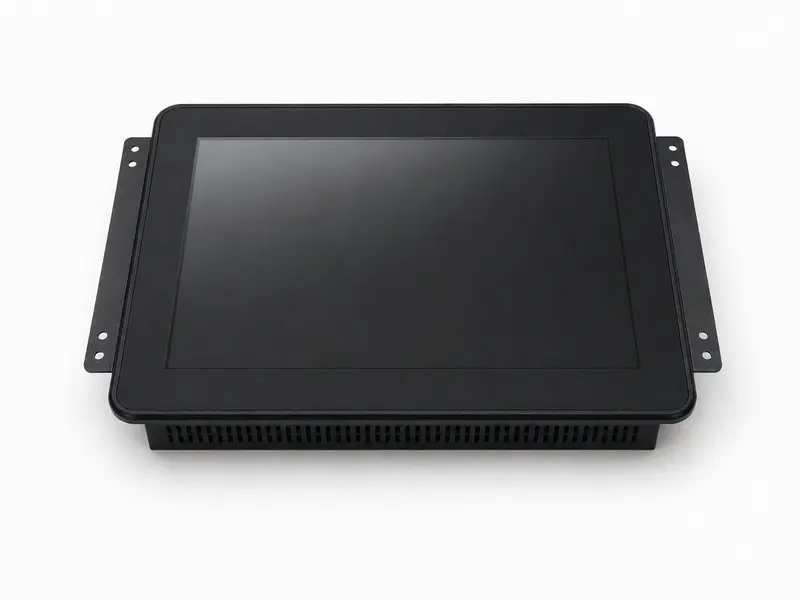
Custom Touch Monitor
For equipment that needs a complete touch and display assembly with the required mounting, video interface, power input, and enclosure.
- Display size, brightness, and viewing performance
- Open-frame, panel-mount, or enclosed structure
- HDMI, DisplayPort, VGA, DVI, USB, or serial interfaces
- Custom power input and control functions
- Front protection and optical bonding options
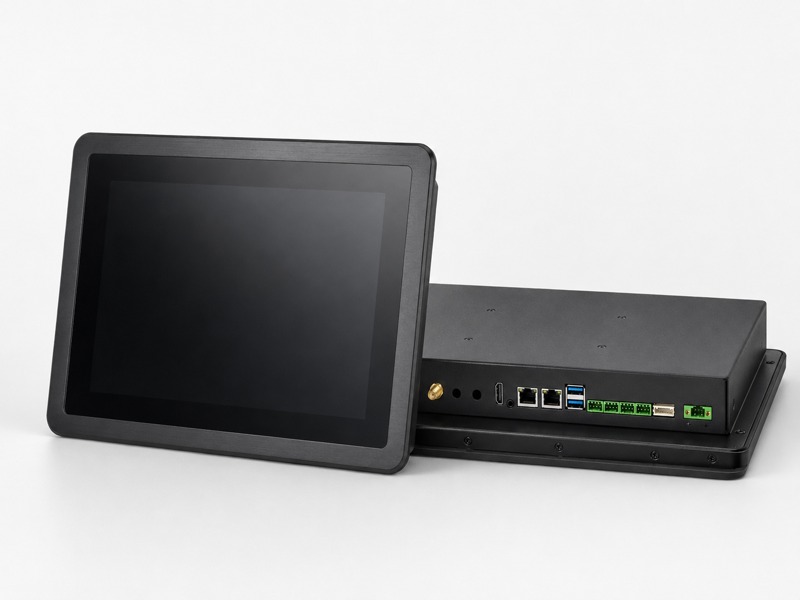
Custom Panel PC
For equipment requiring touch, display, computing, connectivity, power, and mechanical integration in one production-ready system.
- Intel or ARM computing platform
- Memory, storage, operating system, and firmware
- Custom USB, LAN, COM, CAN, GPIO, and video I/O
- Fanless thermal and power system design
- Custom housing, mounting, branding, and labeling
What Can Be Customized?
The final configuration can include only the parts your project needs, from the front glass and touch interface to a complete industrial computing system.
| System Area | Available Customization |
|---|---|
| Touch Interface | PCAP or resistive touch, sensor size, cover glass, glass thickness, printing, shape, openings, touch controller, glove operation, wet-touch behavior, stylus support, and noise tuning. |
| Display | LCD size, resolution, brightness, viewing angle, operating temperature, sunlight readability, backlight control, and optical bonding. |
| Mechanical Structure | External dimensions, bezel, enclosure, open-frame, panel-mount, embedded mounting, VESA mounting, connector position, and installation structure. |
| Interfaces | HDMI, DisplayPort, VGA, DVI, LVDS, eDP, USB, RS-232, RS-485, LAN, CAN, GPIO, audio, antenna, and application-specific connector layouts. |
| Power | DC input range, connector type, internal power module, power button, brightness controls, auto-dimming, ignition control, and power-state behavior. |
| Computing Platform | Intel or ARM processor, memory, storage, operating system, BIOS settings, firmware, watchdog, TPM, and system image. |
| Environmental Requirements | Operating temperature, front protection, vibration considerations, high brightness, water exposure, dust exposure, and EMC-related touch tuning. |
| Production & Branding | Logo printing, housing color, labels, packaging, part numbers, approved BOM, drawing control, firmware version, and inspection requirements. |
Your Equipment Defines the Configuration
A useful custom solution starts with the actual installation, not with a fixed product list.
We review how the product will be installed, operated, connected, and maintained before defining the touch screen, monitor, or panel PC configuration.
Installation Space
Available opening, overall dimensions, mounting points, connector direction, enclosure depth, and service access.
Operating Environment
Indoor or outdoor use, temperature range, lighting conditions, water, dust, vibration, gloves, and electrical noise.
System Connection
Host computer, video signal, touch interface, power input, communication ports, peripherals, and cable routing.
Production Requirements
Prototype quantity, annual demand, approval process, delivery schedule, lifecycle target, labeling, and packaging.
Custom Solutions for Different Equipment Requirements
These examples show how touch, display, mechanical, interface, power, and computing requirements can be combined for different types of equipment.

High-Brightness Touch Monitor
Developed around outdoor readability, front protection, custom cover glass, and integration with the charging equipment control system.
- 10.1-inch display
- 1,000-nit brightness
- PCAP touch with 6 mm cover glass
- Optical bonding
- HDMI video and DC power input
- IK10 target at the system level
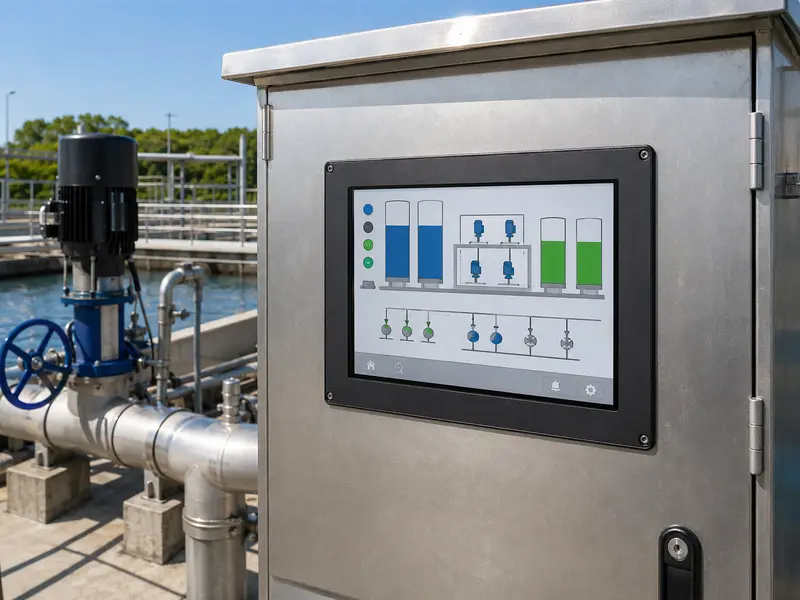
Sunlight-Readable Industrial Display
Configured around outdoor viewing conditions, wide temperature operation, front glass requirements, and the customer’s host-system interface.
- 10.4-inch industrial display
- 1,300-nit high-brightness LCD
- Wide-temperature display module
- EETI touch controller with USB interface
- Custom cover glass
- Optical bonding
Protected Touch Display Assembly
Designed around outdoor visibility, vandal resistance, automatic brightness adjustment, and compatibility with the existing equipment controller.
- 15-inch high-brightness display
- 1,000-nit brightness
- PCAP touch with 6 mm cover glass
- Anti-glare and anti-reflective treatment
- Automatic brightness control
- HDMI, VGA, and 12 V DC input
Custom Panel PC with Dedicated I/O
Built around the customer’s software platform, communication interfaces, installation space, and equipment power system.
- 15.6-inch touch display
- Intel computing platform
- 16 GB memory and 1 TB storage
- Dual 2.5G LAN
- USB, COM, DisplayPort, and TPM 2.0
- Internal 24 V power configuration
Final specifications are defined according to each project’s application, validation requirements, and production scope.
A Clear Path from Custom Requirements to Production
Each stage confirms the details required for the next decision, from the initial requirement review to an approved production configuration.
Define the Custom Scope
We review the application, available drawings, product level, dimensions, operating environment, interfaces, power, computing requirements, target quantity, and timeline.
Build & Validate the Solution
After the drawing and configuration are confirmed, the prototype is checked for mechanical fit, touch behavior, display performance, interfaces, power, and system operation.
Release & Control Production
Production follows the approved drawing, specification, BOM, firmware, labeling, and inspection criteria. Approved changes and component alternatives are managed for repeat orders.
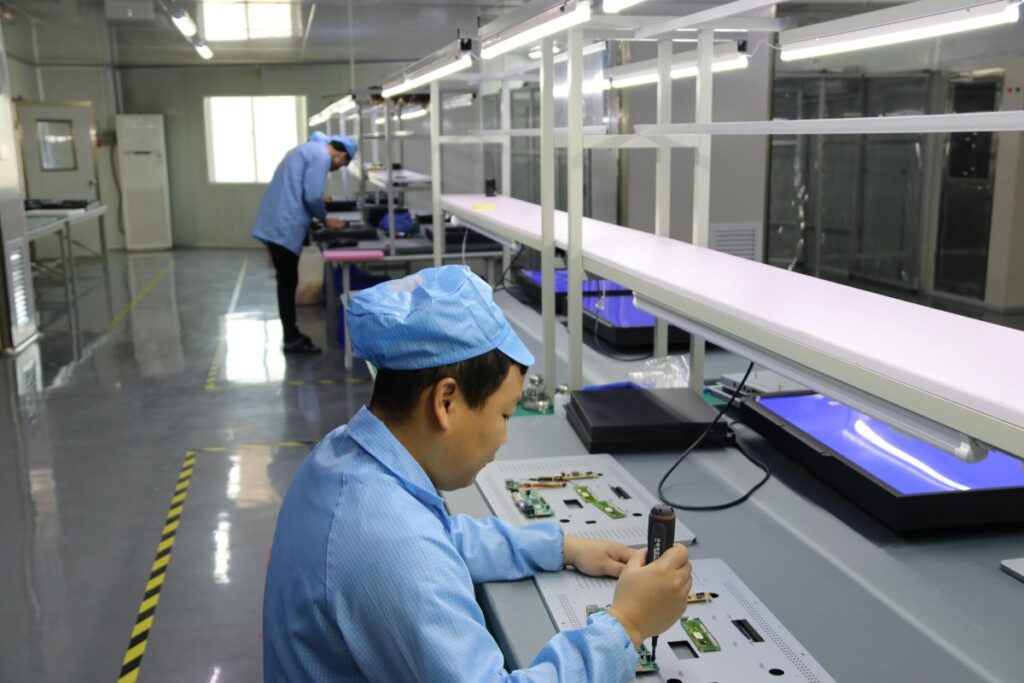
The Approved Configuration Becomes the Production Baseline
A custom product must remain consistent after the first prototype. Drawings, key components, firmware, assembly requirements, and inspection criteria are controlled against the approved configuration.
Production capacity for touch assemblies, monitors, and integrated systems.
Defined production and quality-control procedures.
Drawing, BOM, firmware, and approved-change tracking.
Inspection and burn-in conditions defined according to the product and project.
Send Us What You Already Have
You do not need a complete specification before contacting us.
A drawing, existing product number, enclosure dimensions, photos, interface list, or a short description of the application is enough for an initial review.
Helpful Project Information
- Product level: touch screen, monitor, or panel PC
- Required size or available installation space
- Indoor or outdoor operating conditions
- Touch, display, interface, power, or computing needs
- Drawings, photos, or existing product information
- Prototype and estimated production quantity
Initial project feedback is normally provided after the available information has been reviewed.
Questions Before Starting a Custom Project
Let’s Discuss Your Requirements
Share your application, requirements, or current challenge. Our team will review the details and recommend a practical way forward.