Industrial Automation Displays for Machine Control
Eagle Touch supplies industrial touch screens, monitors, and panel PCs for machine control panels, production line terminals, inspection systems, robotics, and material handling equipment. For these projects, the display must run 24/7, fit the machine, work with the existing control system, maintain stable touch operation around motors and inverters, and remain available for years of repeat production.
Where Industrial Displays Are Used in Factory Automation
On the factory floor, displays are used to operate machines, guide production, review inspection results, and manage material movement. The right display starts with what the operator needs to see and do.
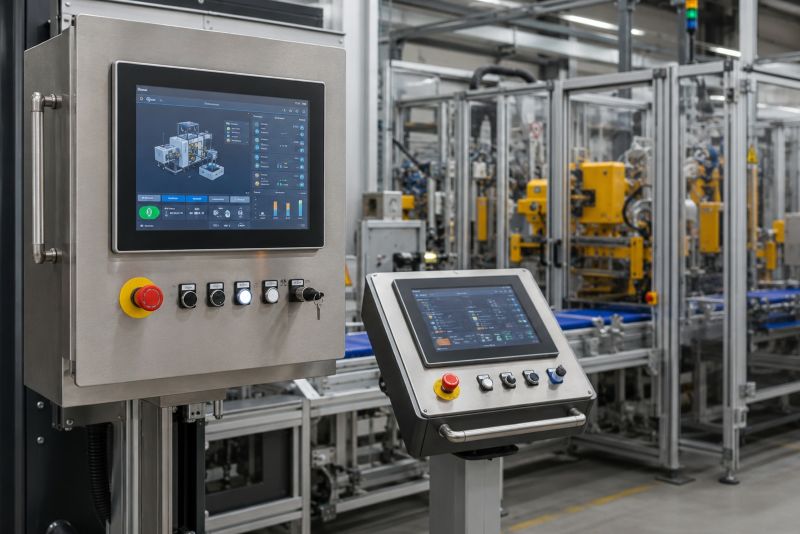
Machine Control Panels & Operator Stations
Touch monitors and panel PCs for CNC machines, packaging equipment, printing machines, textile machinery, and other production equipment. Used for setup, recipe selection, alarms, machine status, and operator input.
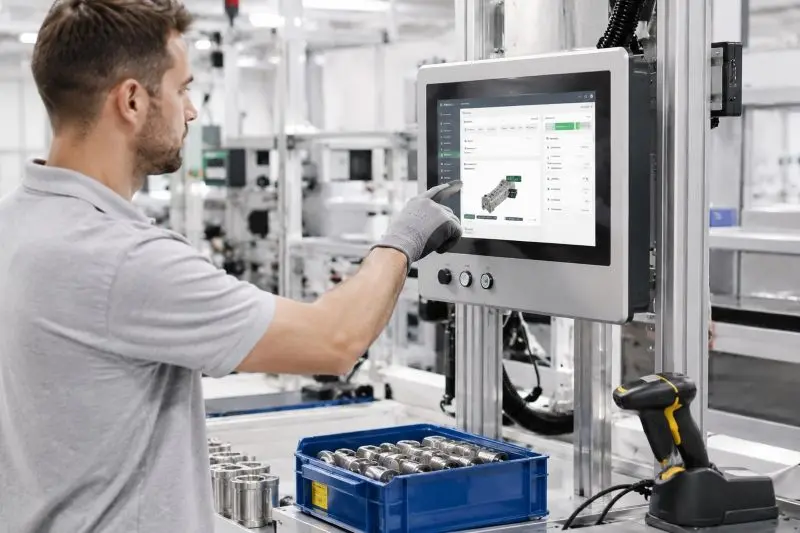
Production Line & MES Terminals
Line-side displays and panel PCs for work instructions, barcode scanning, production reporting, material tracking, Andon systems, and MES data entry.
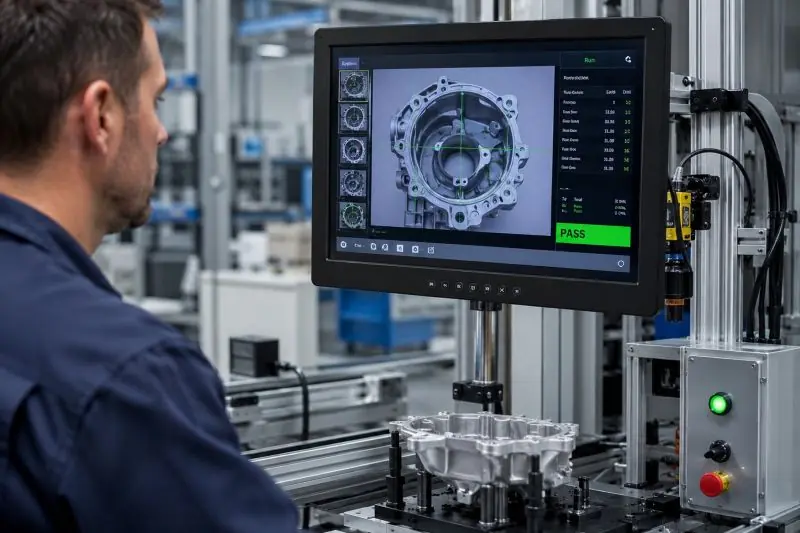
Inspection & Test Equipment
Industrial displays for machine vision, measurement, quality inspection, and end-of-line test stations. Operators need clear images, easy-to-read measurements, and immediate pass-or-fail results.
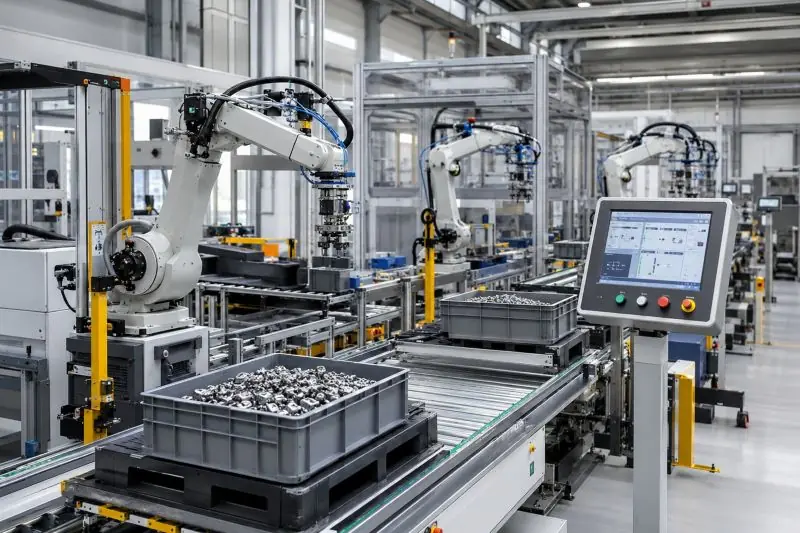
Robotics & Material Handling Systems
Monitors and panel PCs for robot cells, AGVs, AMRs, conveyors, sorting systems, and warehouse automation. Used for status monitoring, task selection, fault handling, and maintenance.
What the Display Must Handle in Real Factory Use
Factory automation displays work inside machines, where heat, electrical noise, gloves, contamination, and limited cabinet space affect daily operation. Long equipment lifecycles also make component availability and replacement support important.
The finished machine and its working conditions should lead the display choice.
The real test is how the display performs after it is installed and running inside the finished machine.
Long Operating Hours and Cabinet Heat
Production equipment may run long shifts or 24/7. Cabinet temperature, ventilation, and backlight life directly affect whether the display can support continuous operation.
Motors, Inverters, and Touch Stability
Poor grounding, power noise, cable routing, switching power supplies, and nearby motors or inverters can cause ghost touch, missed touch, or intermittent PCAP operation after installation.
Gloves, Oil, Dust, and Cleaning
Operators may use work gloves or a stylus, while oil, dust, water, or cleaning residue may remain on the front surface. These conditions affect the touch technology, controller tuning, surface treatment, and front sealing.
Tight Space and Difficult Maintenance
Matching the panel cutout is not enough. Rear depth, connector clearance, cable bending space, mounting access, and future removal all matter once the display is installed inside the cabinet.
Long-Term Supply and Replacement
If an LCD or touch controller is discontinued or replaced, the machine builder may need to update drawings, interfaces, touch settings, or validation work. A technically similar replacement is not always a drop-in replacement.
Common Display Requirements in Factory Automation
There is no single standard display for factory automation. New equipment may use widescreen PCAP, but many machines still need 4:3 or 5:4 formats, resistive touch, panel mounting, or a replacement that fits the original opening and interface.
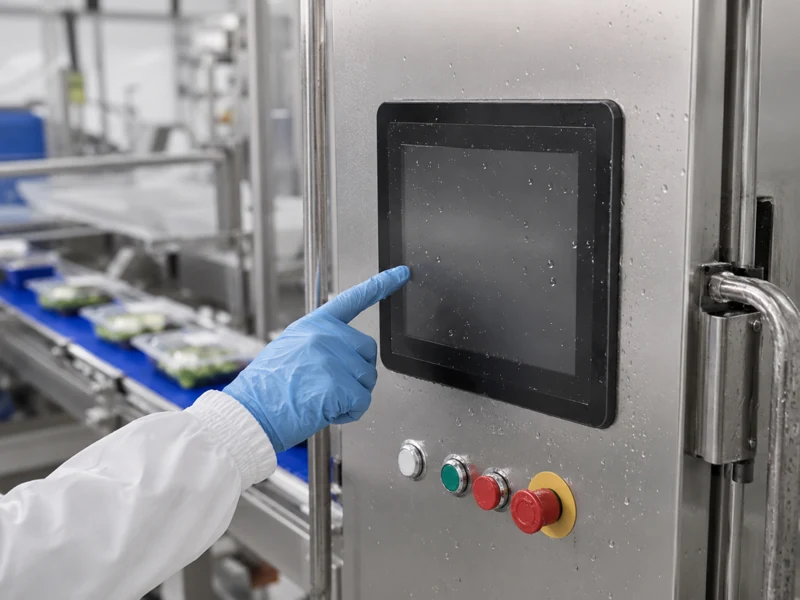
Classic 4:3 & 5:4 Displays
Many machine openings and HMI layouts were designed around a more square screen. Changing to widescreen can require mechanical and software changes. Our 4:3 vs 16:9 industrial display guide explains where each format fits.
Resistive Touch Displays
Resistive touch still fits machines that need deliberate single-touch input rather than swipe, zoom, or other multi-touch gestures.
- Operated with work gloves, a stylus, fingernail, or blunt tool
- Suitable for buttons, menus, values, and confirmation commands
- Our industrial touch screen options include 4-wire and 5-wire resistive designs
Panel Mount Displays
A panel mount touch monitor is commonly installed in a machine front panel, control cabinet door, production terminal, or operator console.
- Inserted from the front and secured from behind
- Aluminum bezel or full-flat glass front
- Front sealing with resistive or PCAP touch options
Replacement & Retrofit Displays
Replacement projects often begin when the original LCD or touch monitor is damaged or discontinued. The same diagonal size does not guarantee a drop-in replacement.
- Match the opening, visible area, and mounting points
- Keep the required resolution and software layout
- Confirm video and touch interfaces; a custom display solution may be needed when a standard unit cannot match the original structure
Follow the Machine, Not the Trend
A newer format is not automatically a better fit. Aspect ratio, touch method, resolution, mounting, and interfaces should follow the machine software and operator workflow.
Industrial Monitor or Panel PC?
Use an industrial display monitor when the machine already has a computer or controller with video output. Use an industrial panel PC when computing, storage, the operating system, and local I/O must be built into the display.
Custom Options for Factory Automation Display Projects
For machine controls, production terminals, inspection systems, and replacement projects, the display must match the machine structure, control system, operator input, working environment, and repeat-production plan.
What Can Be Customized
Product Format
Touch screen, touch LCD module, open frame monitor, panel mount touch monitor, VESA monitor, or industrial panel PC.
Size, Aspect Ratio, and Touch
Classic 4:3 and 5:4 displays or widescreen formats, with resistive or PCAP touch selected around the machine interface, software layout, and operator input.
Front Design and Mounting
Aluminum bezel, full-flat cover glass, custom printing, panel mount, open frame, VESA, mounting brackets, gasket, rear cover, and a custom mechanical structure based on the machine drawing.
Control System and Interfaces
Video interfaces can include HDMI, VGA, DVI, DP, LVDS, or eDP. Touch communication can use USB, I²C, or RS232, with 12V or 24V power options. For panel PCs, the processor, operating system, memory, storage, LAN, USB, and serial I/O can be configured for the project.
Production and Replacement Support
Drawing review, sample build, touch tuning, firmware control, BOM management, repeat production, and replacement review for long-life industrial equipment.
What to Share Before Quotation
A complete specification is not required at the beginning. A machine drawing, panel opening, original display model, or clear front and rear photos are often enough for the first review.
- Machine application
- New design or replacement project
- Screen size and resolution
- Panel opening and mounting method
- Available rear installation space
- Operator input: finger, glove, or stylus
- Where the HMI software runs
- Video and touch interfaces
- Power input
- Temperature, oil, dust, or cleaning conditions
- Original model or datasheet for replacement
- Quantity and project stage
Early review helps avoid choosing a display that fits the screen size but not the machine, software, interface, or operator workflow.
A Display Partner Familiar With Industrial Automation Projects
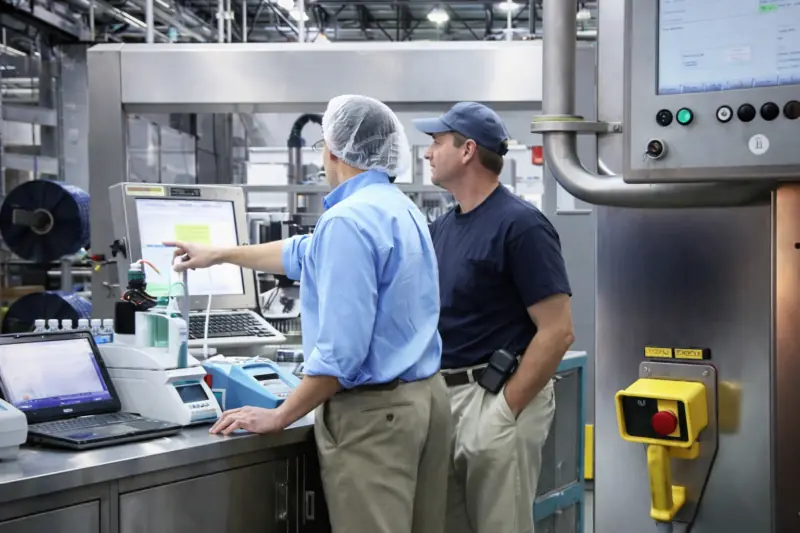
Eagle Touch has supported OEM display projects for machine control panels, production line terminals, inspection equipment, packaging machinery, robotics, material handling systems, and existing-machine replacement. Our experience covers classic-format displays, resistive and PCAP touch, panel mount integration, and replacements for obsolete displays.
We have handled replacement projects where the diagonal size matched but the visible area, mounting points, resolution, or connector position did not. We have also seen touch work normally during desktop testing but become unstable after installation because of grounding or electrical noise inside the machine.
We know when to keep the original aspect ratio and touch method, when a standard product can be adapted, and when customization must be confirmed before sampling.
Many OEM projects cannot be shown publicly. For approved projects, we record and control drawings, firmware, touch settings, and key configurations to keep repeat orders consistent.
Questions About Factory Automation Displays
Common questions about selecting, integrating, and replacing industrial displays for machine controls and factory automation equipment.
Let’s Discuss Your Requirements
Share your application, requirements, or current challenge. Our team will review the details and recommend a practical way forward.