Industrial Displays for Self-Service Kiosks & Terminals
Eagle Touch supplies self-service kiosk displays,touch screens, open frame touch monitors, outdoor touch monitors, and panel PCs for self-service kiosks, ticketing machines, smart lockers, vending machines, and payment terminals. We match the display to your cabinet and host system before production, so it fits the opening, connects correctly, responds reliably, and remains easy to service after assembly.
Displays for Self-Service Kiosks and Automated Terminals
Different self-service machines place different demands on the display. Touch response, cabinet space, mounting, and service access must match how the final equipment is used.
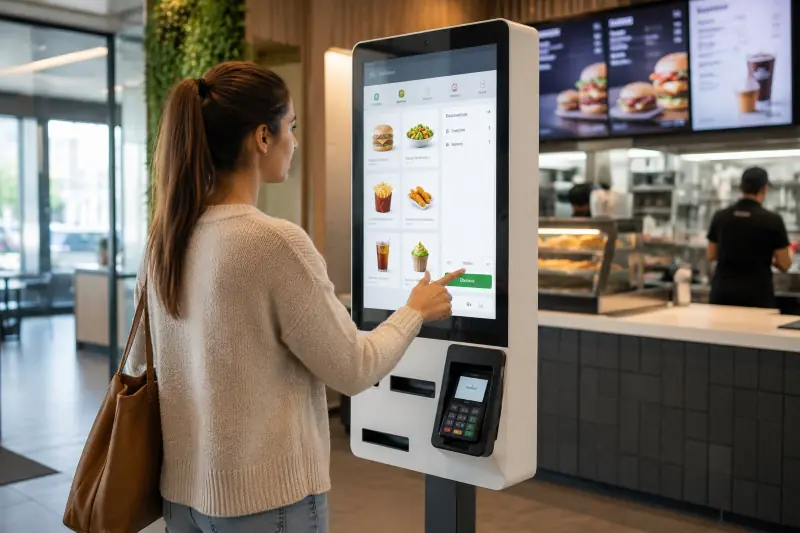
Self-Ordering & Payment Kiosks
Touch displays for product selection, ordering, payment guidance, and transaction confirmation. The screen must respond quickly through every step. Slow or unreliable touch can stop orders, while difficult replacement increases downtime.
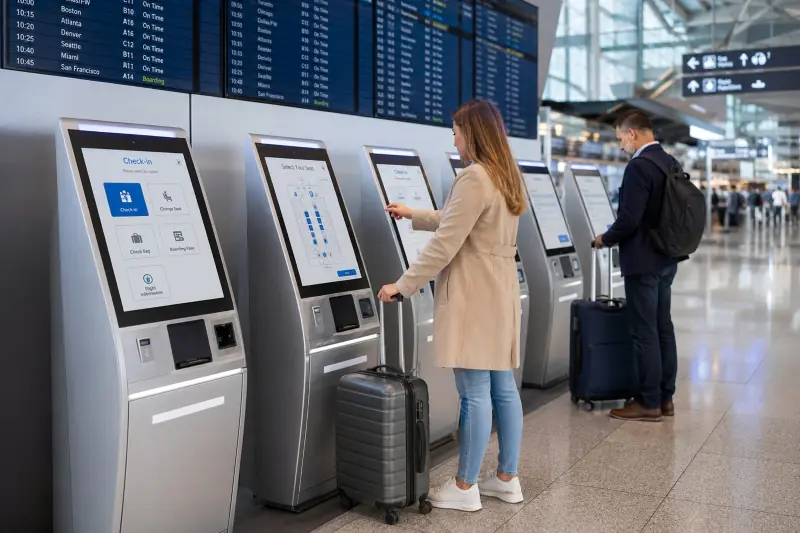
Ticketing & Check-In Terminals
Used in transport, hotels, healthcare, visitor registration, and queue management. Clear on-screen instructions and consistent touch response help first-time users complete a multi-step process without staff support.
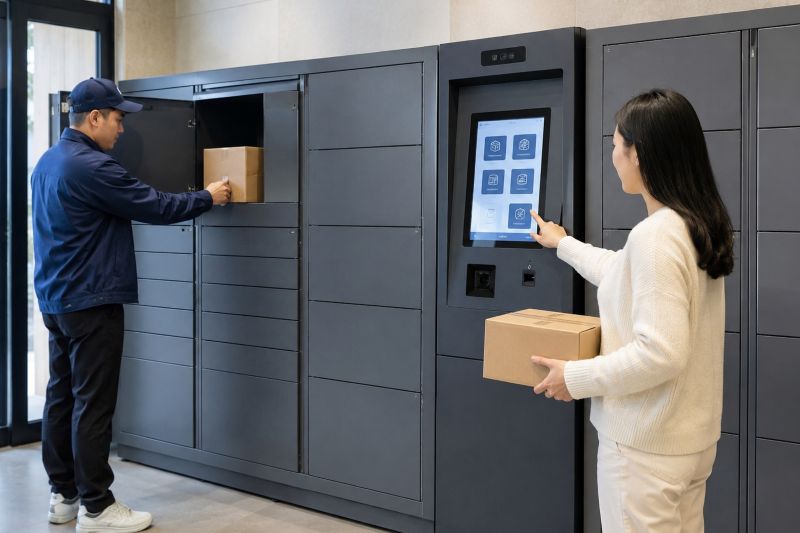
Smart Lockers & Parcel Systems
Touch interfaces for identity verification, parcel collection, storage access, and equipment rental. Compact cabinets make the cabinet opening, display depth, connector position, and cable direction critical.
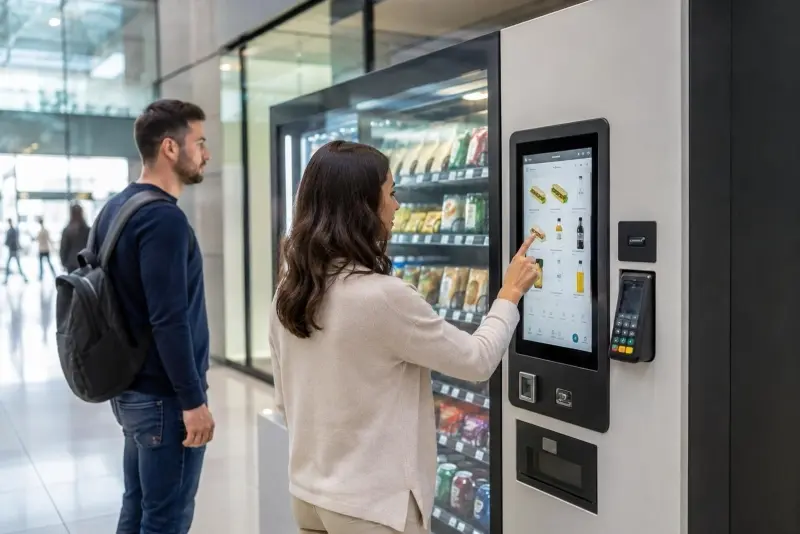
Vending & Automated Service Machines
Displays for automated retail, product dispensing, equipment rental, and other unattended machines. Reliable daily operation and straightforward replacement matter when the same equipment is installed across many locations.
What the Display Must Handle in Real Use
Self-service kiosks combine the display with a computer, power supply, payment terminal, scanner, printer, and other hardware inside one cabinet. Final assembly can change the available space, cable routing, grounding conditions, touch performance, and service access.
The finished kiosk should lead the display choice.
The real test is not the sample on the desk. It is the display after the full kiosk is assembled and powered.
Public Touch Operation
A kiosk touch screen must respond consistently across menus, payment steps, and screen edges. Cover glass, controller tuning, grounding, cable routing, and the final enclosure can all change PCAP performance. Button size and spacing should also be checked with the final user interface.
Front Glass and Cleaning
Frequent public use and cleaning put the cover glass, surface treatment, printed border, and sealing materials under repeated stress. Glass thickness, AG / AR / AF treatment, cleaning compatibility, and impact protection should match the real application. Some projects may also require an IK10-rated front structure based on the final assembly.
Cabinet Fit and Mounting
The cabinet opening, mounting depth, brackets, screw positions, connector clearance, and cable direction should be checked together. An open frame touch monitor can fit the front opening and still be difficult to install if the rear space is ignored.
Grounding and Touch Stability
A metal cabinet changes the grounding and shielding conditions around the touch screen. Poor grounding, power supply noise, long cables, and nearby electronics can then cause unstable PCAP touch. Test the touch performance again after the display is installed and the complete kiosk is powered.
Service Access and Replacement
The display should be removable without dismantling the whole kiosk. Connector access, mounting method, BOM control, and replacement compatibility reduce downtime once the same equipment is installed across multiple locations.
Display Options for Self-Service Kiosks
Different kiosk designs need different display formats. A compact locker may only need a touch screen and LCD module, while an ordering or payment kiosk often uses an open frame touch monitor connected to a separate computer. Outdoor kiosks also need sunlight readability, wide-temperature components, thermal design, front sealing, and stable touch in wet conditions.
The right format depends on the cabinet, host system, installation environment, available space, and how the display will be serviced after deployment.
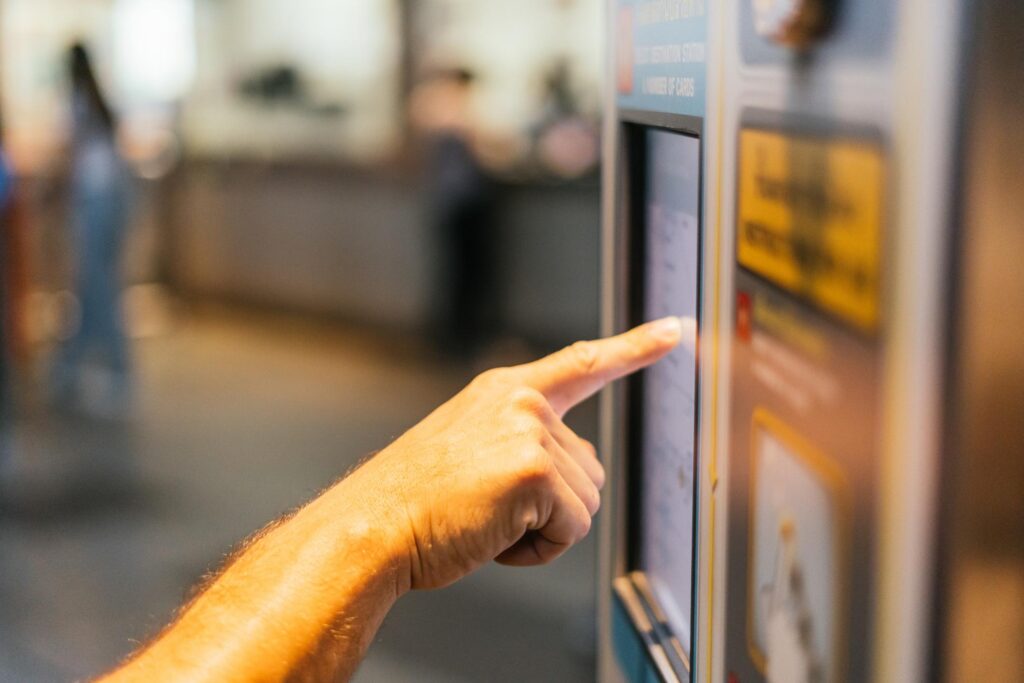
Self-service equipment may use a touch LCD module, open frame touch monitor, or outdoor display depending on the cabinet and installation environment.
Touch Screen & LCD Modules
Used when the customer already has an embedded board, display controller, and mechanical structure.
Open Frame Touch Monitors
Used when the kiosk already has a separate industrial PC, embedded computer, or control system.
- Common sizes: 10.1", 15.6", 18.5", 21.5", and 23.8"
- HDMI, VGA, DVI, or DP video input
- USB touch interface
- Rear mounting, side brackets, or custom open frame
- Custom cover glass, brightness, and front structure
- Opening size, mounting depth, rear clearance, and connector direction checked before sample production
Outdoor Kiosk Displays
Used for outdoor ticketing machines, parking payment terminals, smart lockers, vending machines, and public service kiosks exposed to sunlight, rain, temperature changes, and frequent public use.
- Common sizes: 10.1", 15.6", 18.5", and 21.5"
- High-brightness display for outdoor readability
- AG or AR glass with optional optical bonding
- Wide-temperature components and thermal review
- Front sealing reviewed with the final kiosk structure
- Glove touch, wet touch, and project-based PCAP tuning
Do not choose a kiosk display by screen size or brightness alone. Start with the cabinet opening, host system, mounting space, operating environment, connector access, and how the display will be replaced after installation.
Custom Options for Self-Service Kiosk Displays
Once the product format is clear, the next step is to match the glass, interfaces, mounting, and production details to the kiosk.
What Can Be Customized
Product Format
Touch screen and LCD module, open frame touch monitor, outdoor touch monitor, panel mount monitor, VESA monitor, or panel PC when computing must be integrated.
Display and Touch
Screen size, resolution, brightness, PCAP or resistive touch, touch interface, glove operation, wet touch, and tuning for the final cover glass and enclosure.
Cover Glass and Front Structure
Custom glass outline, thickness, printed border, logo, transparent openings, AG / AR / AF treatment, bonding, impact protection, and front sealing based on the final kiosk structure.
Interfaces and Mounting
Video and touch interfaces, side brackets, rear mounting, VESA, custom frames, connector positions, and cable direction matched to the available space.
Production Support
Drawing confirmation, sample build, touch verification under the final grounding and enclosure conditions, BOM control, repeat production, and replacement support.
What to Share Before Quotation
You do not need a finished specification. A cabinet drawing, opening size, existing display model, or reference photo is usually enough for the first review.
- Kiosk application
- Indoor or outdoor use
- Screen size and resolution
- Brightness requirement
- Touch type and operating conditions
- Host computer or display controller
- Cabinet opening and available depth
- Mounting method
- Cover glass or impact requirement
- Video and touch interfaces
- Connector and cable direction
- Quantity and project stage
It is easier to correct an opening, bracket, or connector position on the drawing than after the first kiosk has been built.
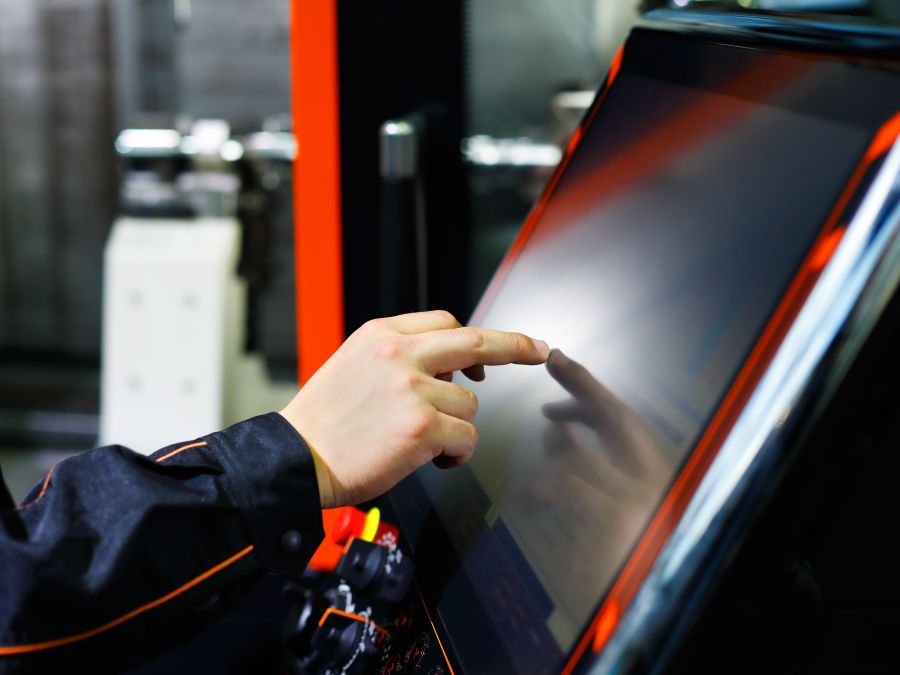
A Display Partner Familiar With Self-Service Equipment Projects
For a self-service kiosk, a display problem does not stop at the screen. It can interrupt orders, payments, check-in, or locker access—and lead to site visits, delayed rollout, and pressure from the end customer.
Eagle Touch has supported display and touch screen projects for ATMs, payment terminals, vending machines, smart lockers, parking terminals, and other unattended equipment. Many are integrated into the customer’s own cabinet and supplied under their brand, so not every project name can be shown publicly.
For one ATM and self-service terminal project, the customer already had an approved cabinet and flush front design. A standard monitor would have required changes to the cabinet. We developed the display around the existing opening and front appearance, reviewed the structure before sampling, and locked the approved design for repeat orders.
Questions About Self-Service Kiosk Touch Screens & Displays
Common questions before selecting a touch screen, open frame monitor, or outdoor display for a self-service kiosk.
Let’s Discuss Your Requirements
Share your application, requirements, or current challenge. Our team will review the details and recommend a practical way forward.