Panel Mount Touchscreen Monitors for OEM Equipment
Eagle Touch manufactures 7–32 inch panel mount monitors for machine builders and control-panel integrators. Choose resistive, PCAP or non-touch configurations, with OEM adjustments to the front bezel, mounting structure and connections to fit your equipment. We support drawing review, sample evaluation and repeat production.
What Is a Panel Mount Monitor?
Our panel mount monitors fit into a prepared cutout in a machine, control cabinet or equipment enclosure. Each monitor is inserted from the front, with the front bezel covering the edge of the cutout.
The display is secured from the rear using clamps or mounting brackets. Only the screen and front bezel remain visible, while the monitor housing, connectors and cables stay inside the equipment.
Compared with an open frame monitor, a panel mount monitor has its own finished front bezel and is designed to become part of the equipment front panel.
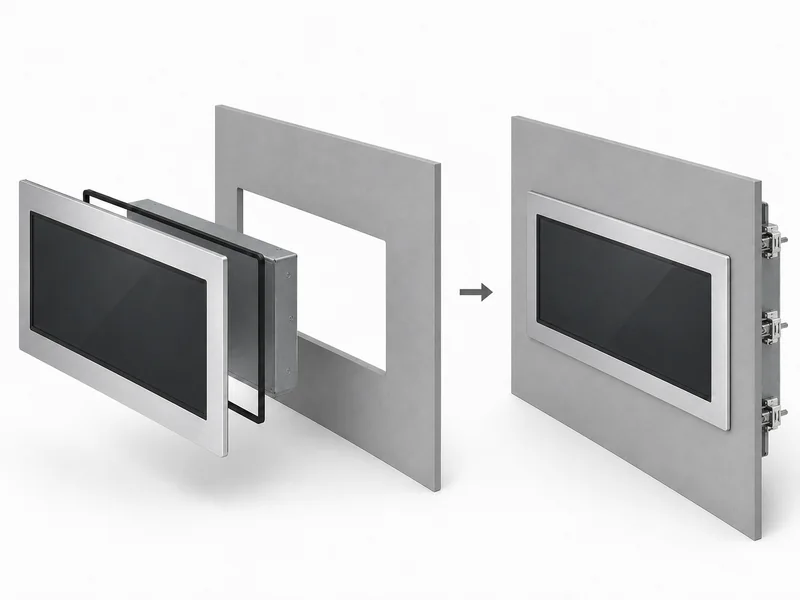
Typical panel-mount structure: front installation with rear fixing inside the equipment.
Choose Resistive or PCAP Touch
Panel mount touch monitors are available with resistive or projected capacitive touch. The right option depends on how the operator uses the screen, whether gloves are required and the working environment.
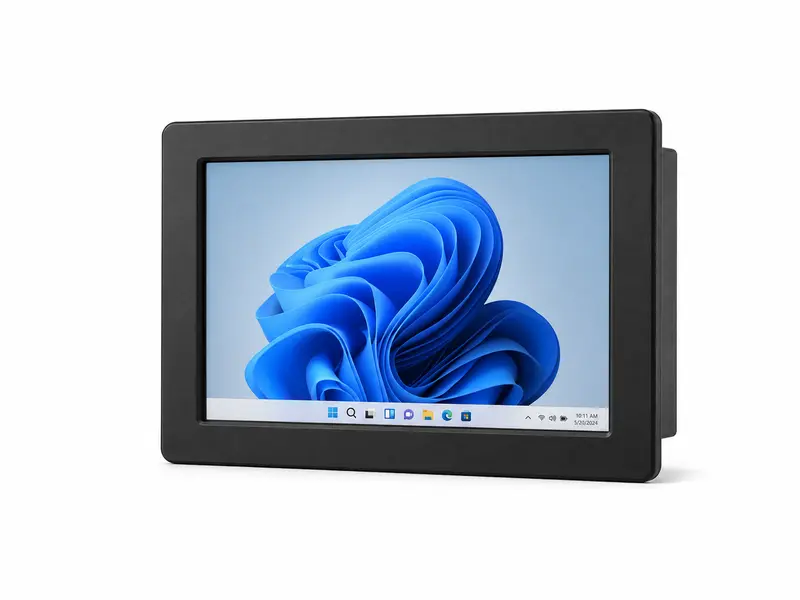
Resistive Touch Monitors
Resistive touch responds to pressure and can be operated with a bare finger, glove or suitable stylus. Five-wire resistive touch is commonly used for single-point control, parameter entry and legacy HMI applications.
A practical choice where glove operation, simple touch input or compatibility with existing industrial equipment is required.
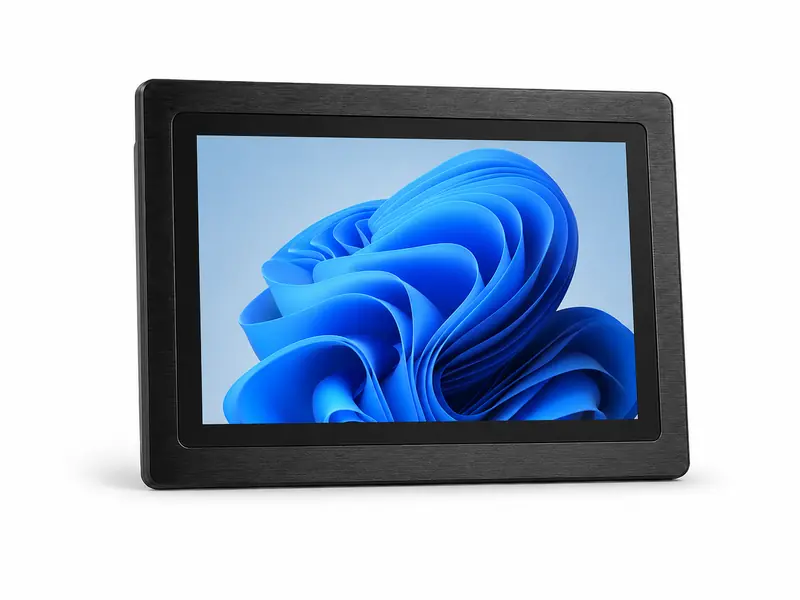
PCAP Touch Monitors
PCAP touch provides a durable glass front, light-touch operation and multi-touch support where supported by the operating system and software. It is well suited to modern machine interfaces, kiosks and equipment that requires a clean front surface.
Glove and water-droplet operation depend on the cover glass, touch controller and firmware tuning. The final configuration should be tested under the actual operating conditions.
Non-touch versions are also available for equipment operated by physical buttons, keyboard, mouse or other external controls.
Panel Mount Monitor Configuration Options
Choose from standard panel mount models or adjust the configuration for your equipment. Final specifications depend on the selected LCD, touch solution and mechanical design.
| Configuration | Available Options |
|---|---|
| Screen Size | 7" to 32", with resolution and aspect ratio selected by LCD platform |
| Touch Technology | 5-wire resistive, projected capacitive (PCAP) or non-touch |
| Brightness | Standard brightness or high-brightness LCD options for indoor, semi-outdoor and high-ambient-light applications |
| Video Interfaces | HDMI, VGA, DVI or DisplayPort depending on the selected controller board |
| Touch Interface | USB as standard on most configurations; RS232 available on selected resistive touch solutions |
| DC Power Input | 12 V, 24 V or wide-voltage input options depending on model and application |
| Front Protection | Front IP65 sealing available on applicable designs when installed with the specified gasket and panel structure |
| Operating Temperature | Standard and wide-temperature configurations available; exact range depends on the LCD and electronics |
| Mechanical Customization | Front bezel, housing depth, mounting points and connector position can be adapted to your panel cutout, subject to the selected platform |
Not every option is available on every model. Check the model datasheet or send your required size, cutout and interface details for confirmation.
Browse Panel Mount Models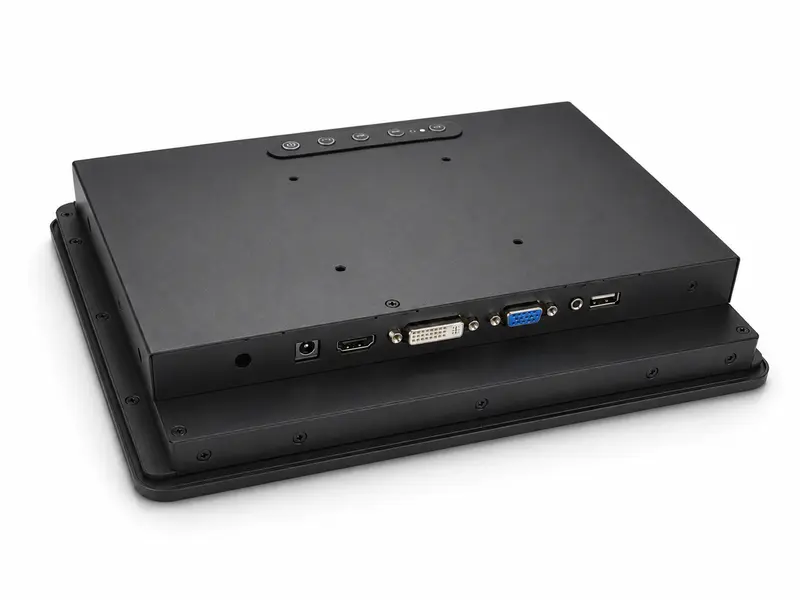
Example rear interface layout. Port type and connector position vary by model.
HDMI and Video Connections to Your Industrial PC
Panel mount monitors are designed to work with an external industrial PC, embedded computer or machine controller. HDMI is available on applicable models, with VGA, DVI or DisplayPort options depending on the selected controller board.
For touch models, the touch signal uses a separate USB or RS232 connection. For these configurations, the video connection does not carry touch input.
When integrating the monitor into an existing cabinet, check the host output, available wiring space and power supply before selecting the final configuration.
- Video interface, resolution and signal compatibility
- Touch interface and operating system support
- DC input, connector type and cable direction
Need the display and computer in one unit? See our industrial panel PCs.
Front IP65 Protection for Installed Equipment
Front IP65 options are available for panel mount monitors used in environments where the operator side may be exposed to dust, splashes or routine cleaning.
After installation, the front bezel and sealing gasket sit against the equipment panel to form the protected front surface. The panel cutout, mounting pressure and sealing area must follow the specified mechanical design.
The IP rating applies to the installed front side. The rear housing, connectors and cables remain inside the customer enclosure and should be protected by the machine or cabinet.
For washdown, food-processing or chemical-cleaning applications, confirm the required cleaning method before finalizing the monitor. Front IP65 does not automatically mean resistance to high-pressure water or aggressive cleaning chemicals.
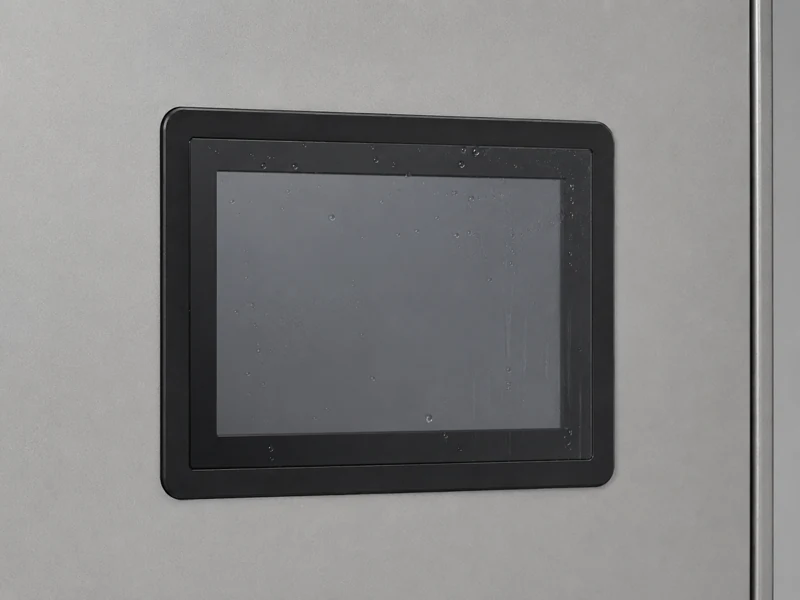
Typical front sealing arrangement. Protection depends on the selected monitor and final installation.
Check the Cutout, Panel Thickness and Rear Clearance
Before machining the equipment panel, confirm the mounting dimensions and space required behind the monitor.
Cutout & Bezel
Check the drawing for cutout size, corner radius and bezel overlap. Monitors with the same screen size may require different panel openings.
Panel Thickness & Fixing
Confirm that the equipment panel is within the supported clamp range and leave enough space for rear clamps or mounting brackets.
Rear Depth & Cables
Allow space for the monitor housing, connectors, cable bends and nearby components. Connector direction should also match the cabinet layout.
Service Access
Keep enough rear access to disconnect cables and release the fixing hardware when the monitor needs to be removed or replaced.
If the display needs to be installed from inside the enclosure behind the equipment front panel, see our open frame monitor solutions.
Applications in Machinery and Process Equipment
Panel mount monitors and displays are used where the operator interface needs to become part of the machine, cabinet or equipment front panel.
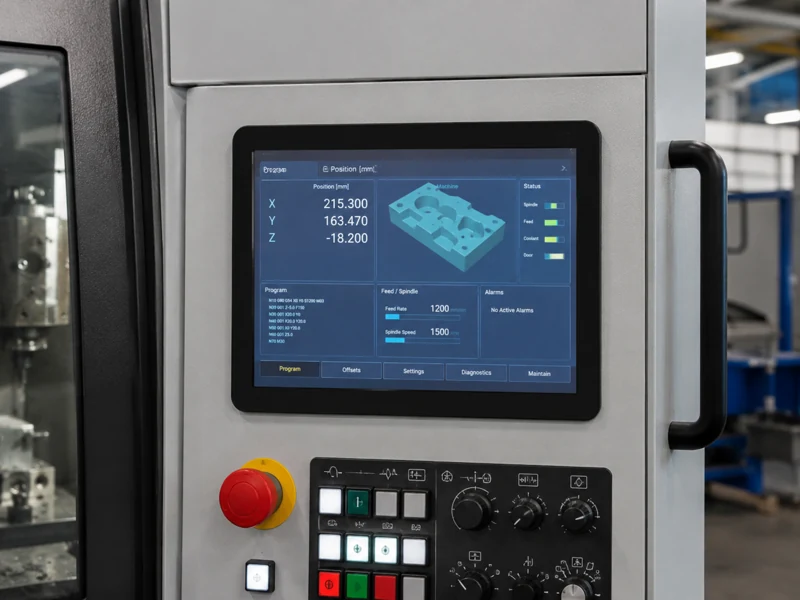
Machinery & CNC
For machine control, parameter setting, alarms and production data. Touch type, glove use, dust or oil exposure and service access should be considered during selection.
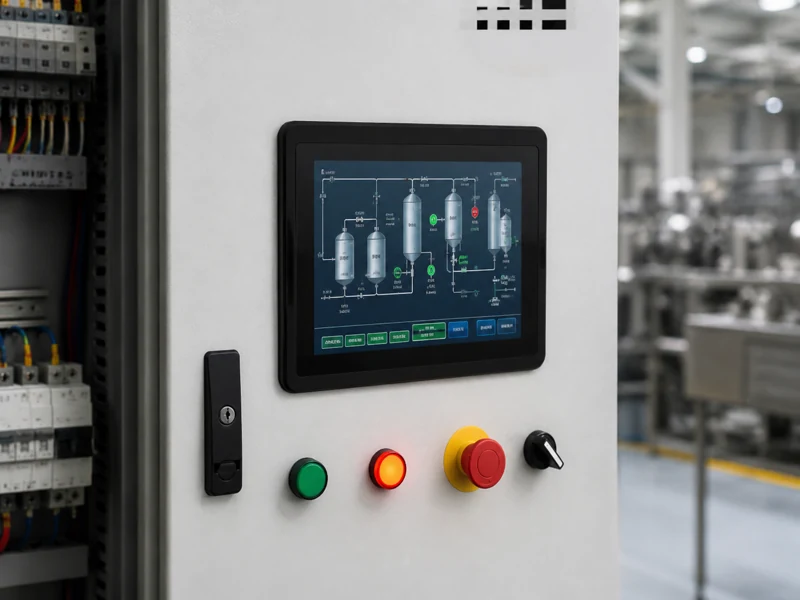
Automation & Packaging
For production lines, packaging machines and control cabinets. Stable dimensions, interface compatibility and repeatable mounting are important for equipment built in series.
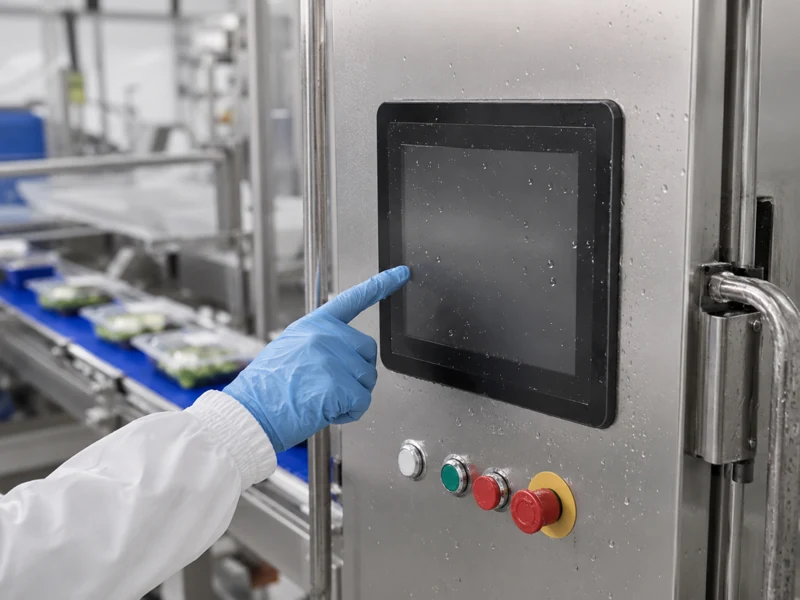
Food & Process Equipment
For processing, filling and production equipment. Front sealing, glove operation and the cleaning method should be confirmed before the final configuration is selected.
Inspection & test equipment: panel mount monitors can also display measurement results, images and software interfaces from an external industrial PC. Resolution, viewing distance and available panel space are the main selection points.
Send Your Panel Dimensions for Model Review
Send us your panel cutout size, panel thickness, available rear depth and equipment drawing or housing photo. We can compare these details with our standard panel mount monitors and identify the closest suitable model.
If the standard structure does not fully match your equipment, we can also review possible changes to the front bezel, mounting points, housing depth or connector position.
A sample can then be installed in the actual equipment to confirm the mechanical fit, display output, touch operation and cable access before production.
After sample approval, we record the agreed LCD, touch panel, mechanical drawing revision, interface layout, cables, labels and packaging as the production reference for repeat orders.
Useful Details to Send
- Required screen size or existing monitor model
- Panel cutout size and panel thickness
- Available rear depth and mounting space
- Resistive, PCAP or non-touch requirement
- Video interface and touch interface
- DC power input and required brightness
- Sample quantity and estimated production volume
An NDA can be arranged before detailed equipment or enclosure drawings are shared.
Panel Mount Monitor Questions
Our panel mount monitors are installed from the front of the equipment panel, with the bezel covering the cutout edge and rear clamps or brackets holding the unit in place. An open frame monitor is normally mounted from inside the enclosure behind the equipment front panel.
In many projects, yes. Send the cutout dimensions, panel thickness, available rear depth and fixing space. We can first check for a suitable standard model and then review possible mechanical changes if the existing structure does not match.
No. Front IP65 applies to the installed front side when the specified bezel, gasket and equipment panel form the correct seal. The rear housing, connectors and cables remain inside the customer enclosure and require protection from the cabinet or machine.
Yes. Dimensioned drawings are available for model confirmation, and 3D files are available for selected models. The approved drawing revision should be used before the equipment panel or enclosure is released for production.
Yes. A sample can be used to confirm panel fit, display output, touch operation, connector access and installation before production quantities are released.
Need Help Matching a Panel Mount Monitor?
Send your panel drawing, dimensions or a marked photo and we will review the suitable options for your equipment.