Industrial Displays for Self-Service Kiosks
Self-service kiosks rely on displays as the main interface for user guidance, touch interaction, and transaction-related functions.
Display selection is usually influenced by enclosure structure, front glass design, touch performance, visibility, and long-term reliability in public-use environments.
Display Interfaces Used in Public Interaction Terminals
In self-service kiosks, the display is typically the main interface between the system and the user. It may be used for check-in, payment, ticketing, ordering, identity verification, or process guidance depending on the terminal function.
Because kiosks are designed for direct public interaction, the display area is often exposed to repeated touch input, changing lighting conditions, and continuous daily use. In many projects, the front surface design also affects appearance, usability, and enclosure integration.
As a result, display selection is usually reviewed together with the kiosk housing, front glass structure, touch method, and intended service environment.
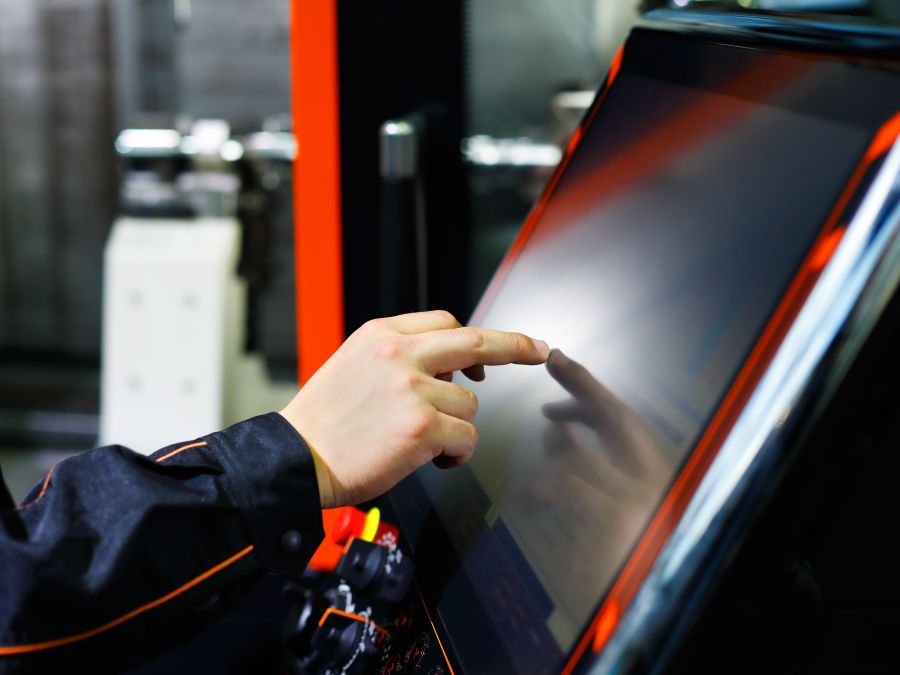
Typical Display Requirements for Self-Service Kiosks
Display requirements in kiosk projects are usually shaped by user interaction, front design, visibility, and expected operating duration in public-facing environments.
Reliable Touch Interaction
Kiosks often rely on touch as the main operating method, so touch responsiveness and front-surface usability are commonly reviewed early in the design process.
Durable Front Glass
The front area is frequently exposed to repeated public use, so cover glass structure and surface durability are often part of the overall enclosure definition.
Clear Readability
The display should remain readable under the actual lighting conditions of the installation area, including indoor ambient light, public spaces, or semi-outdoor terminal locations.
Long Operating Hours
Many kiosks are expected to operate for extended periods each day, so display stability and long-term reliability are usually part of system planning.
Common Display Integration Methods in Kiosk Systems
The display format used in self-service kiosks usually depends on the front enclosure design, service strategy, touch structure, and system architecture.
Open Frame Integration
Open frame displays are often used when the front structure is customized as part of the kiosk enclosure and the display is integrated behind the customer-defined front surface.
Panel Mount Structure
Panel mount displays are suitable when the screen is installed directly into a defined enclosure opening and the front-side integration method is fixed early in design.
Integrated Panel PCs
Some kiosks use panel PCs where the display and computing platform are combined into one integrated interface unit for simplified system structure.
What Usually Shapes Display Selection
Although kiosk structures differ by project, display selection is often influenced by a similar group of technical considerations.
For kiosk projects, display configuration is often defined together with the front glass structure, enclosure design, and user interaction flow rather than as an isolated component choice.
Why early review helps
Early engineering review can help reduce mismatch risk between the display structure and the actual kiosk enclosure, especially in projects involving custom front glass, non-standard openings, or integrated payment and control systems.
Frequently Asked Questions
Short answers to common engineering questions when evaluating displays for self-service kiosks.
Engineering Review
Send your application details. We respond with configuration direction and next steps.