How Industrial Touch Screens Work and How to Select the Right Technology
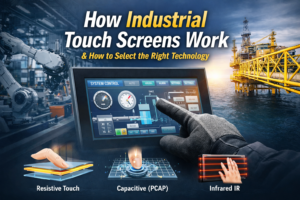
Quick Answer: How Industrial Touch Screens Work Industrial touch screens detect input using pressure (resistive), capacitance …
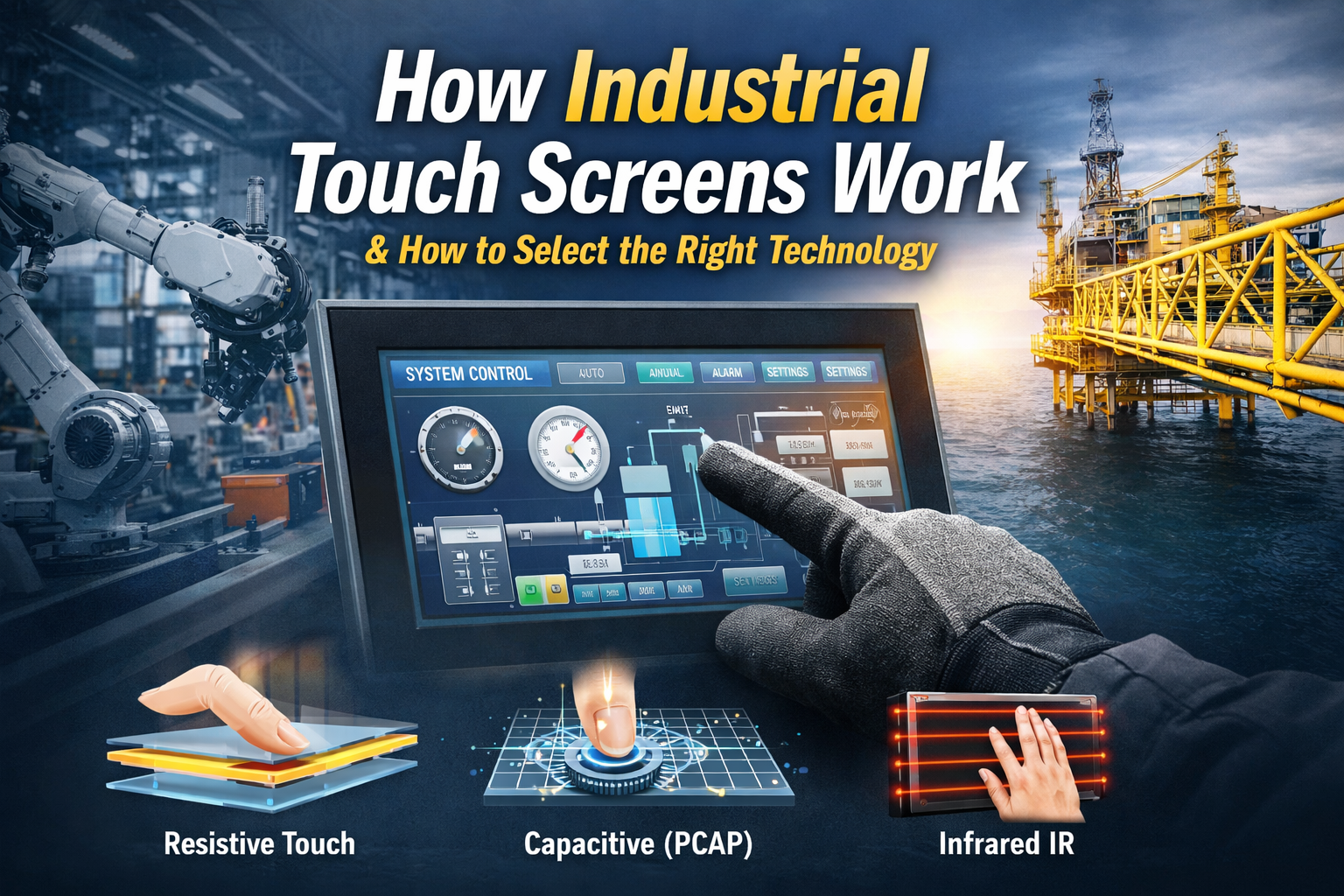
Industrial touch screens detect input using pressure (resistive), capacitance (PCAP), or infrared interruption. A sensor captures the interaction, a controller converts it into coordinates, and the system processes it as user input. The correct technology depends on environment, EMI conditions, and input method.
Industrial touch screens are widely deployed in HMIs, panel PCs, kiosks, and outdoor equipment.
Incorrect selection of touch technology can lead to system-level issues such as:
Understanding how industrial touch screens work is directly related to system reliability, lifecycle cost, and usability in real operating conditions.A broader understanding of industrial touch system design is covered in this industrial touch screen technology guide.
An industrial touch screen is an input interface integrated with a display that detects user interaction and converts it into digital signals.
A typical system consists of:
Unlike consumer-grade devices, industrial touch screens are designed to operate under:
Resistive touch screens detect input through pressure applied to two conductive layers.
Characteristics:
PCAP touch screens detect changes in an electrostatic field when a conductive object (such as a finger) interacts with the surface.
Characteristics:
Infrared systems use a grid of IR beams across the screen surface. Touch is detected when beams are interrupted.
Characteristics:
Touch technology selection should be based on environmental and operational constraints.
| Condition | Recommended Technology | Engineering Reason |
|---|---|---|
| Glove operation required | Resistive / Tuned PCAP | Reliable input detection |
| Outdoor sunlight | PCAP + Optical Bonding | Improved visibility and contrast |
| Wet environment | Tuned PCAP | Reduces false triggering |
| High EMI environment | Resistive | More stable signal behavior |
| Multi-touch interface | PCAP | Supports gesture input |
| Heavy contamination | IR (limited use) | No surface contact layer |
Key point:
There is no universally optimal solution—selection must align with system constraints.
In many projects, failures occur because consumer-grade touch panels are used in industrial environments.
Industrial-grade touch solutions typically include:
For example, standard PCAP panels may work well in clean environments, but without tuning, they often fail in rain, EMI-heavy, or glove-based applications.
This is why touch performance in industrial systems depends not only on the technology, but also on how the solution is engineered and integrated.
Field failures are often caused by mismatched technology selection rather than component defects.
Water droplets introduce unintended capacitance changes, resulting in ghost inputs in PCAP systems.
Nearby motors, drives, or inverters can disrupt capacitive sensing if shielding and grounding are insufficient.
Standard PCAP systems cannot detect non-conductive gloves without controller tuning.
Mechanical wear of the top layer can reduce accuracy over time in high-use environments.
Engineering Note:
Stable performance requires coordinated design across controller tuning, grounding, shielding, and firmware—not just panel selection.
Optical bonding improves contrast and reduces internal reflections in outdoor or high-brightness environments.
Capacitive systems require:
Industrial touch screens are integrated into complete systems such as:
In practice, system integration has a greater impact on touch performance than the touch panel alone.
Evaluate the following parameters:
Touch selection should be treated as a system engineering decision rather than a user interface preference.
What is the difference between resistive and capacitive touch screens?
Resistive touch relies on pressure and works with gloves or stylus. Capacitive (PCAP) offers higher clarity and multi-touch but requires conductive input.
Can PCAP touch screens work with gloves?
Yes, but it depends on controller tuning or the use of conductive gloves.
Are industrial touch screens waterproof?
They can be designed for water exposure, but require sealing and firmware tuning to prevent false inputs.
What causes touch failure in industrial environments?
Typical causes include EMI interference, water-induced false inputs, and incorrect technology selection.
What is the expected lifespan of industrial touch screens?
PCAP systems can exceed tens of millions of touches, while resistive systems generally have shorter lifespans due to mechanical wear.
Selecting the wrong touch technology can lead to costly redesigns and field failures.
If you’re working on an HMI, panel PC, or outdoor system, we can help evaluate your requirements, including:
👉 Send us your application details, and we will recommend a suitable industrial touch solution within 24 hours.
Quick Answer: How Industrial Touch Screens Work Industrial touch screens detect input using pressure (resistive), capacitance …
Introduction Touch accuracy degradation is a recurring issue in industrial HMI systems. Unlike consumer devices, industrial …
Introduction In industrial equipment, a touch interface is not only a user input layer—it is a …
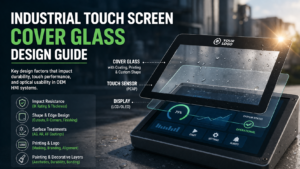
Introduction In industrial HMI systems, cover glass is the outermost interface between the user and the …
Send your application details. We respond with configuration direction and next steps.