Trouble shooting
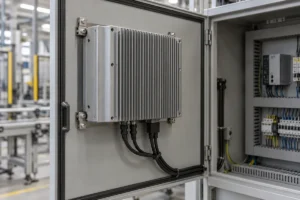
Industrial Panel PC Overheating: How to Diagnose and Fix It
If your industrial panel PC slows down, freezes or shuts down after warming up, check whether the fault follows a temperature rise…
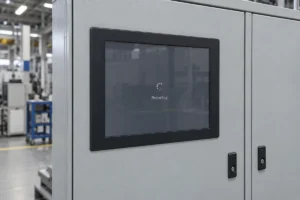
Industrial Panel PC Keeps Restarting? Troubleshooting Guide
If an industrial panel PC keeps restarting, first establish whether the entire computer is rebooting. Then check the restart records and the…
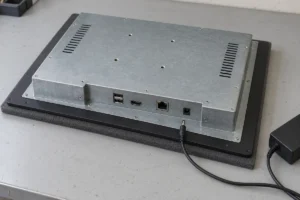
Industrial Panel PC Not Powering On? Step-by-Step Troubleshooting
If an industrial panel PC is not powering on, start with its power supply, connections and switch-on method. A dark screen alone…
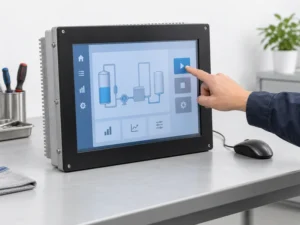
Industrial Panel PC Touch Screen Not Working? Troubleshooting Guide
If your industrial panel PC touch screen is not working, first check whether the computer still responds to a mouse or keyboard….
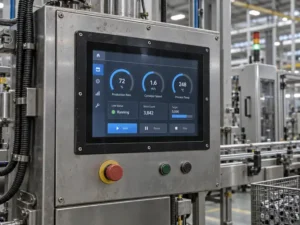
What Makes an Industrial Monitor Rugged?
An industrial monitor is not rugged simply because it has a metal housing or a thick front glass. It is rugged when…
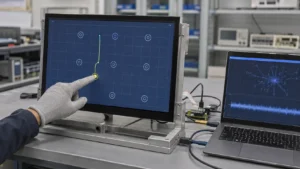
Industrial Touch Screen Sensitivity Adjustment: A Practical PCAP Tuning Guide
An industrial touch screen that misses gloved input does not always need “more sensitivity.” A screen that produces false touches is not…
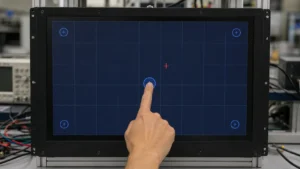
Industrial Touch Screen Inaccurate? How to Fix Touch Offset and Drift
When an operator touches one button but the HMI activates another, the touch screen is not necessarily defective. The error may come…
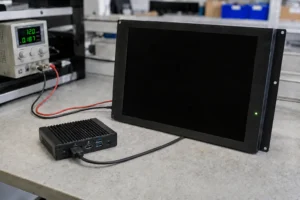
Industrial Display Black Screen: How to Find the Fault Before Replacing It
An industrial display black screen does not automatically mean the LCD has failed. Missing input power, the wrong video source, unsupported signal…
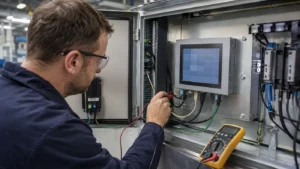
12 Common LCD Touchscreen Display Problems: A Symptom-Based Diagnostic Guide
An LCD touchscreen can show a perfect image while the touch function is completely dead. It can also continue sending touch data…
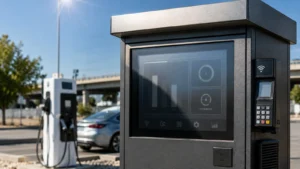
Why Outdoor Industrial Displays Overheat—and How to Prevent Field Failures
An outdoor industrial display built with an LCD rated up to 70°C can still overheat on a 40°C day if solar load…