Industrial Display Supplier Buyer Guide for OEM Equipment

Introduction Human-machine interfaces (HMIs) are now standard components in modern industrial equipment. Displays allow operators to …
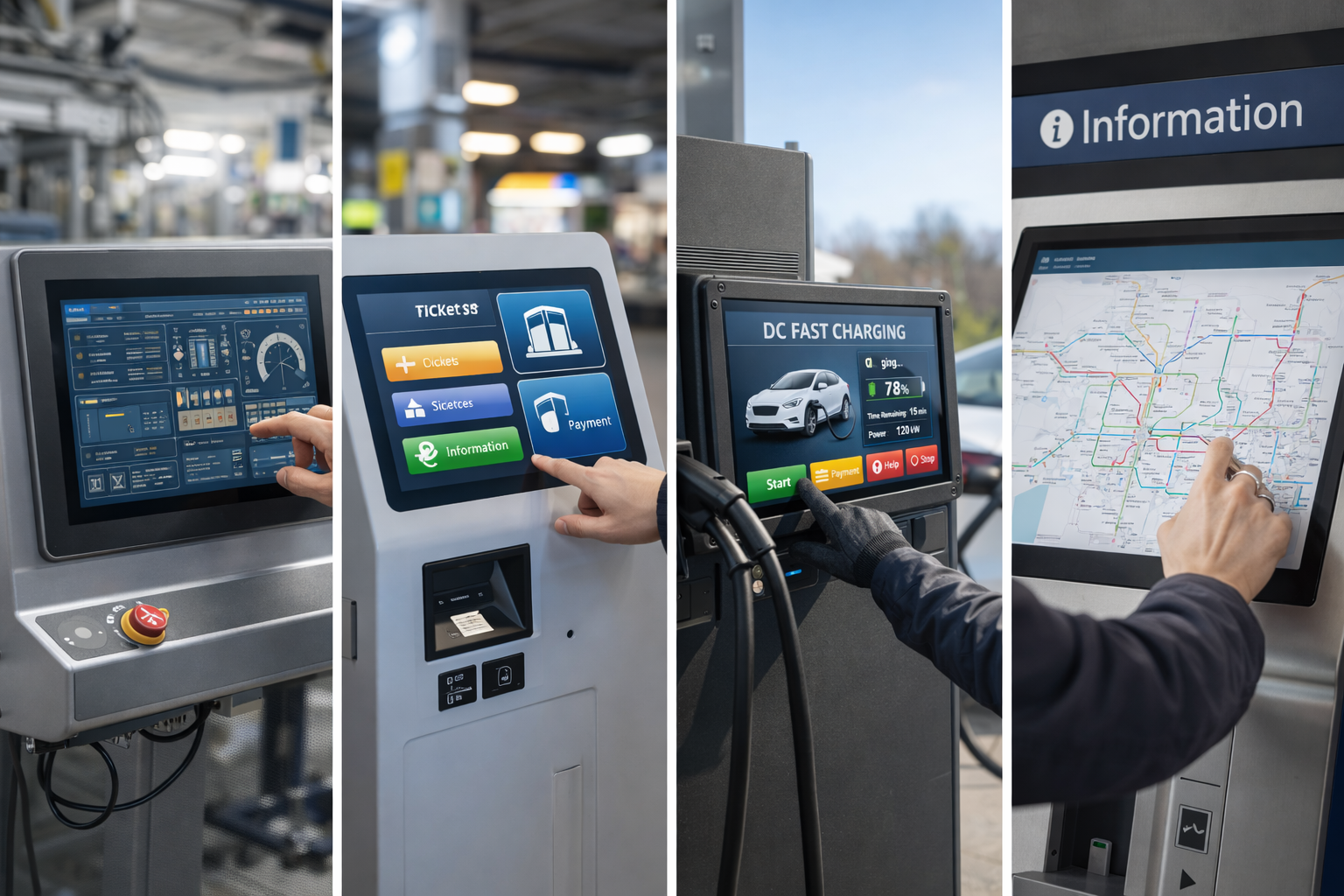
Touch screen monitors are now widely used across industrial, commercial, and public-facing applications.
From control panels and kiosks to EV chargers and ticketing systems, the right touch monitor directly affects usability, reliability, and long-term maintenance costs.
Rather than focusing on short-lived “best of the year” lists, this guide explains how to evaluate and choose the best touch screen monitor for your specific application.
A touch screen monitor is a display device that allows users to interact directly with on-screen content using touch input.
Unlike consumer tablets, industrial and commercial touch monitors are designed for:
They typically consist of a display panel, touch sensor, controller, and protective cover glass.
Different applications require different touch technologies.
The most common options include:
For modern industrial systems, PCAP touch monitors are the most widely adopted solution.
Common touch monitor sizes range from 7″ to 27″, depending on the application.
When selecting size and resolution, consider:
Higher resolution improves clarity but must be matched with appropriate UI design.
Touch monitors used in public or semi-outdoor environments must remain readable under varying light conditions.
Key considerations include:
Visibility is especially critical for applications such as kiosks and EV charging stations.
Industrial and commercial touch monitors are often exposed to:
Choosing a monitor with a sealed front panel and toughened cover glass improves long-term reliability.
Touch monitors are rarely standalone products in industrial projects.
Common integration methods include:
Proper mounting support simplifies system design and reduces installation risk.
Touch screen monitors are widely used in:
Each application places different demands on touch performance, durability, and lifecycle support.
Many issues arise not from the technology itself, but from incorrect selection.
Common mistakes include:
Avoiding these mistakes early helps reduce redesign costs later.
The “best” touch screen monitor is not defined by brand or specifications alone.
Instead, it is the one that best matches:
For OEM and system integrators, early technical evaluation and validation are essential.
Yes. Industrial-grade touch monitors are designed for continuous operation and long service life.
Projected capacitive touch is the most commonly used solution due to its durability, accuracy, and support for modern interfaces.
Yes. Many industrial touch monitors can be customized in terms of size, brightness, glass, and interfaces.
Rather than chasing annual “best” lists, selecting the right touch screen monitor requires understanding your application requirements.
By focusing on touch technology, durability, visibility, and integration, you can choose a solution that delivers reliable performance and long-term value.
This approach ensures your touch screen monitor remains effective well beyond a single year.
Introduction Human-machine interfaces (HMIs) are now standard components in modern industrial equipment. Displays allow operators to …

Introduction Industrial displays are frequently deployed in environments where lighting conditions are difficult to control. Equipment …

Introduction Displays are a critical interface component in many types of industrial equipment. They provide system …

Introduction Display visibility is a critical design parameter in industrial equipment. Operators rely on graphical interfaces …
Send your application details. We respond with configuration direction and next steps.