Comparison
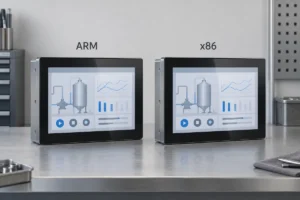
ARM vs x86 Industrial Panel PCs: How to Choose
An ARM and an x86 panel PC can look identical and run similar operator screens. The differences become more important when you…
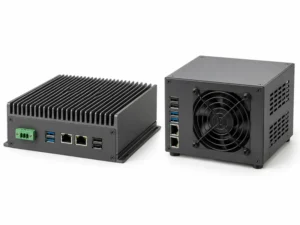
Fanless vs Fan-Cooled Industrial PCs: Which Should You Choose?
A fanless industrial PC is worth considering when dust, noise or difficult maintenance access makes a cooling fan undesirable. A fan-cooled industrial…
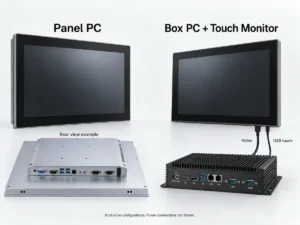
Panel PC vs Box PC: Which Fits Your Industrial Equipment?
A panel PC puts the computer and touch display in one enclosure, reducing separate mounting and display cabling. A box PC with…
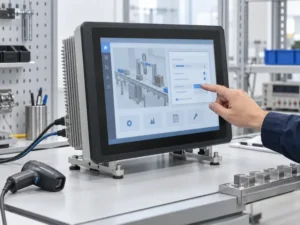
Industrial Panel PC Operating Systems: Windows, Linux or Android?
Choose an industrial panel PC operating system around the software the machine needs to run. Start with Windows when an existing application…
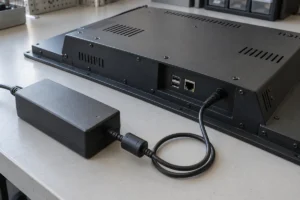
Industrial Panel PC Power Input: AC, 12V DC, 24V DC or Wide Range?
The right power input depends on what your machine already supplies. Before choosing a panel PC, confirm whether it will connect to…
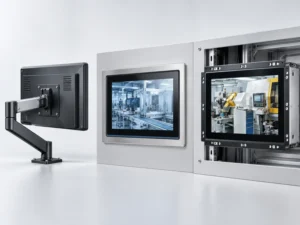
Panel PC Mounting Options: VESA vs Panel Mount vs Open Frame
Choose panel mount when the computer will sit in a cabinet or machine-panel cutout. Choose VESA mount when it needs to attach…
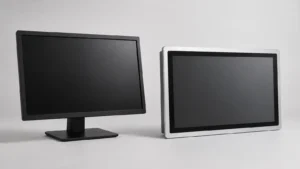
Industrial Display vs Commercial Monitor: What OEM Buyers Should Verify
A commercial monitor may have the right size, resolution and video input for industrial equipment. That does not make it unsuitable—but it…
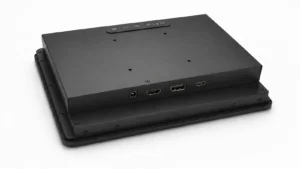
HDMI vs DisplayPort vs USB-C for Industrial Displays
Customers often ask which display interface is the most reliable for industrial equipment. In practice, the host computer has usually made half…
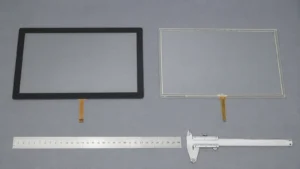
PCAP vs Resistive Touch Screen for Industrial Equipment
For most new industrial HMIs with a sealed glass front, PCAP is the practical starting point. It offers better optical clarity, a…
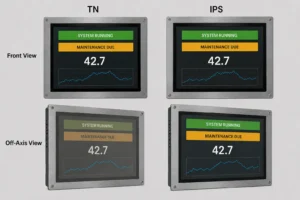
IPS vs TN Industrial Displays: How to Choose the Right Panel
IPS is usually the safer choice when an industrial display must be read from different heights, directions or operating positions. TN remains…