Industrial Touch Screen Cover Glass Design Guide
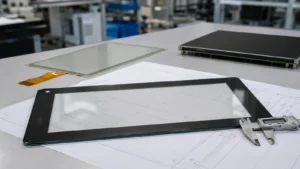
Industrial touch screen cover glass is more than a transparent protective sheet. It defines the front …
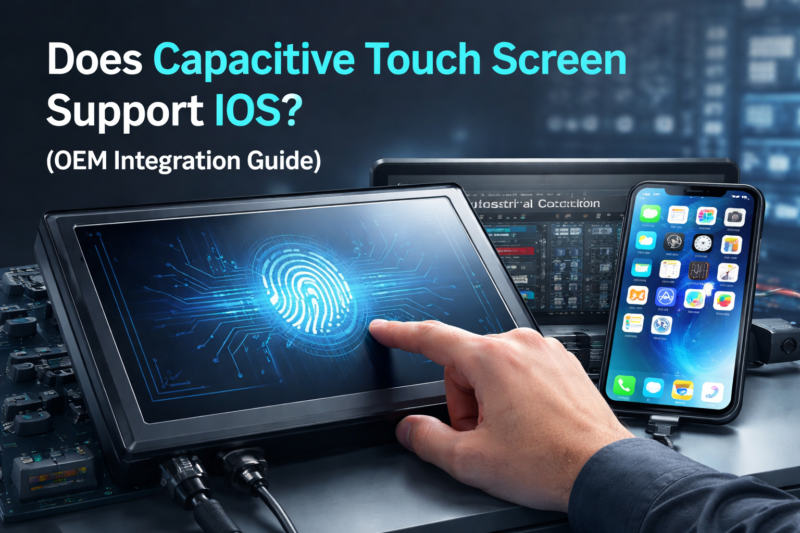
In OEM system design, touchscreen integration failures are often caused by incorrect assumptions about iOS compatibility rather than hardware defects.
Capacitive touch screens are widely used in industrial and commercial equipment. However, assuming they will operate with iOS-based systems without validation often leads to redesign cycles, delayed deployment, and increased engineering cost.
The key constraint is:
iOS compatibility is defined by the touch controller and system architecture—not the touch panel itself.
Understanding how iOS handles external touch input is essential before selecting a touchscreen solution.For a broader overview of industrial touch technologies, selection criteria, and system design considerations, refer to our industrial touch screen guide.
A capacitive touch screen does not inherently support iOS systems.
Only touchscreens with USB HID-compliant controllers that match iOS input protocols can function correctly.
Compatibility depends on whether the touchscreen:
Most external touchscreens fail with iOS due to system-level restrictions, not hardware limitations.
A capacitive touch screen alone does not guarantee compatibility.
Unlike Windows or Android platforms, iOS relies on strict native input recognition instead of flexible driver support.
For a touchscreen to function, the controller must:
This makes the touch controller the primary compatibility factor—not the panel.
Touchscreens that function normally on other platforms often fail when connected to iOS systems due to platform-level constraints.
iOS does not allow third-party driver installation.
Although iOS supports USB HID, its implementation is limited.
For a touchscreen to function:
Many generic or low-cost controllers fail at this level.
Physical interface and signal routing directly affect compatibility:
In practice:
External capacitive touchscreens can function with iOS—but only if specific conditions are met.
Even when functional:
Compatibility is possible, but must always be verified through real-device testing.
Controller choice is the primary success factor in iOS integration.
Key parameters include:
Integration must consider:
Before mass production:
Real-device validation is mandatory in iOS-based systems.
iOS-based systems are widely used in commercial and semi-industrial environments.
Common applications include:
In these architectures:
If compatibility is not verified early, OEM projects may face:
Typical consequences include:
These risks can be significantly reduced through early validation and correct controller selection.
No. Only touchscreens with properly implemented USB HID controllers that match iOS expectations will function.
Only in limited scenarios. Support depends on how the controller presents input to the system.
No. The limitation lies in the controller and communication protocol—not the touch technology itself.
No. USB improves connectivity but does not ensure that the touch controller will be recognized.
By validating the touchscreen controller directly with the target system before finalizing hardware design.
A capacitive touch screen does not automatically support iOS systems.
System compatibility depends on:
For OEM applications, touchscreen selection must be validated at the system level rather than assumed based on technology type.
In iOS-based systems, compatibility issues are rarely caused by the touch panel itself—but by mismatches at the controller and signal level.
The biggest risk is not selecting the wrong touchscreen, but discovering incompatibility too late, when redesign costs are highest.
At the integration stage, resolving these issues often requires:
This can significantly delay deployment and increase total project cost.
To minimize these risks, compatibility should be verified before hardware decisions are finalized.
In practical OEM workflows, this typically involves:
👉 If you already have a touchscreen, controller, or system architecture defined, you can share your configuration with us — we can help you quickly assess compatibility and avoid costly redesign before production.
Industrial touch screen cover glass is more than a transparent protective sheet. It defines the front …
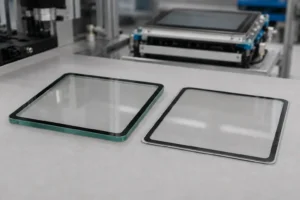
Industrial touchscreen projects often use the terms toughened glass, tempered glass, and chemically strengthened glass as …
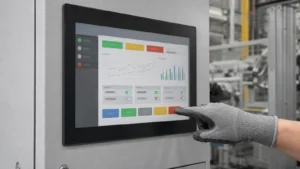
Operators should not have to remove protective gloves to use a machine interface. Yet a touch …
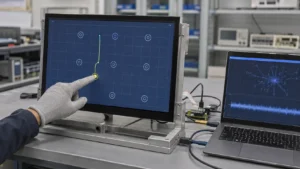
An industrial touch screen that misses gloved input does not always need “more sensitivity.” A screen …
Share your application, requirements, or current challenge. Our team will review the details and recommend a practical way forward.