What Is an Industrial Panel PC? Components, Types and Applications
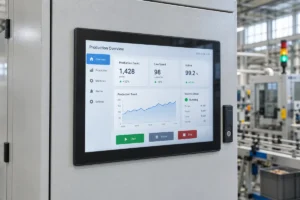
An industrial panel PC is a computer with a built-in display, usually a touchscreen, designed for …
Eagle Touch Engineering Team
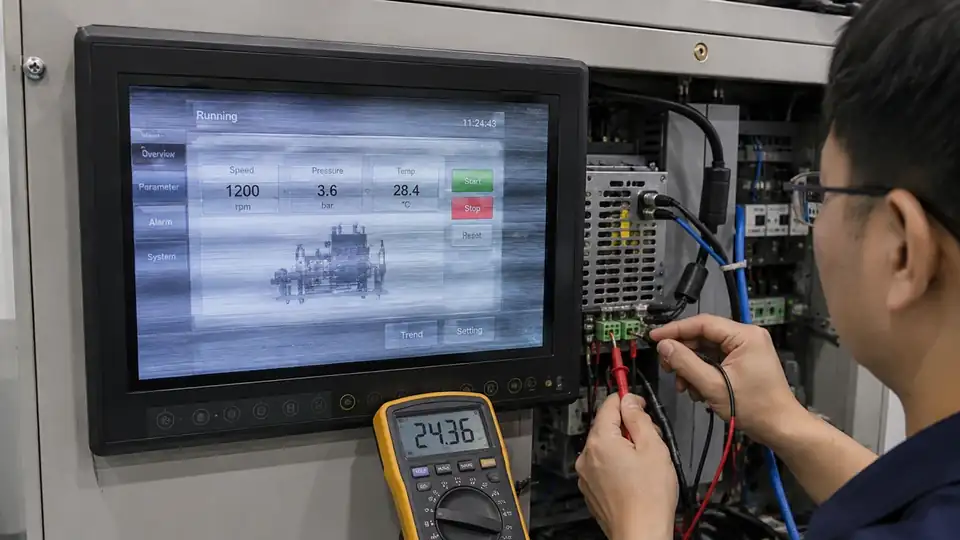
Industrial monitor flickering does not always mean the LCD panel has failed. The cause may be unstable power, an incorrect video mode, a damaged cable, electrical interference, backlight control or an internal monitor fault.
The key question is:
Does the problem follow the same monitor after the power supply, video cable and signal source have been independently tested?
This distinction helps prevent unnecessary replacement and shows whether the fault is inside the monitor or elsewhere in the equipment.
Start by identifying exactly what changes on the screen.
| Symptom | Likely area to check first |
|---|---|
| Brightness rises and falls while the image remains visible | Backlight control, dimming signal or power |
| The screen turns black and then recovers | Input power, video connection or source output |
| Moving lines, noise or an unstable picture | Video cable, signal timing, grounding or EMI |
| Flickering starts when a motor, relay or inverter operates | Shared power, grounding or electrical interference |
| The fault occurs only at one resolution | Unsupported timing, scaling or EDID compatibility |
| Flickering appears after warm-up or during cold startup | Temperature-sensitive power, controller or backlight fault |
When the screen remains black rather than recovering, see our industrial display black-screen diagnostic guide.
Before changing anything, record the original symptom. A short video showing the display, power indicator and machine operating state can provide useful evidence.
Open the monitor’s on-screen display while the flickering is present. You can also disconnect the video input and observe the no-signal screen or built-in test pattern.
If the OSD remains stable, the problem is more likely related to the source, cable, adapter or video timing.
If the OSD also flickers, check the monitor power and internal hardware.
Confirm the required voltage, polarity and current from the product specification.
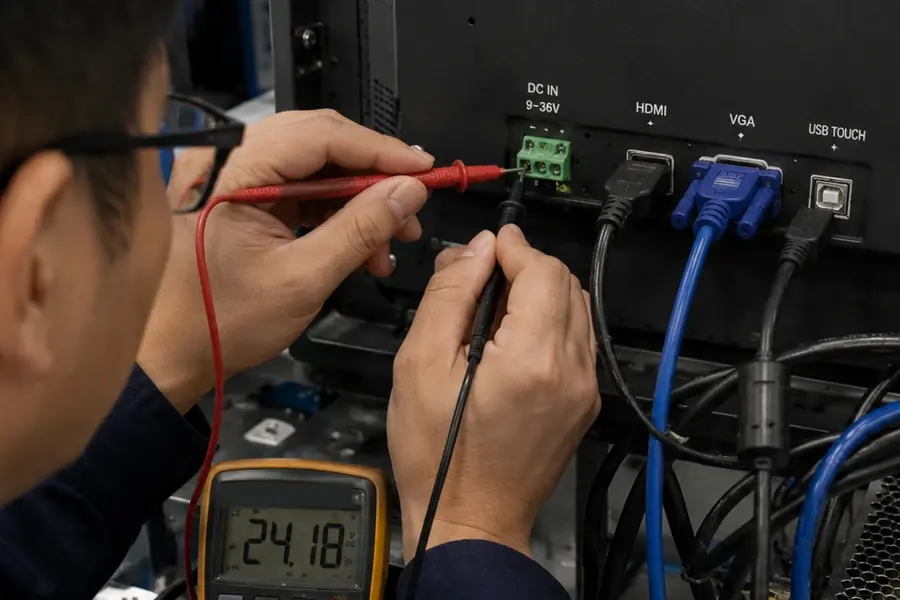
Where safe, measure the voltage at the monitor input while the equipment is operating. A power supply may show the correct voltage without a load but drop when the monitor starts or another machine component switches on.
Compare the result with a regulated power supply of the correct voltage and current rating.
Do not disconnect protective earth or modify machine wiring without proper electrical review.
Set the signal source to the LCD panel’s native resolution and a refresh rate supported by the monitor.
Some controller boards can accept a higher input resolution and scale it to the LCD. This does not change the panel’s native resolution.
If flickering began after a graphics driver, operating-system or firmware update, test the previous working configuration before replacing the monitor.
Connect the source directly to the monitor with a short, known-good cable.
Temporarily remove:
Inspect the connectors for bent pins, poor retention or cable strain. In vibrating equipment, locking connectors and strain relief are especially important.
Connect the monitor to another known-good signal source.
Where possible, also connect another working monitor to the original equipment.
The result usually gives a clear direction:
Note whether flickering appears:
A repeatable operating condition is often more useful than a general description of the fault.
If the display flickers when a motor, contactor, heater or inverter operates, do not assume EMI is the only cause.
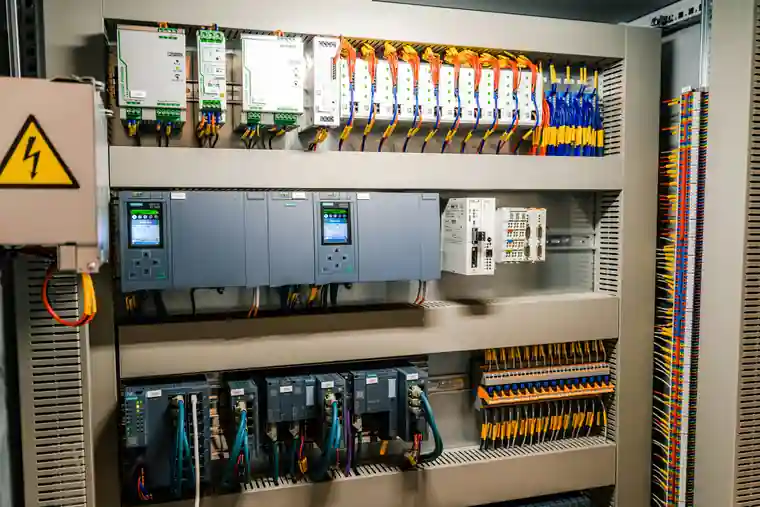
The event may produce:
Review the power distribution, grounding, shielding and cable routing as one system. Keep low-voltage signal cables away from high-current switching cables where the machine design allows.
A connector may appear secure while losing contact for a fraction of a second under vibration.
Check external power and video connections first. Inspect internal harnesses only when the equipment is powered down and access is permitted by the manufacturer.
Do not open a sealed or in-warranty monitor without authorization.
A fault that appears after warm-up may involve a power component, controller board, connector or backlight driver.
Cold-start flickering may have a different cause.
Record the temperature near the monitor and compare it with the specified operating range. Cabinet temperature can be significantly higher than the surrounding environment.
When the image remains visible but the brightness pulses at low settings, check:
Low-brightness flickering alone does not prove that PWM is the cause. If the entire image disappears, return to the power and video tests.
The tests above mainly apply to complete industrial monitors with HDMI, DisplayPort, DVI or VGA inputs.
For a bare LCD module using LVDS or eDP, also verify:
No interface is automatically more reliable in every application. Performance depends on cable length, shielding, grounding, connector retention, signal timing and board design.
| Test result | Recommended action |
|---|---|
| Flickering disappears after changing the power supply, cable, video mode or source | Correct the equipment integration |
| Several monitors show the same fault during the same machine event | Check shared power, grounding and electrical interference |
| The fault follows one monitor under known-good test conditions | Inspect the monitor’s power board, controller, backlight, harnesses and LCD assembly |
| The problem is limited to a replaceable board or cable | Repair may be practical |
| The LCD or backlight is discontinued or uneconomical to repair | Evaluate a replacement monitor |
| The original monitor is unsuitable for the operating environment | Replace it with a model designed for the actual conditions |
A discontinued monitor does not always require a new enclosure. A replacement can often be developed around the existing mechanical and electrical design.
Confirm the following information before selecting a replacement:
| Information | Why it matters |
|---|---|
| Display size, aspect ratio and native resolution | Maintains image layout and software compatibility |
| Overall dimensions and panel cutout | Determines whether the existing enclosure can be retained |
| Mounting structure | Confirms open-frame, panel-mount or VESA installation |
| Video input and supported timing | Ensures compatibility with the existing controller |
| Input voltage and power connector | Prevents unnecessary electrical changes |
| Touch technology and interface | Maintains operator input and software communication |
| Brightness and dimming method | Matches indoor, outdoor or automatic-dimming use |
| Operating temperature and front protection | Ensures suitability for the installation environment |
| Impact-resistance requirement | Confirms the required cover-glass and assembly design |
| Quantity and expected product lifetime | Supports stable component selection and future supply |
Eagle Touch develops industrial display monitors, open-frame monitors and panel-mount touch monitors for OEM equipment.
Mechanical dimensions, cover glass, brightness, touch interface, video input and power connection can be adapted to the equipment rather than selected by screen size alone.
To help a supplier evaluate the problem, prepare:
Not necessarily. The camera shutter may interact with the display refresh rate or backlight-dimming frequency and show bands that are not visible to the human eye.
Confirm whether operators can see the flickering directly. Applications involving cameras or machine-vision systems may require separate flicker testing.
The source and monitor may be re-establishing the video connection, reading EDID data or changing output timing.
Test the native resolution, a supported refresh rate and a direct cable connection. If the issue occurs only with one computer or controller, review its graphics driver, firmware and power-management settings.
The power LED only confirms that part of the monitor remains powered.
The video connection, controller board or backlight may still be interrupted. Check whether the OSD or no-signal screen appears, then test the source, cable and monitor input voltage.
Some monitor controller boards can accept a higher input resolution and scale it to the LCD panel.
The panel’s native resolution does not change. Use the native resolution where possible and confirm that alternative input timings are officially supported.
Send us the existing monitor model, fault video, application, installation method and required quantity.
We can help determine whether the next step should be further testing, repair or an OEM replacement.
An industrial panel PC is a computer with a built-in display, usually a touchscreen, designed for …
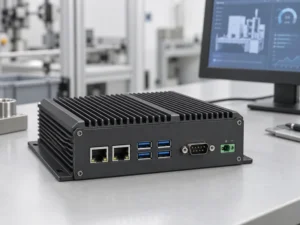
An embedded PC is a computer configured to work as part of a machine or larger …
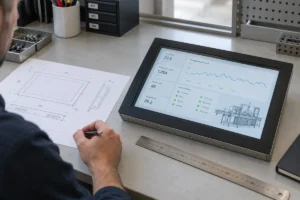
Start with the software the panel PC must run and the conditions it must fit. Then …
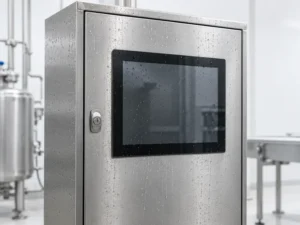
Choosing an industrial panel PC IP rating starts with two questions: what dust and water exposure …
Share your application, requirements, or current challenge. Our team will review the details and recommend a practical way forward.