Industrial Display Monitor: OEM & Industrial Systems Selection Guide (2026)
Introduction In industrial system design, the industrial display monitor is not just a visualization component—it is …
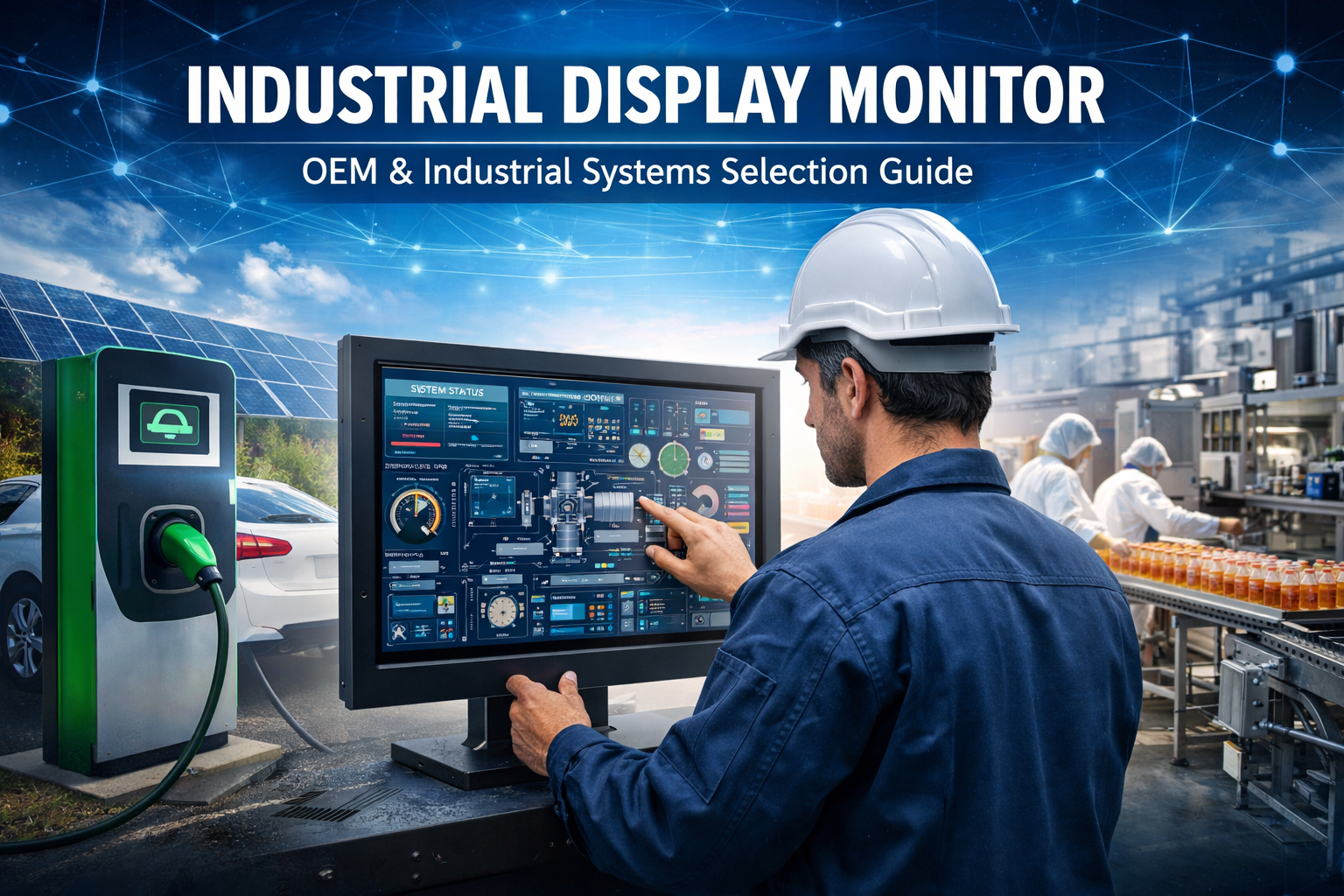
In industrial system design, the industrial display monitor is not just a visualization component—it is the primary interface between machines and operators.
These displays must operate reliably in environments where consumer-grade products fail, including:
For OEM manufacturers and system integrators, incorrect display selection can lead to:
👉 Key Insight:
In industrial systems, display failure is not isolated—it directly affects usability, safety, and system availability.
An industrial display monitor is a rugged display designed for integration into industrial equipment.
Unlike panel PCs, it does not include onboard computing and connects to:
Separating computing and display enables:
👉 Engineering Insight:
Modular display architecture reduces long-term maintenance cost, especially in multi-unit deployments.
Selecting between industrial and commercial displays is a critical early-stage decision.
| Feature | Industrial Display | Commercial Display |
|---|---|---|
| Operation | 24/7 continuous | Intermittent |
| Temperature | -20°C to 70°C | 0°C to 40°C |
| Lifespan | 50,000+ hours | 10,000–20,000 hours |
| Protection | IP65/IP67 | Minimal |
| Vibration | Designed for it | Not designed |
Using commercial displays in industrial environments often results in:
This section supports both search visibility and early-stage selection.
Typical use: factory automation and control cabinets
Typical use: OEM equipment, kiosks, embedded systems
Typical use: food processing, marine, outdoor
Typical use: EV charging stations, outdoor kiosks
Typical use: control rooms and industrial IT systems
Engineering risk:
Insufficient brightness leads to poor readability and increased operator error rates.
Selection rule:
Choose based on operating conditions, not user preference.
Failure risk:
Incorrect IP rating can result in moisture ingress and electrical failure.
Risk:
Out-of-range operation can cause instability, slow response, or permanent damage.
In industrial environments:
Signal stability is more critical than bandwidth.
Risk:
Improper interface selection may result in intermittent or unstable signal transmission.
Mounting decisions directly affect enclosure design and installation complexity.
Recommended:
Common failure:
Connector loosening due to vibration
Recommended:
Common failure:
Brightness without optical optimization results in poor readability
Recommended:
Common failure:
Connector loosening causing intermittent faults
Recommended:
Common failure:
Poor serviceability increases maintenance cost
Based on OEM deployment experience, common failure sources include:
👉 Key takeaway:
Most failures originate from incorrect specification during design—not hardware defects.
Industrial systems typically operate for 5–10 years.
Without planning:
Passive cooling is standard.
Risk:
Poor thermal management reduces backlight life and system reliability.
Benefits:
Typical range:
Must align with system-level power architecture.
Problem:
Low visibility under direct sunlight
Solution:
Result:
👉 Engineering impact:
Display optimization directly reduces field service frequency.
Most industrial projects require customization:
👉 Engineering insight:
Customization reduces integration risk and avoids redesign in later project stages.
What is an industrial display monitor?
A rugged display designed for reliable operation in harsh industrial environments.
Can industrial monitors be used outdoors?
Yes, with appropriate brightness, IP rating, and temperature range.
What lifespan can be expected?
Typically 30,000–70,000 hours depending on backlight design.
When should a panel PC be used instead?
When computing and display need to be integrated.
Selecting an industrial display monitor is a system-level engineering decision.
A correct selection improves:
An incorrect selection leads to:
Need help selecting the right industrial display monitor for your project?
Our engineering team can help you:
👉 Contact us today for a tailored solution or OEM customization.
Introduction In industrial system design, the industrial display monitor is not just a visualization component—it is …

Quick Answer: How Industrial Touch Screens Work Industrial touch screens detect input using pressure (resistive), capacitance …

Introduction Touch accuracy degradation is a recurring issue in industrial HMI systems. Unlike consumer devices, industrial …
Introduction In industrial equipment, a touch interface is not only a user input layer—it is a …
Send your application details. We respond with configuration direction and next steps.