Fanless vs Fan Industrial PC: Thermal Design Guide
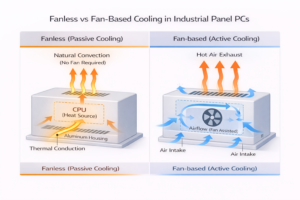
Introduction Thermal management is a primary constraint in industrial computing system design. Whether developing embedded controllers …
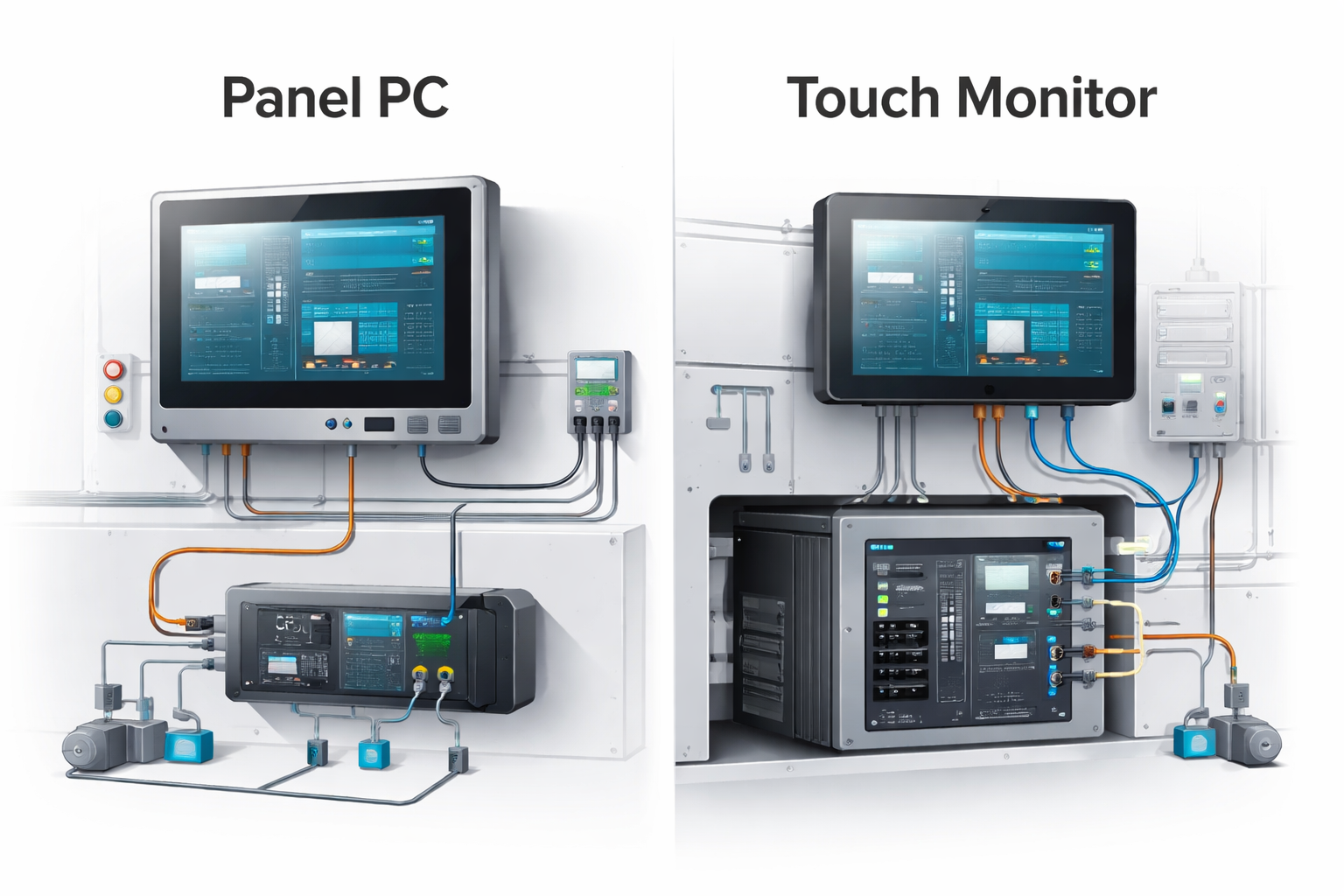
In industrial equipment design, selecting between a panel PC vs touch monitor directly affects system architecture, thermal performance, and lifecycle maintenance.
Although both provide touch-based operator interfaces, their roles within the system are fundamentally different. This decision influences how computing is deployed, how heat is managed, and how the system can be maintained or upgraded over time.
In many OEM projects, issues such as overheating, limited upgradeability, or complex maintenance are often traced back to early HMI architecture decisions.
From an engineering perspective, this is not only a hardware selection issue but a system-level design choice. For a broader understanding of how panel PCs are implemented in industrial environments, refer to our industrial panel PC guide.
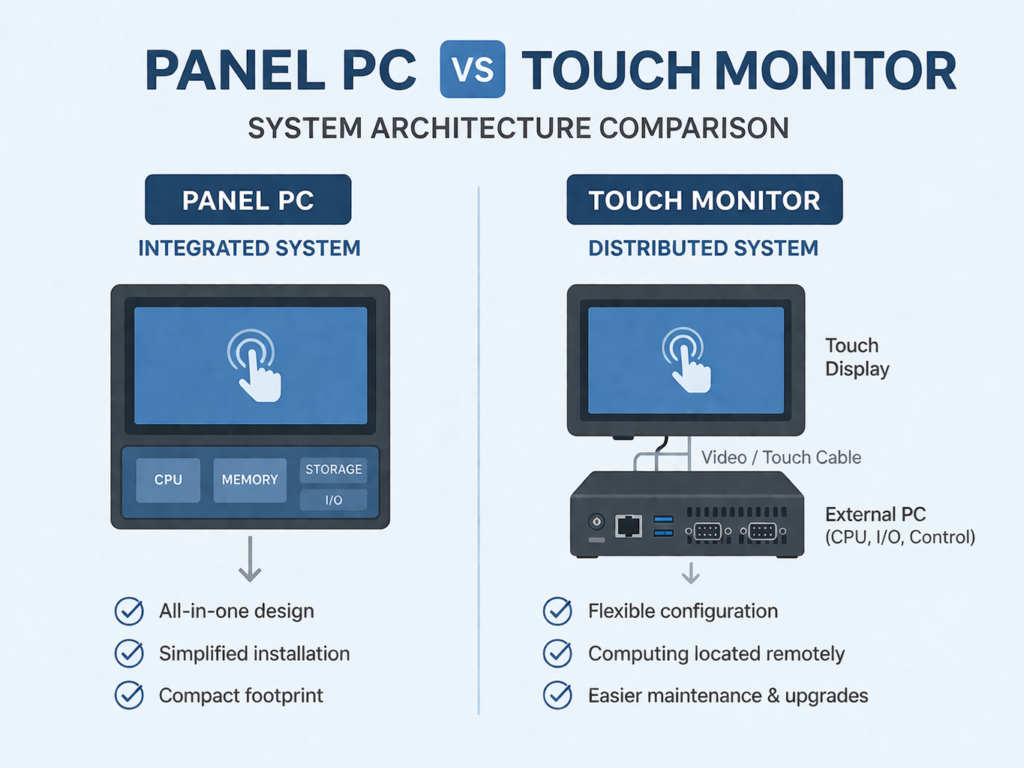
A panel PC integrates:
It includes CPU, memory, storage, and I/O interfaces in a single enclosure, operating as a self-contained HMI unit.
A touch monitor provides:
But requires an external PC or controller for processing.
From an architecture perspective:
Panel PCs use industrial embedded systems such as:
Fanless systems are commonly used to reduce failure risks in harsh environments.
Both solutions typically use:
Touch input is usually based on PCAP (projected capacitive) technology, supporting:
Optical bonding is often applied to improve visibility and durability, especially in outdoor or high-brightness applications.
| Factor | Panel PC | Touch Monitor |
|---|---|---|
| Computing | Integrated | External |
| Installation | Simplified | More complex |
| Thermal Design | Internal heat concentration | Heat separated |
| Maintenance | Replace entire unit | Modular replacement |
| Upgradeability | Limited | Flexible |
| Wiring | Minimal | More cabling |
| System Architecture | Centralized at HMI | Distributed |
In practice, selection errors often lead to field issues. Typical mistakes include:
These issues are typically not visible during early prototyping but appear after deployment.
Panel PCs reduce integration effort by combining computing and display. This is beneficial for:
Touch monitors require coordination with external computing systems, but allow:
Thermal behavior is a critical constraint:
For outdoor or high-temperature applications, distributed architectures are often more stable.
Panel PCs:
Touch monitor systems:
This is particularly important in infrastructure systems with long service life.
In real-world projects, standard products are often insufficient. Key customization factors include:
These factors should be validated early in the design phase to avoid redesign.
Outdoor environments introduce:
Touch monitor architectures help reduce thermal load and simplify maintenance.
In transportation and smart city deployments:
The choice between a panel PC vs touch monitor is fundamentally a system architecture decision.
The correct approach depends on environmental conditions, system layout, and lifecycle expectations. Early evaluation helps prevent thermal issues, maintenance challenges, and future redesign.
1. Can a touch monitor operate without a PC?
No. It requires an external computing system.
2. Which solution is easier to maintain?
Touch monitor systems are easier due to modular replacement.
3. Are panel PCs suitable for outdoor use?
Yes, but thermal design and enclosure protection must be carefully considered.
4. Do both support PCAP touch technology?
Yes, PCAP is standard in both systems.
5. Can these systems be customized for OEM projects?
Yes. Parameters such as brightness, enclosure design, interfaces, and temperature range can be adapted.
If you are evaluating panel PC vs touch monitor for an OEM project, key factors such as thermal conditions, enclosure constraints, and maintenance strategy should be assessed early.
Our engineering team supports:
You can share your application requirements or drawings for a preliminary technical review.
Introduction Thermal management is a primary constraint in industrial computing system design. Whether developing embedded controllers …
Introduction In industrial equipment design, selecting between a panel PC vs touch monitor directly affects system …
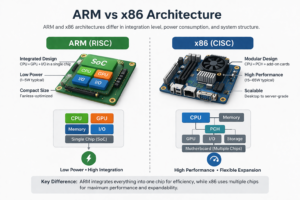
Introduction Processor architecture selection directly affects system stability, lifecycle cost, and integration complexity in industrial HMI …
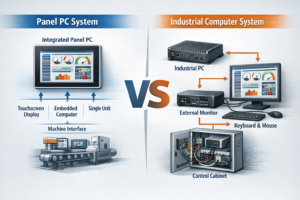
Introduction In industrial system design, selecting the appropriate computing architecture directly affects system reliability, integration complexity, …
Send your application details. We respond with configuration direction and next steps.