What Is an Industrial Panel PC? Components, Types and Applications
An industrial panel PC is a computer with a built-in display, usually a touchscreen, designed for …
Eagle Touch Engineering Team
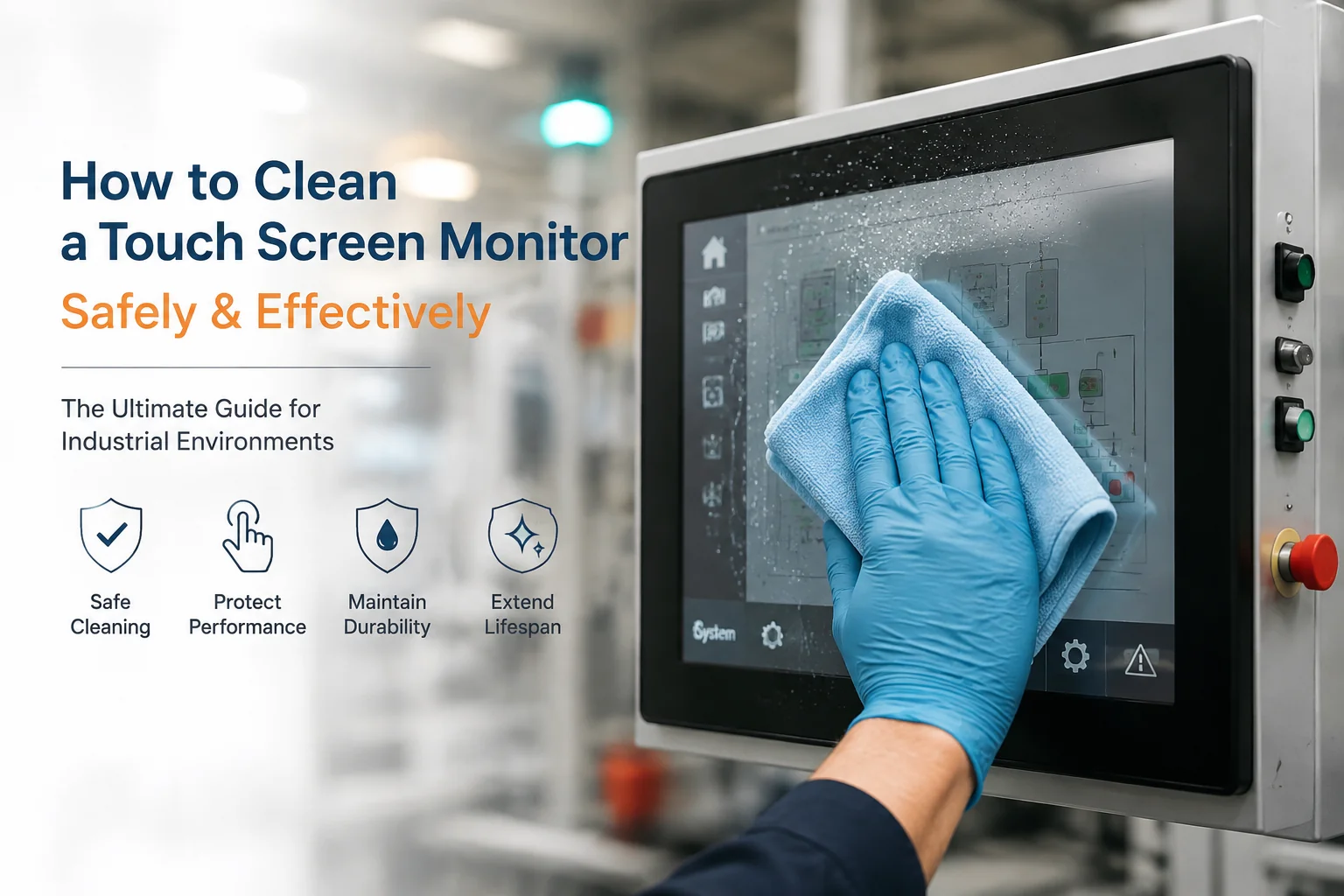
To clean a touch screen monitor safely, power off the screen, remove dust with a dry microfiber cloth, apply screen-safe cleaner to the cloth, wipe gently, and dry the surface.
Do not spray liquid directly onto the screen.
For office or light-use touch screens, this is usually enough.
Industrial touch screens need more attention. A screen cleaned once a month in an office is not the same as an HMI, kiosk, medical device, food machine, EV charger, or public terminal wiped every shift with disinfectant, detergent, or washdown water.
If a touch screen fails after cleaning, the first question should not be:
“Who cleaned it wrong?”
The better question is:
“Was this screen built for the cleaning process used on site?”
Daily wiping, disinfectants, moisture, dust, oil, and cleaning chemicals can affect the coating, sealing, bonding, gasket, printed border, and touch performance.
For touch structure, cover glass, bonding, and controller options, see our industrial touch screen guide.
Avoid ammonia, bleach, acetone, strong solvents, paper towels, rough cloths, direct liquid spray, and high-pressure water unless the display is designed for that method.
For industrial touch screen cleaning, the cleaner must match the cover glass, coating, bonding material, gasket, adhesive, enclosure, and printed surface.
| Cleaning Method | Use or Avoid | Main Risk | What to Check |
|---|---|---|---|
| Microfiber cloth | Use | Low risk | Use lint-free, non-abrasive cloth |
| Distilled water | Usually safe | Moisture near edges | Apply to cloth, not directly to screen |
| Screen-safe cleaner | Use if approved | Coating or material mismatch | Check cover glass, coating, printed border, gasket, and adhesive |
| Alcohol wipe | Only if approved | Coating wear, gasket aging, printed border damage | Check alcohol type, concentration, and wiping frequency |
| Disinfecting wipes | Only if approved | Chemical damage after repeated use | Check chemical ingredients and exposed materials |
| Antibacterial solution | Only if approved | Coating, printed border, seal, or plastic damage | Confirm compatibility before repeated use |
| Bleach disinfectant | Only if approved | Coating, seal, adhesive, plastic, and printed area damage | Confirm compatibility before production |
| Ammonia glass cleaner | Avoid unless approved | AG, AR, or AF coating damage | Do not use household glass cleaner by default |
| Acetone or strong solvent | Avoid | Bonding, gasket, enclosure, and adhesive damage | Do not use for normal cleaning |
| High-pressure water | Only for washdown-rated units | Liquid ingress and seal failure | Check IP rating, gasket, enclosure, and installation |
One wrong wipe may not destroy a screen. Repeated cleaning with the wrong material often does.
Turn off the monitor before cleaning. This prevents unintended input and makes dust, fingerprints, oil, and residue easier to see.
For industrial HMIs or machine control panels, follow the equipment safety procedure first.
Use a dry microfiber cloth before wet cleaning.
In factories, warehouses, outdoor terminals, and charging stations, dust or metal particles can become abrasive when dragged across the glass.
Do not spray cleaner directly onto the touch screen.
Direct spray can enter:
For open frame touch monitors and panel mount touch screens, final sealing also depends on the customer’s enclosure.
Wipe gently. Do not scrub.
If oil or residue remains, repeat the cleaning instead of pressing harder.
Coated cover glass may lose AG, AR, or AF performance after aggressive wiping. Resistive touch screens can be damaged by heavy pressure on the top film.
Dry the surface with a second clean microfiber cloth.
After cleaning, check for:
If the touch screen becomes unstable after cleaning, stop using the cleaner until the cause is confirmed.
Cleaning removes dust, oil, fingerprints, and visible dirt.
In touch screen cleaning, disinfection usually means using chemical disinfectants.
That is where many touch screen problems start.
Alcohol, disinfecting wipes, bleach-based cleaners, detergents, and antibacterial solutions may look safe after one wipe. Repeated use can damage coatings, printed borders, seals, adhesives, or plastic parts.
For medical devices, food equipment, public kiosks, shared factory HMIs, and self-service terminals, confirm the approved cleaner list before production.
Not after field failures appear.
You can use antibacterial solution on a touch screen display only if the cleaner is approved for that screen structure.
Some antibacterial wipes or disinfectants may damage anti-glare, anti-reflective, or anti-fingerprint coatings after repeated use. They may also affect printed borders, gaskets, adhesives, plastic parts, or edge sealing.
For industrial HMI, medical, kiosk, food equipment, and shared terminals, do not approve a disinfectant only because it works once.
Check the cleaner name, concentration, wiping frequency, cover glass coating, gasket, adhesive, printed border, enclosure material, and sealing design before production.
A touch screen cleaning problem is often not only a cleaning problem.
It is a design compatibility problem.
A control room screen may only need light wiping. A food processing display may face detergent and washdown. A medical touch panel may be disinfected many times per day. A public kiosk may be cleaned with whatever chemical the operator has on site.
Same size. Different risk.
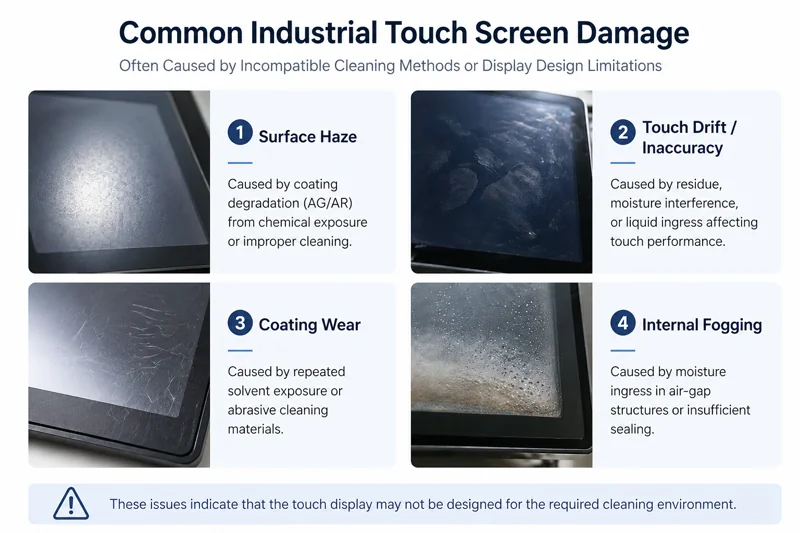
| Problem After Cleaning | Possible Cause | What It Usually Means |
|---|---|---|
| Surface haze | Coating damage | Cleaner and coating do not match |
| False touch | Moisture, residue, or grounding issue | Sealing, bonding, or touch tuning should be checked |
| Touch drift | Liquid or chemical residue | Cleaning method and front structure need review |
| Internal fogging | Moisture entering the display | Air-gap structure or weak sealing may not be suitable |
| Coating wear | Repeated solvent exposure | Stronger surface treatment may be required |
| Dead touch area | Liquid ingress or connector issue | Edge sealing and cable protection need review |
If the same problem appears again and again, changing the cloth is not enough. The screen specification should be reviewed.
Not every touch screen should be cleaned the same way.
PCAP touch screens normally use cover glass above the touch sensor. They are common in industrial touch monitors, kiosks, EV chargers, and panel PCs.
Common risks include coating damage, liquid ingress at the edge, residue causing false touch, poor grounding after installation, chemical attack on gasket or adhesive, and touch tuning not suitable for wet operation.
For customized cover glass, touch tuning, or structure review, see our custom touch solutions.
Resistive touch screens have a flexible top layer.
They support gloves, stylus input, and many legacy industrial systems, but they need gentler cleaning.
Main risks include scratching the top film, pressing too hard, solvent damage, and surface wear after repeated wiping.
Do not clean a resistive touch screen like bare glass.
Surface treatment changes the cleaning risk.
| Coating | Purpose | Cleaning Risk |
|---|---|---|
| AG anti-glare | Reduces reflection | May become hazy if damaged by chemicals or rough wiping |
| AR anti-reflective | Improves clarity and reduces reflection | Can be sensitive to strong solvents |
| AF anti-fingerprint | Makes fingerprints easier to remove | May wear after repeated chemical cleaning |
The coating name alone is not enough. Cleaner type, wiping frequency, cloth material, and working environment all matter.
For outdoor or high-humidity applications, optical bonding can also help reduce reflection and moisture-related risks. More details are covered in our guide to optical bonding for outdoor industrial displays.
For cleaning-intensive applications, do not only send screen size and brightness.
Send the cleaning conditions too.
| Requirement | Why It Matters |
|---|---|
| Cleaning frequency | Defines coating and material durability |
| Cleaner or disinfectant name | Checks chemical compatibility |
| Alcohol, bleach, detergent, or solvent use | Identifies coating, gasket, and adhesive risk |
| Wet wiping or washdown | Defines sealing and IP requirement |
| Indoor or outdoor use | Affects UV, moisture, and bonding choice |
| Mounting method | Affects final sealing and edge protection |
| Required IP rating | Helps define front protection |
| Cover glass coating | Affects chemical resistance and cleaning durability |
| Expected service life | Helps balance cost and durability |
If the screen is cleaned every day, every shift, or after each use, treat cleaning as a design requirement.
Not a maintenance detail.
The safest way to clean a touch screen monitor is simple: use a microfiber cloth, apply compatible cleaner to the cloth, wipe with light pressure, dry the surface, and never spray liquid directly onto the screen.
For industrial touch screens, cleaning is also a design issue.
Screen size, brightness, and interface are important. But they do not decide whether the product can survive daily cleaning.
Cleaning chemicals, frequency, sealing, coating, bonding, gasket material, and installation do.
Need to clean or disinfect an industrial touch screen every day, every shift, or after each use?
Send us the cleaner name, concentration, wiping frequency, disinfection method, washdown requirement, IP rating, mounting drawing, and operating environment.
Eagle Touch can review whether the cover glass, AG / AR / AF coating, optical bonding, gasket, adhesive, front sealing, enclosure, and touch controller design are suitable before sample production.
This helps reduce the risk of coating haze, false touch, moisture ingress, touch drift, seal failure, and early field replacement caused by cleaning conditions that were not considered during display selection.
Power off the screen, remove dust with a dry microfiber cloth, apply screen-safe cleaner to the cloth, wipe gently, and dry the surface. Do not spray liquid directly onto the screen.
Use a lint-free microfiber cloth and a cleaner approved for the screen. For industrial touch screen monitors, also confirm compatibility with the coating, seal, bonding material, gasket, and enclosure.
Yes, but only with an approved disinfectant. Some disinfectants can damage coatings, seals, adhesives, plastics, or printed areas after repeated use.
Only if the wipes are approved for that touch screen. Some disinfecting wipes contain alcohol, bleach, ammonia, or other chemicals that may damage coatings, printed borders, seals, adhesives, or plastic parts after repeated use.
Only if the antibacterial solution is approved for that touch screen structure. Repeated use may damage coatings, printed borders, seals, adhesives, or plastic parts.
Yes. Alcohol may be acceptable for some touch screens, but repeated alcohol cleaning can damage certain coatings or printed areas if the display is not designed for it.
Do not use household glass cleaner unless it is approved for the touch screen. Many glass cleaners contain ammonia or other chemicals that may damage surface coatings.
Common causes include liquid entering the edge, chemical damage to the coating, residue on the surface, weak sealing, poor grounding, or a display design that is not suitable for frequent cleaning.
Avoid paper towels, rough cloths, ammonia, bleach, acetone, strong solvents, abrasive pads, direct liquid spray, and excessive pressure.
IP65 front protection helps reduce liquid ingress from the front side, but it does not mean the product can handle washdown, strong chemicals, or incorrect installation. The gasket, enclosure, mounting method, and final sealing still need to be checked.
An industrial panel PC is a computer with a built-in display, usually a touchscreen, designed for …
An embedded PC is a computer configured to work as part of a machine or larger …
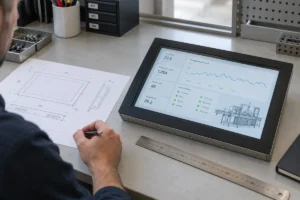
Start with the software the panel PC must run and the conditions it must fit. Then …
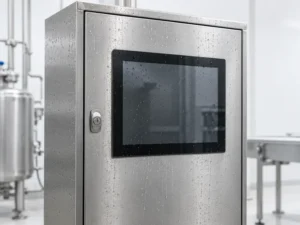
Choosing an industrial panel PC IP rating starts with two questions: what dust and water exposure …
Share your application, requirements, or current challenge. Our team will review the details and recommend a practical way forward.