What Is an Industrial Panel PC? Components, Types and Applications

An industrial panel PC is a computer with a built-in display, usually a touchscreen, designed for …
Eagle Touch Engineering Team
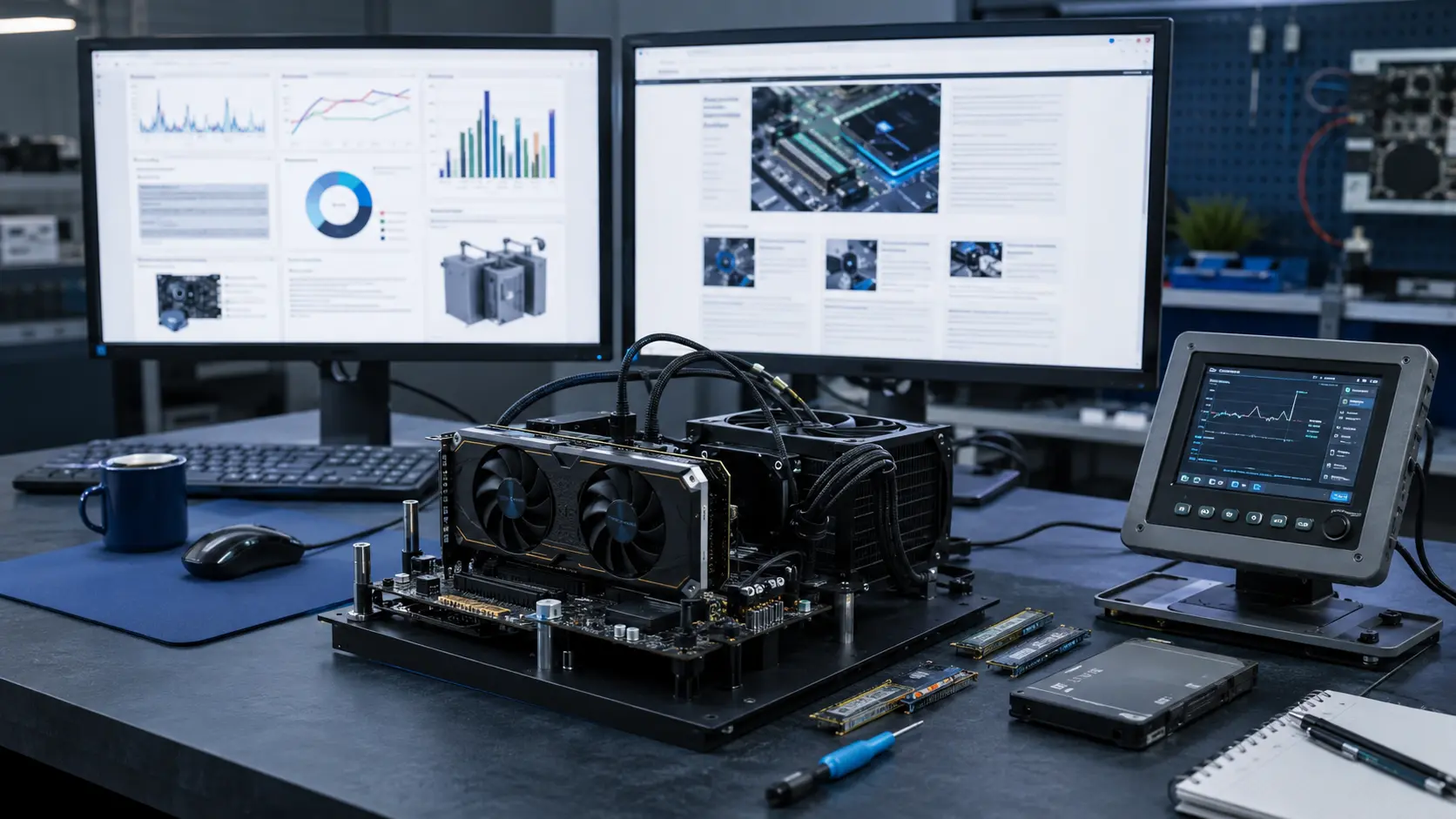
The best computer hardware website depends on what you are trying to solve.
A PC builder comparing graphics cards needs repeatable benchmarks. A Linux user needs driver and kernel coverage. A display engineer may care more about panel behavior, response time and interface standards. An embedded developer is usually looking beyond finished products to processors, boards, firmware and component availability.
This guide brings those different needs together. It includes 50 active hardware websites, technical publications, specialist channels, communities and selection tools that were checked for relevance and current activity in August 2026.
The numbering is provided for navigation rather than as an absolute quality score. A narrowly focused technical publication may be more useful than a larger website when its expertise matches your question.
Last editorial review: August 28, 2026
| Website | Best For | Main Strength |
|---|---|---|
| Tom’s Hardware | Overall PC hardware coverage | Reviews, benchmarks, news and buying guides |
| TechPowerUp | GPUs and component databases | Detailed specifications, BIOS tools and testing |
| GamersNexus | Thermals and test methodology | Transparent, repeatable hardware testing |
| Puget Systems | Professional workstations | Application-based CPU and GPU benchmarks |
| Phoronix | Linux hardware | Driver, kernel and open-source benchmarks |
| RTINGS | Standardized monitor comparisons | Consistent test procedures and comparison tools |
| TFTCentral | In-depth monitor analysis | Panel behavior, calibration and response-time testing |
| Display Daily | Display industry developments | Panel technology, supply chain and market analysis |
| EE Times | Electronics industry news | Semiconductors, embedded systems and components |
| CNX Software | Embedded Linux and SBCs | Boards, processors, firmware and edge platforms |
We did not rank websites by traffic or social media followers alone. Each source was evaluated according to its practical value to readers.
The main criteria were:
The list includes written publications, video-led technical channels and specialist communities. Aggregation platforms are not counted as hardware publications, and separate sections of the same website are not counted twice.
Best for: Broad PC component coverage and buying research
Tom’s Hardware remains one of the most complete starting points for CPUs, GPUs, memory, storage, motherboards, cooling, power supplies and PC building. Its combination of news, laboratory testing and buying guides makes it useful to both first-time builders and experienced users.
The site covers a very wide range of topics, so readers looking for a highly specialized answer should still compare its findings with a second technical source.
Best for: GPU specifications, graphics card reviews and technical databases
TechPowerUp combines hardware news and detailed reviews with unusually useful reference tools. Its GPU database, BIOS collection and component specifications often provide information that is difficult to find on mainstream technology websites.
It is particularly valuable when identifying an exact GPU model, comparing architecture details or checking how different board designs perform.
Best for: Cooling, thermals, cases, GPUs and test transparency
GamersNexus has built its reputation on explaining not only what it tested, but how it tested it. Its work on CPU coolers, cases, graphics cards and thermal behavior is supported by documented methods, repeated measurements and published corrections.
The content can be technical and occasionally long, but that depth is precisely why it is useful when a buying decision depends on temperature, noise, power or build quality.
Best for: PC hardware news, laptops and emerging computing platforms
HotHardware covers components, notebooks, prebuilt systems, mobile hardware and new computing technologies. It balances detailed reviews with faster industry news, making it useful for following both product launches and broader market developments.
Its scope extends beyond PC components, so use the hardware and review sections when conducting focused product research.
Best for: High-frequency hardware news and component reviews
TweakTown publishes frequently across CPUs, GPUs, storage, memory, gaming hardware and peripherals. Its reviews usually include performance data, product features and a clear final assessment.
It is a useful source for tracking newly released products, although major purchasing decisions should still be checked against another independent benchmark source.
Best for: Performance comparisons and practical PC buying advice
TechSpot is strongest when it moves beyond reviewing one product and compares multiple CPUs, GPUs or configurations under the same conditions. Its benchmark articles and retrospective tests help readers understand value, not just peak performance.
The writing is generally accessible without oversimplifying the results, making it suitable for both enthusiasts and technical buyers.
Best for: Mainstream PC hardware, laptops and practical purchasing decisions
PCWorld covers PC components, complete systems, monitors, accessories and Windows-related hardware. Its content is less engineering-focused than some specialist sites, but it does a good job of translating specifications into practical buying advice.
It is especially useful for readers choosing finished products rather than investigating board-level design or component architecture.
Best for: Hardware analysis in a wider technology context
Ars Technica approaches hardware with a strong editorial and technical perspective. Its reviews often consider operating systems, architecture, repairability, software support and long-term product implications alongside conventional performance.
It does not publish the volume of component reviews found on dedicated PC sites, but its strongest articles provide more context than a standard product roundup.
Best for: Graphics cards, drivers and PC gaming performance
Guru3D is a long-established source for GPU reviews, driver releases, graphics performance and related PC components. Its reviews frequently include large benchmark sets covering different games, resolutions and power conditions.
The site is most valuable to readers who already understand the basic hardware and want more detailed performance comparisons.
Best for: GPUs, CPUs, storage, cooling and PC components
KitGuru combines hardware news with written and video reviews across a broad range of PC products. Its UK perspective can also be useful when pricing and availability differ from the North American market.
The site is particularly strong in component testing, system builds and coverage of new product launches.
Best for: Board-level analysis, power behavior and thermal engineering
Igor’sLAB goes deeper than conventional product reviews. It frequently examines PCB design, voltage behavior, cooling, power limits and the engineering decisions behind finished hardware.
The English edition makes much of this work accessible internationally. Some articles assume a higher level of technical knowledge, but experienced readers will find details that are rarely covered elsewhere.
Best for: Power supplies, power quality and laboratory testing
Hardware Busters is one of the most specialized sources in this list. It is particularly strong in power supply testing, using professional equipment to examine efficiency, voltage regulation, ripple, noise and protection behavior.
It is not intended as a general PC news destination. Its value lies in answering questions that superficial PSU specification sheets cannot.
Best for: PC enthusiast news, reviews and technical discussion
PC Perspective covers processors, graphics, storage, complete systems and the wider enthusiast market. Its combination of written reviews, commentary and podcasts gives readers several ways to follow hardware developments.
It is a useful secondary source when comparing opinions on new platforms or components.
Best for: General technology news with a PC hardware background
The Tech Report has a long history in PC hardware publishing. Its present coverage is broader than it was in its earlier benchmark-focused years, but readers can still find useful reporting on processors, graphics, storage and computing trends.
For measurement-heavy product research, it is better used alongside a dedicated testing site.
Best for: Consumer computers, laptops and accessible buying advice
Digital Trends covers PCs, notebooks, monitors, peripherals and major computing platforms. Its content is designed for a broad audience and generally explains products without requiring deep technical knowledge.
It is a convenient place to understand the market quickly, but engineers and advanced users will usually need more specialized sources for detailed validation.
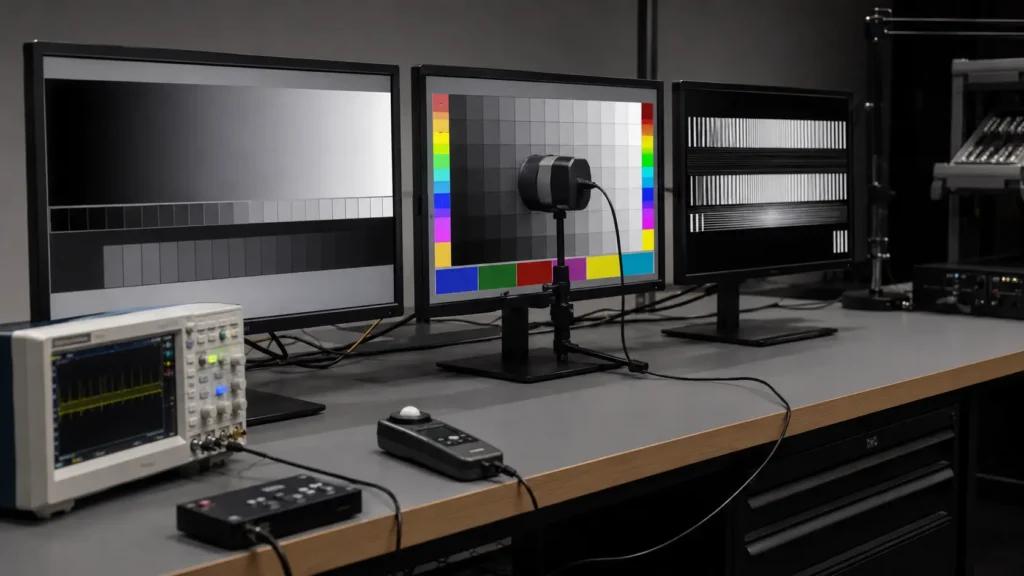
Best for: Standardized monitor tests and direct product comparisons
RTINGS buys and tests monitors using a consistent methodology. Its results cover brightness, contrast, color, motion handling, response time, input lag, viewing angles and other measurable characteristics.
The comparison tools are especially useful because two monitors can be evaluated using the same test framework. Its focus is primarily consumer and gaming products rather than industrial displays.
Best for: Detailed monitor performance and panel technology
TFTCentral is one of the strongest specialist publications for monitor testing. It covers response times, overdrive, refresh behavior, calibration, HDR, OLED developments and panel characteristics in considerable depth.
Its panel database, launch tracker and technical guides make it useful even when the reader is not shopping for a specific monitor.
Best for: Monitor selection, specifications and buying guides
DisplayNinja is particularly good at helping readers narrow down monitor choices by resolution, refresh rate, panel type, use case and budget. Its guides are easier to scan than many laboratory-style reviews.
It is best used for shortlisting products. Once a model has been selected, consult a measurement-focused source for deeper verification.
Best for: Detailed monitor reviews with practical observations
PCMonitors.info combines measurements with careful observations about panel behavior, screen surface, motion performance and real-world image quality. The reviews are detailed without being written only for laboratory specialists.
It is especially helpful when two monitors have similar specifications but behave differently in actual use.
Best for: Monitor, GPU and CPU performance comparisons
Hardware Unboxed is primarily a video-led testing publication supported by its own website. Its large comparison sets are useful for understanding relative value across CPUs, GPUs and displays.
Its monitor work has increasingly moved into the dedicated Monitors Unboxed channel, while the main platform continues to cover broader PC hardware.
Best for: Monitor testing and long-term display behavior
Monitors Unboxed focuses exclusively on displays. It covers response performance, color, HDR, panel technology and value, with long-term tests that are uncommon in conventional monitor reviews.
Its extended OLED usage tests are a good example of why time-based observation can reveal behavior that a short review period cannot.
Best for: Display industry news, panel technology and supply-chain developments
Display Daily is not a consumer monitor review site. It focuses on the technologies and companies behind displays, including LCD, OLED, MiniLED, MicroLED, automotive displays, professional displays and manufacturing developments.
For product designers and display-industry professionals, this wider market view can be more valuable than another finished-product review.
Best for: TVs, display platforms, HDR and video standards
FlatpanelsHD covers televisions, monitors, media platforms and display standards. Its articles are useful for understanding HDR formats, panel developments, HDMI features and how display ecosystems are changing.
The site leans more toward home entertainment than computer components, but its display knowledge makes it relevant to anyone following panel technology.
Best for: Motion clarity, refresh rates and display timing
Blur Busters specializes in the behavior of fast displays. Its work explains refresh rates, persistence, strobing, variable refresh, input latency and motion artifacts in more depth than most general review sites.
It is a valuable technical reference when “high refresh rate” alone does not explain how a display actually looks in motion.
Best for: Detailed German-language monitor testing
PRAD publishes monitor tests, product databases and buying guides for gaming, office, graphics and professional use. Its reviews cover image quality, ergonomics, performance and practical suitability.
Most content is in German, but the depth of its monitor testing makes it worth using with browser translation when necessary.
Best for: Workstation performance in professional applications
Puget Systems tests hardware inside real applications used for video editing, photography, rendering, engineering, AI and scientific work. This is more useful to professional buyers than relying only on synthetic benchmarks.
The company sells workstations, so readers should understand the commercial context. However, its application-specific testing remains valuable and is usually presented with enough detail to compare configurations.
Best for: Linux hardware, drivers and open-source performance
Phoronix is the essential source for Linux users who need more than a Windows benchmark translated into a different operating system. It covers kernel changes, graphics drivers, processors, storage, compilers and Linux distribution performance.
Its large automated benchmark sets are particularly useful for identifying regressions or differences between software versions.
Best for: Servers, networking, storage and enterprise hardware
ServeTheHome covers server processors, network equipment, storage systems, accelerators, mini PCs and enterprise infrastructure. Its reviews often examine hardware that mainstream consumer publications ignore.
It is useful for homelab users, system administrators and professional buyers evaluating hardware for continuous workloads.
Best for: Advanced workstations, Linux, virtualization and system design
Level1Techs is aimed at readers who are comfortable going beyond standard desktop configurations. Its content covers Linux, KVM solutions, storage, virtualization, professional workstations and unusual system builds.
The associated community is also useful for discussing configurations that do not fit typical consumer buying guides.
Best for: Enterprise storage, servers and data-center hardware
StorageReview operates a substantial test lab and covers SSDs, servers, storage arrays, networking and infrastructure equipment. Its enterprise focus distinguishes it from sites that test only consumer drives.
For professional storage research, the workload, test configuration and endurance context are often more important than the headline sequential speed.
Best for: NAS selection, setup and storage platform comparisons
NAS Compares focuses on network-attached storage hardware and software. It covers systems from major NAS vendors, drive compatibility, operating systems, upgrades and buying decisions.
The amount of content can be extensive, so readers should begin with the comparison or buyer-guide sections when researching a specific deployment.
Best for: Enterprise storage business and technology news
Blocks & Files covers the companies, products and market changes behind enterprise storage. It is less concerned with consumer benchmarks and more interested in architectures, vendors, acquisitions and infrastructure strategy.
It is a useful source for understanding why the storage market is changing, not simply which SSD is fastest.
Best for: SSD reviews and flash-storage technology
The SSD Review concentrates on solid-state storage, including consumer, portable and enterprise products. Its specialization allows it to cover controller behavior, flash technology and storage performance in more depth than a general PC website.
Readers should still compare workload conditions, because a drive that performs well in a desktop test may behave differently under sustained professional use.
Best for: Laptop displays, thermals and component-level comparisons
Notebookcheck maintains a large collection of notebook reviews and component data. Its testing commonly covers display brightness, color, PWM behavior, battery life, temperature, noise and sustained performance.
The site is particularly useful when comparing laptops that use similar processors but differ significantly in cooling, power limits or screen quality.
Best for: High-performance computing and advanced infrastructure
HPCwire covers supercomputing, accelerators, AI infrastructure, scientific computing and large-scale systems. It is an industry publication rather than a consumer review site.
Readers involved in data centers, research computing or advanced workstation planning can use it to follow the technologies that later influence mainstream computing.
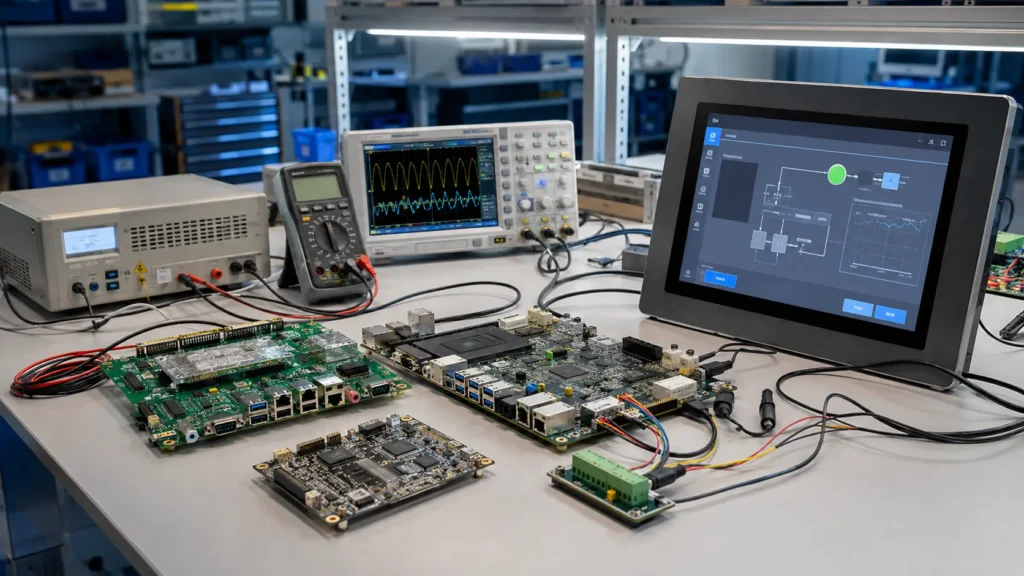
Best for: Semiconductors, electronics design and industry developments
EE Times connects component technology with the wider electronics industry. Its coverage includes processors, memory, automotive electronics, power, embedded systems, test equipment, manufacturing and supply chains.
It is especially useful to engineers and purchasing teams who need to understand where a technology is heading, not only how one finished product performs.
Best for: Embedded hardware, firmware and system design
Embedded.com focuses on the interaction between hardware, software and firmware. Its articles cover microcontrollers, RTOS platforms, embedded Linux, security, connectivity, debugging and system architecture.
This makes it more relevant to product developers than general computer publications focused on finished PCs.
Best for: Asian electronics manufacturing and semiconductor news
EE Times Asia provides regional coverage of semiconductor manufacturing, components, embedded systems, automotive electronics and the Asian supply chain.
For companies sourcing or developing hardware in Asia, regional factory investment and component availability can be as important as global product announcements.
Best for: Single-board computers, embedded Linux and edge devices
CNX Software follows Arm, RISC-V and x86 boards, system-on-modules, development kits, firmware and embedded operating systems. New boards are usually presented with enough interface and processor detail to help engineers decide whether further evaluation is worthwhile.
It is one of the most practical daily sources for embedded Linux hardware.
Best for: Electronics engineering, test equipment and hardware discussion
EEVblog combines an engineering video channel with a large technical forum. Topics range from oscilloscopes and PCB design to power supplies, repair work and component-level troubleshooting.
The presentation is informal, but the bench experience and community knowledge make it valuable to engineers, technicians and serious hardware hobbyists.
Best for: Embedded architecture and disciplined engineering practice
Embedded Artistry concentrates on building maintainable embedded systems. Its strongest material addresses architecture, hardware abstraction, testing, portability and the relationship between firmware and physical hardware.
It is less focused on product news and more useful when the goal is to build a system that can survive revisions and component changes.
Best for: Hardware projects, teardowns and unconventional engineering
Hackaday publishes a continuous stream of projects, repairs, experiments and technical discoveries. The quality and complexity vary because the subject matter is so broad, but that variety is part of its value.
It is a useful source of ideas and implementation examples, although a project article should not automatically be treated as a production-ready design.
Best for: Components, circuit design and engineering applications
Electronic Design covers analog, digital, power, embedded, communications and test technologies. It connects new components with actual engineering problems rather than reporting only product announcements.
Engineers evaluating architectures or component families will find more relevant material here than on a consumer hardware site.
Best for: Electronics education, circuit design and technical reference
All About Circuits combines textbooks, technical articles, industry news, projects and an engineering forum. It works well for both learning fundamental electronics and researching a specific circuit or component topic.
Its educational structure makes difficult subjects more approachable without reducing everything to basic consumer advice.
Best for: Embedded projects and practical circuit design
Circuit Cellar has a long history of publishing real embedded systems, PCB projects, firmware work and design techniques. Its content is aimed at people who build hardware rather than only read about it.
Some material is membership-based, but the publication remains a useful source of practical engineering ideas.
Best for: Component compatibility and PC build planning
PCPartPicker helps users combine CPUs, motherboards, memory, cases, graphics cards, power supplies and storage while checking common compatibility conditions. Its completed-build database also shows how other users have assembled similar systems.
It is a planning tool rather than a substitute for engineering judgment. Physical clearances, BIOS requirements and unusual power conditions still need to be confirmed.
Best for: Current hardware news and informed community discussion
The r/hardware community aggregates articles, benchmarks and industry developments from many sources. Strong discussions can expose methodological weaknesses or provide useful context around a new result.
As with any open community, comments should be treated as discussion rather than verified evidence. Follow the original source before relying on a claim.
Best for: Overclocking, cooling and advanced PC tuning
Overclock.net is a long-running enthusiast community covering CPUs, GPUs, memory tuning, liquid cooling and custom builds. Older forum threads can also contain useful information about hardware that is no longer covered by current publications.
Results posted by individual users may use different test conditions, so compare configurations carefully.
Best for: Experienced PC hardware discussion
HardForum has active sections covering processors, graphics, displays, storage, networking, cooling and system building. Its long history makes it particularly useful when researching older hardware or unusual configurations.
The tone is direct and experience-driven. That can be helpful, but individual reports should still be separated from controlled test data.
Best for: Broad community support and build troubleshooting
The Linus Tech Tips forums cover PC building, displays, peripherals, networking, operating systems and troubleshooting. The large user base means common questions often receive quick responses.
Answer quality varies, so use the forum to identify possible causes or options, then verify important technical decisions with manufacturer documentation or controlled testing.
AnandTech remains one of the most valuable computer hardware archives on the internet, particularly for processor architecture, SoCs, displays and historical platform analysis.
However, it stopped publishing new articles in August 2024. For that reason, we have not counted it as one of the 50 active hardware sources for 2026.
Its archive is still worth using when researching an older product or understanding how a hardware architecture developed over time.
No single hardware website is the best source for every decision.
A more reliable workflow is to combine sources with different strengths:
The most trustworthy decision usually comes from comparing at least two sources and understanding how each test was performed.
Consumer hardware publications are useful, but their conclusions do not automatically transfer to industrial equipment.
A desktop monitor review may accurately measure color, contrast and response time. It usually does not tell an equipment manufacturer whether the LCD will remain available for several years, fit an existing enclosure, operate continuously in a hot cabinet or maintain stable touch performance through custom cover glass.
Industrial projects require a different level of evaluation.
Consumer displays can change panel or controller revisions without supporting a long OEM lifecycle. Industrial equipment manufacturers need to consider repeat production, revision control and replacement compatibility.
An industrial display monitor should be evaluated as part of the equipment design, not as a standalone desktop accessory.
A higher brightness number helps in strong ambient light, but reflections, cover glass, bonding and installation angle also affect readability.
Our industrial display brightness guide explains how brightness should be selected according to the actual lighting environment rather than one fixed outdoor specification.
The LCD, touch panel, adhesive layer, cover glass and surface treatment work as one optical system. Adding thick glass or an air gap can change reflection and perceived contrast even when the LCD specification remains the same.
For outdoor or high-humidity equipment, compare the actual requirements before selecting optical bonding for an industrial display.
A PCAP touch sensor that works behind 2 mm glass may need different tuning behind 6 mm glass. Water, gloves, grounding, electrical noise and the metal enclosure can also influence touch behavior.
This is why touch performance should be validated in the final mechanical and electrical structure rather than judged only from a controller specification.
A monitor may be rated for an extended operating temperature, but heat can still accumulate inside a sealed kiosk, charging station or control cabinet. LCD temperature, backlight power, direct solar loading and enclosure ventilation need to be considered together.
An outdoor touch monitor must therefore be selected together with the enclosure and installation environment.
For an integrated computer, the display is only one part of the system. CPU platform, operating system, I/O, power input, thermal design, mounting and lifecycle support all affect the final result.
Our industrial panel PC solutions are configured around the equipment application rather than a single headline processor specification.
The best computer hardware blogs are not necessarily the largest ones. The most useful source is the one whose testing method, technical depth and audience match the decision you need to make.
Use mainstream hardware publications to compare products. Use specialist sites to understand displays, storage, Linux or embedded systems. Use communities to identify real-world issues—but return to controlled data and official documentation before finalizing a design.
For industrial equipment, online research is only the first step. Mechanical drawings, operating environment, touch requirements, brightness, interfaces, temperature and expected production volume must still be reviewed as one system.
Developing an industrial display or panel PC project?
Send us your project required ,including screen size, brightness, touch type, video interface, mounting method, operating temperature and estimated quantity. Eagle Touch can evaluate a suitable display or computing solution for your equipment.
An industrial panel PC is a computer with a built-in display, usually a touchscreen, designed for …

An embedded PC is a computer configured to work as part of a machine or larger …

Start with the software the panel PC must run and the conditions it must fit. Then …

Choosing an industrial panel PC IP rating starts with two questions: what dust and water exposure …
Share your application, requirements, or current challenge. Our team will review the details and recommend a practical way forward.