What Is an Industrial Panel PC? Components, Types and Applications

An industrial panel PC is a computer with a built-in display, usually a touchscreen, designed for …
Eagle Touch Engineering Team
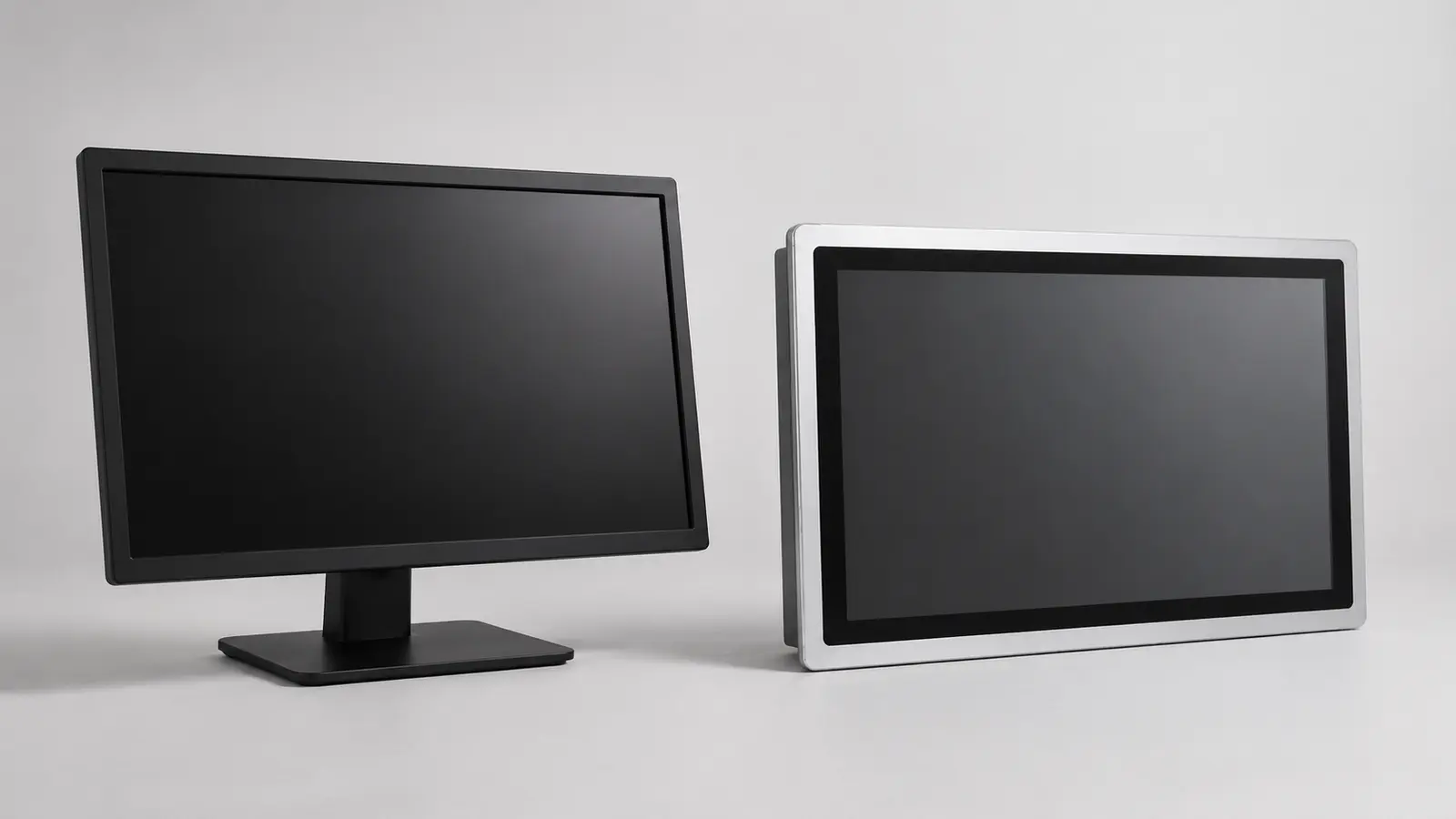
A commercial monitor may have the right size, resolution and video input for industrial equipment. That does not make it unsuitable—but it does not prove that it will work reliably in the final machine.
The real differences concern installation, operating conditions, electrical design and product continuity. These matter more than the word “industrial” printed on a datasheet.
A commercial monitor can be a practical choice in a clean, climate-controlled location when its duty cycle is documented, standard mounting is acceptable and model replacement will not force an equipment redesign.
Choose an industrial display when the monitor must tolerate temperature extremes, vibration, dust or moisture; requires panel mounting, secured cables, DC power or custom glass; or must remain mechanically and electrically consistent over a long production life.
Do not decide from a category label alone. Verify the exact model in the completed installation.
When buyers search for “industrial LCD vs commercial LCD,” they are usually comparing complete display products rather than bare LCD cells.
“LCD,” “display” and “monitor” are often used as if they mean the same product.
IP protection, metal construction, HDMI inputs and mounting brackets are system- or monitor-level features—not properties of the LCD glass. This article therefore compares complete monitors.
Commercial and consumer products should not be treated as the same category either.
| Product type | Typical purpose | Main limitation in OEM equipment |
|---|---|---|
| Consumer monitor | Home and personal office use | Short product cycles and limited integration control |
| Commercial display | Retail, meeting rooms, digital signage and professional AV | May support 24/7, but usually offers limited mechanical customization and revision control |
| Industrial display | Machines, kiosks, transportation and OEM equipment | Higher initial cost and application-specific validation |
For available structures and configurations, see our industrial display monitor range.
These are typical design priorities, not universal specifications. Always check the exact product.
| Factor | Industrial display | Commercial monitor |
|---|---|---|
| Primary purpose | Equipment integration | Professional indoor, retail or signage use |
| Duty cycle | Continuous-duty options are common | May be 16/7, 18/7 or 24/7 |
| Temperature | Standard and extended ranges available | Based on the intended commercial environment |
| Mounting | Open frame, panel mount, VESA or custom | Desktop, wall or standard VESA |
| Power | Fixed or wide-range DC options | Commonly AC input or an external adapter |
| Cable retention | Clamps or locking solutions can be specified | Standard AV and USB connectors |
| Protection | Sealed-front and full-enclosure options | Available on selected products only |
| Touch | Glass, glove, wet-touch and tuning options | Usually standard touch behavior |
| Product continuity | Change notice and replacement planning can be agreed | Models may change with the commercial roadmap |
| Customization | Mechanical, optical and electrical | Usually limited |
An industrial monitor does not automatically include every feature in the left column, and a commercial monitor is not automatically excluded from them.
Temperature must be checked for the complete monitor. The LCD, backlight, power board and touch controller may have different limits.
Also consider the temperature inside the equipment. A 30°C room does not mean a sealed cabinet will remain at 30°C. Internal electronics, restricted airflow and sunlight can raise it significantly.
Confirm normal operation, hot and cold startup, unpowered storage and internal cabinet temperature at maximum load. Slow LCD response in the cold, backlight ageing at high temperature and temporary blackening from solar heat are different problems; one temperature figure cannot describe all three.
Some commercial displays are designed for continuous operation. “24/7” alone does not make a monitor industrial.
Confirm whether the exact model supports the required daily runtime, under what temperature conditions, and how its backlight lifetime is defined. A quoted LED lifetime is not a guarantee that every component will last for the same period. Power components, fans, connectors and enclosure heat also affect service life.
Our industrial LCD backlight selection guide explains how brightness, drive current, temperature and dimming influence backlight performance.
Commercial monitors are normally designed for a desk or standard wall mount. OEM equipment may require a fixed cutout, installation depth, cable direction and service method.
Industrial displays are available as open-frame, panel-mount, VESA or custom assemblies. The structure must support the monitor without distorting its chassis, stressing the LCD or compressing a sealing gasket unevenly.
Standard HDMI and USB connectors can work in stationary equipment, but they do not lock by themselves. Where vibration, cable pull or repeated servicing is expected, use appropriate clamps, strain relief or locking connections.
Commercial monitors normally expect stable mains power or a specified adapter. Industrial equipment may use 12 V or 24 V DC affected by startup drop, switching loads, long cables or shared grounding.
Check input range, polarity, startup current, behavior after brief power loss and any required protection against reverse polarity or transients. Confirm grounding between the monitor, host and enclosure.
EMC must be verified in the completed system. A touch controller that works on a bench can behave differently near a switching supply, large LCD or grounded metalwork. If false touches, missed input or USB disconnection occur, follow a structured touch screen interference check.
An IP rating applies to the tested enclosure or assembly. A water-resistant touch panel does not make an unfinished monitor IP65, and a sealed monitor front does not guarantee that the completed customer cabinet is sealed.
Confirm whether the rating covers the front or entire enclosure, the installed condition, required gasket compression and exposed cable entries.
Wet-touch performance is separate from ingress protection. Water rejection and wet-finger operation depend on the sensor, controller, firmware, glass, grounding and assembly. Optical bonding, thick cover glass, AG or AR treatment and glove operation are project options—not standard features of every industrial display. Our industrial waterproof touch screen guide explains this distinction in more detail.
This is often the decisive difference for OEM equipment. Replacing a monitor in a meeting room is easy. Replacing one built into a certified machine may change the cutout, cables, software image and service documentation.
Long-term availability does not mean one LCD panel will remain unchanged for ten years. Panels and electronic components are discontinued. What matters is how change is managed.
Before approval, ask how long the model is expected to remain available, how component or firmware changes will be communicated, which changes require customer approval and whether a form-fit-function replacement is planned. Also confirm last-time-buy and spare-part options.
Our custom industrial display design guide covers the mechanical, optical and electrical decisions that should be fixed before sampling.
A commercial monitor can be suitable when:
For example, a test station in an air-conditioned engineering room may not benefit from a custom industrial monitor. An industrial display is justified when failure stops a process, service access is difficult, the unit is physically integrated into equipment or controlled specifications are required over several production years.
Consider a commercial monitor proposed for a semi-outdoor kiosk. Its resolution, HDMI input and stated 24/7 duty cycle meet the initial requirements.
After installation, it sits behind a front window in a shallow sealed cabinet. Sunlight heats the screen while the media player and power supply add heat behind it. The HDMI and USB plugs have no strain relief, and a future replacement model may have different mounting depth and connector positions.
The problem is not that a commercial LCD cannot produce a reliable image. The problem is that the complete installation was not evaluated. The project may need reflection control, a wider thermal margin, ventilation, cable restraint and a defined replacement plan.
Before approving either type of monitor, confirm:
If these questions cannot be answered, the product is not yet approved for the application—whatever category label it carries.
Yes. Some commercial signage displays are rated for continuous operation. Confirm the exact model and keep the installed environment within its limits.
No. Industrial equipment may also require controlled mounting, DC power, cable retention, sealing, vibration resistance, customization and lifecycle management.
No. Both industrial and commercial products are available at different brightness levels. Select brightness according to ambient light, reflection, thermal conditions and readability.
Not necessarily. A credible lifecycle plan defines change notification, replacement qualification, compatibility and last-time-buy options rather than promising that no component will ever change.
Use a commercial monitor when the environment is controlled and replacement is simple. Specify an industrial display when the monitor becomes part of the machine—mechanically, electrically or throughout its production life.
For a new OEM project, send Eagle Touch the target size, installation drawing, interfaces, input power, operating environment, daily runtime and expected production life. We can identify where a standard monitor is sufficient and where a controlled industrial design is justified before sampling.
An industrial panel PC is a computer with a built-in display, usually a touchscreen, designed for …

An embedded PC is a computer configured to work as part of a machine or larger …

Start with the software the panel PC must run and the conditions it must fit. Then …

Choosing an industrial panel PC IP rating starts with two questions: what dust and water exposure …
Share your application, requirements, or current challenge. Our team will review the details and recommend a practical way forward.