Blog
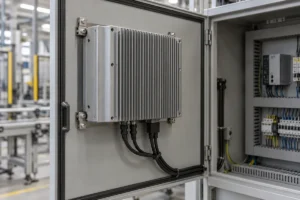
Industrial Panel PC Overheating: How to Diagnose and Fix It
If your industrial panel PC slows down, freezes or shuts down after warming up, check whether the fault follows a temperature rise…
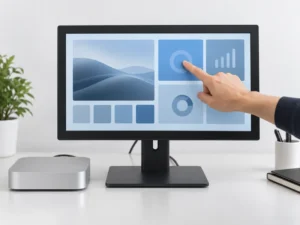
Do Touch Screen Monitors Work with Mac? Compatibility and Setup Guide
Yes, an external touch screen monitor can work with a Mac when its touch hardware and software support the intended macOS configuration….
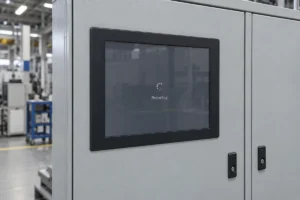
Industrial Panel PC Keeps Restarting? Troubleshooting Guide
If an industrial panel PC keeps restarting, first establish whether the entire computer is rebooting. Then check the restart records and the…
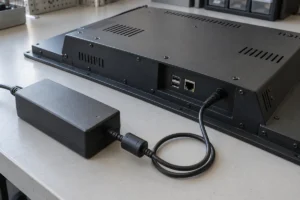
Industrial Panel PC Power Input: AC, 12V DC, 24V DC or Wide Range?
The right power input depends on what your machine already supplies. Before choosing a panel PC, confirm whether it will connect to…
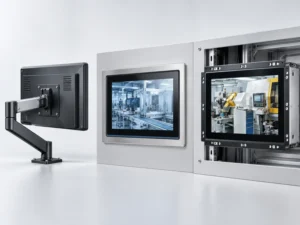
Panel PC Mounting Options: VESA vs Panel Mount vs Open Frame
Choose panel mount when the computer will sit in a cabinet or machine-panel cutout. Choose VESA mount when it needs to attach…
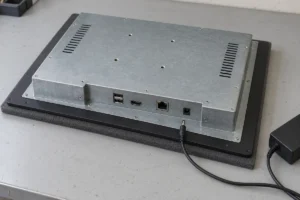
Industrial Panel PC Not Powering On? Step-by-Step Troubleshooting
If an industrial panel PC is not powering on, start with its power supply, connections and switch-on method. A dark screen alone…
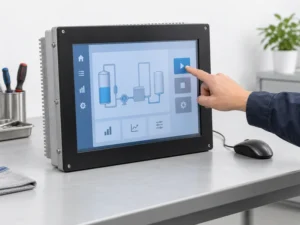
Industrial Panel PC Touch Screen Not Working? Troubleshooting Guide
If your industrial panel PC touch screen is not working, first check whether the computer still responds to a mouse or keyboard….
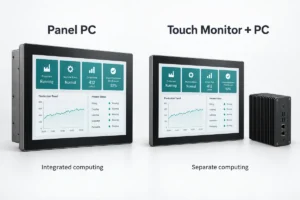
Panel PC vs Touch Monitor: Which Is Right for Your Equipment?
A panel PC and a touch monitor can look almost identical from the front. The important difference is behind the screen: a…
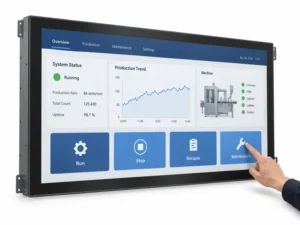
How to Choose a 32-Inch Touch Screen Monitor for OEM Equipment
A 32-inch touch screen monitor makes sense when users need a large interactive area and the equipment has room to position it…
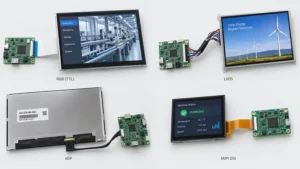
LCD Interface Selection: RGB, LVDS, eDP and MIPI DSI
An LCD can have the right size, brightness and resolution and still be incompatible with your mainboard. Even a matching connector does…