What Is an Industrial Panel PC? Components, Types and Applications
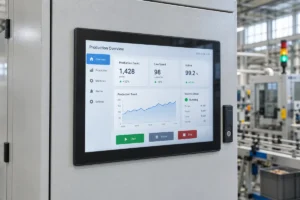
An industrial panel PC is a computer with a built-in display, usually a touchscreen, designed for …
Eagle Touch Engineering Team
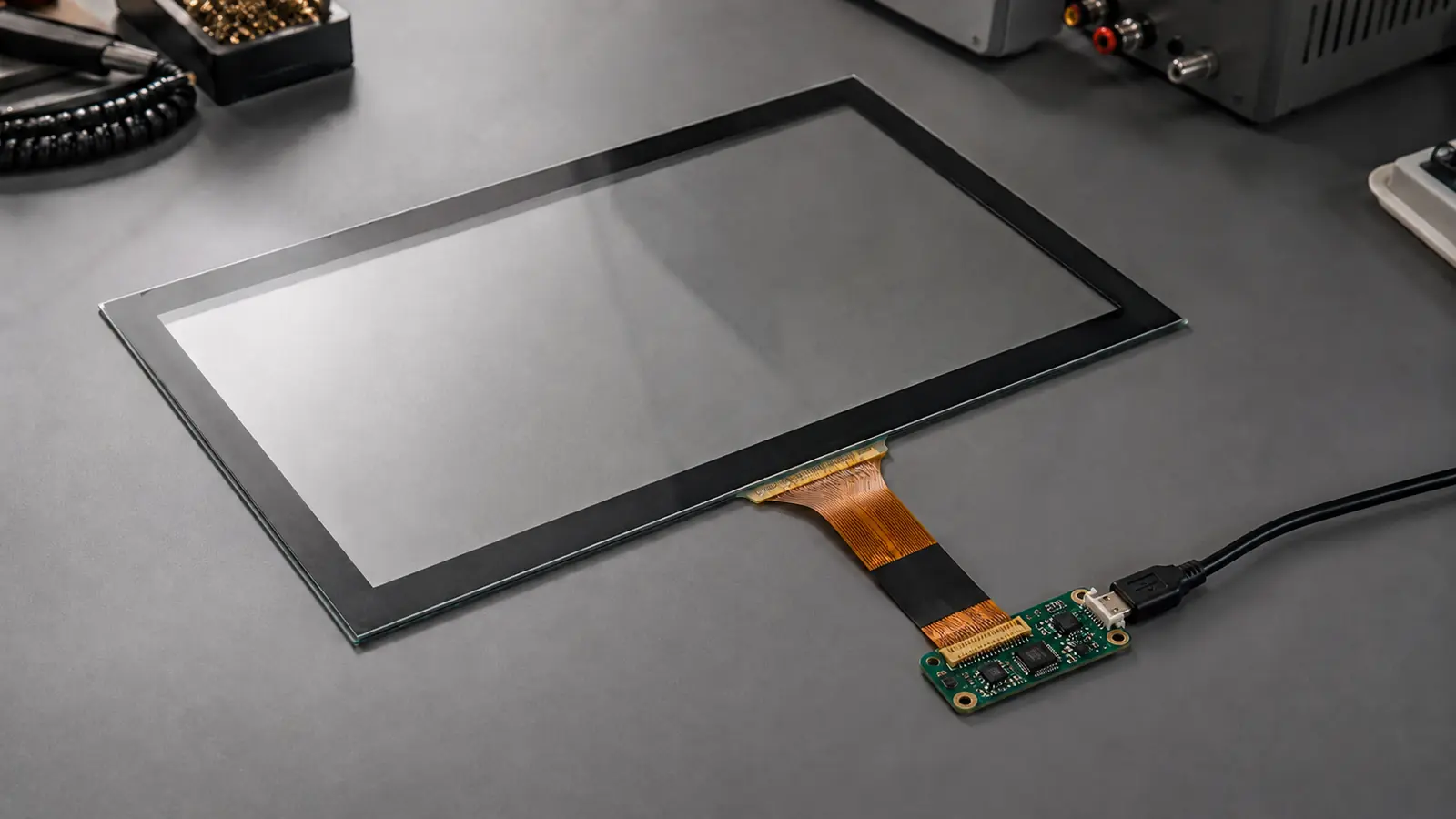
A projected capacitive touch screen, usually called PCAP or PCT, detects a finger or conductive stylus by measuring changes in capacitance across a patterned sensor. It responds to a light touch, supports multi-touch and can sit behind a durable glass surface, which is why it is widely used in industrial HMIs, kiosks, EV chargers and medical equipment.
Reliable performance depends on more than the sensor. Cover glass, controller, grounding, power quality and the final enclosure must work together.
A PCAP sensor contains transparent conductive electrodes, normally arranged as transmitter and receiver lines. The controller creates a sensing field that extends through the non-conductive cover glass. When a finger enters this field, it changes the measured capacitance and the controller calculates its position.
The word projected describes this ability to sense through a protective layer. No direct electrode contact or physical pressure is required, so the sensor can remain protected behind a flat glass front.
The touch process can be understood in six steps:
The touch signal must remain clearly separated from electrical noise. Excessive sensitivity can cause activation before contact or false input near water and metal edges.
Projected capacitive sensing can use self-capacitance or mutual-capacitance measurements.
| Method | How It Is Measured | Practical Characteristic |
|---|---|---|
| Self-capacitance | Measures each electrode relative to ground | Strong signal, but conventional designs can have ambiguity with multiple simultaneous touches |
| Mutual-capacitance | Measures coupling between transmitter and receiver electrodes | Resolves individual intersections and is widely used for true multi-touch |
Most modern multi-touch PCAP systems use mutual-capacitance sensing. Self-capacitance remains useful where high sensitivity or simpler detection is required.
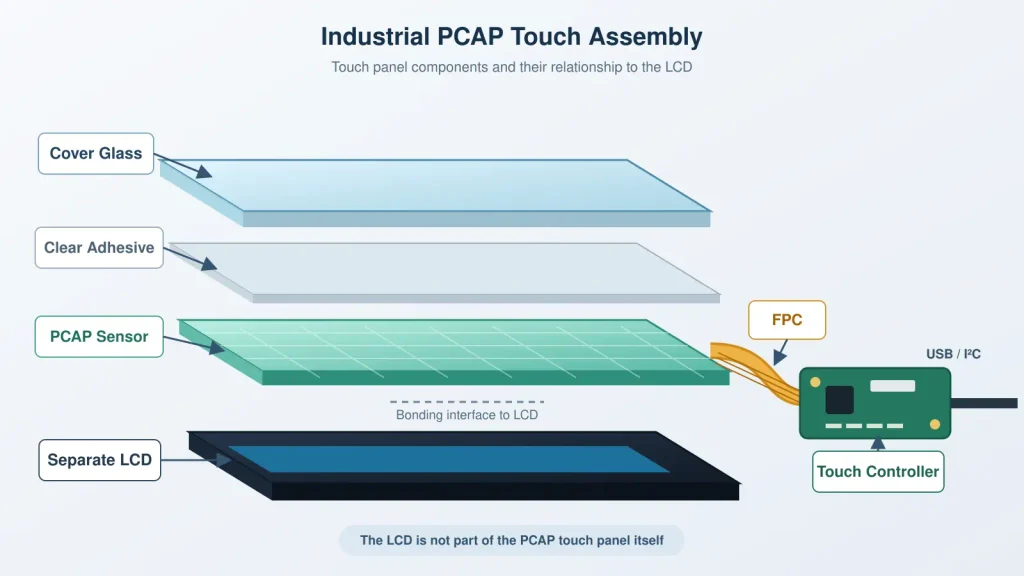
The terms touch panel, touch display and touch monitor are often used as if they mean the same product. They do not.
| Part | Function |
|---|---|
| Cover glass | Provides the user-facing surface, appearance and mechanical protection |
| Optically clear adhesive | Bonds the cover glass to the sensor without a visible air gap |
| PCAP sensor | Contains the transparent electrode pattern that detects capacitance changes |
| FPC | Carries sensor signals to the controller |
| Touch controller | Scans the sensor, filters noise and calculates coordinates |
| USB or I²C connection | Transfers touch data to the host system |
The sensor may use glass or film, while the controller can sit on a separate board or on the FPC. The LCD is not part of the PCAP touch panel. Adding an LCD creates a touch display module; a complete touch monitor also contains display electronics, video inputs, power circuitry and housing.
PCAP is a strong choice for many industrial products, but it is not automatically the best technology for every environment.
| Advantages | Limitations |
|---|---|
| Light-touch, fast response | Ordinary non-conductive tools will not normally register |
| Multi-touch and gesture support | Heavy or highly insulating gloves may need a special design |
| Durable glass-front construction | Water can cause false input if the system is not designed to reject it |
| Good optical performance | Performance can be affected by grounding and electrical noise |
| Flat, sealed front-panel design | Thick cover glass reduces the available touch signal |
| No flexible sensing surface to wear through | Controller and firmware must be matched to the final assembly |
A glass surface is generally more abrasion-resistant than the flexible PET surface of a resistive screen. Its scratch resistance depends on material, strengthening and surface treatment—not simply thickness.
Consumer and industrial PCAP use the same sensing principle. The difference is the operating margin required in the finished equipment.
Increasing the distance between finger and sensor weakens the signal. A design proven through 2 mm glass cannot be assumed to work through 6 mm glass without reviewing the sensor and controller. Impact resistance also depends on glass material, edges and support—not thickness alone. See our touch screen cover glass design guide.
Industrial PCAP can support many gloves, but material, thickness, glass and controller settings affect the result. The actual glove must be tested.
Water rejection is different from waterproofing. Sealing prevents water entry; firmware determines whether the system ignores droplets, accepts a wet finger or suspends touch. See our glove-compatible touch screen guide.
There is no universal best controller. It must suit the sensor, glass, input method and electrical environment. USB is convenient for an external HID device; I²C is common when touch is integrated into the equipment electronics. Confirm the interface, operating system and driver support before freezing the design.
PCAP measures small signal changes. Display circuitry, switch-mode power supplies, long cables, inverters and metal bezels can affect the signal-to-noise margin. Stable performance therefore depends on the complete electrical design. For ghost touch or intermittent response, use a structured touch screen interference check.
A drawing is the best starting point. Otherwise, provide the following information:
| Area | Information Required |
|---|---|
| Display | LCD model, active area, outline dimensions and orientation |
| Glass | Cover glass outline, view area, thickness, printing and surface treatment |
| Input | Bare finger, glove type, stylus and required touch points |
| Environment | Indoor or outdoor use, water exposure, cleaning method and temperature range |
| Electronics | USB or I²C, operating system, cable length, power and grounding arrangement |
| Assembly | Air bonding or optical bonding, metal bezel, enclosure and mounting clearances |
| Project | Prototype quantity, annual volume and expected product lifecycle |
These inputs prevent the glass from being approved before the controller and final stack are validated. Optical bonding can reduce internal reflection or create a fully bonded structure, but it is not required for every design. See our air bonding vs optical bonding guide.
A PCAP panel can pass a bench test and still become unstable after integration because the LCD, power supply, cables, metalwork and bonding structure change its operating conditions.
Before releasing a design for volume production, test the complete assembly for:
Repeat the relevant tests after changing the LCD, glass, controller, cable layout or enclosure. Tuning cannot compensate for every hardware problem. Our touch screen sensitivity adjustment guide explains where tuning helps.
| Application Requirement | Practical Direction |
|---|---|
| Multi-touch or gesture-based HMI | PCAP is normally preferred |
| Flat, sealed glass front | PCAP is well suited |
| Public kiosk, EV charger or smart terminal | Industrial PCAP is commonly used |
| Thick, non-conductive work gloves | Test tuned PCAP; consider resistive if margin is insufficient |
| Input with any pen, plastic tool or gloved hand | Resistive may be more predictable |
| Replacement for a legacy panel | Match the original technology, interface and mechanical design first |
PCAP suits modern glass-front interfaces. Resistive touch remains useful when pressure input with almost any object matters more than multi-touch. See our full PCAP vs resistive touch screen comparison.
Yes, if the sensor, controller and firmware provide enough signal margin. Validate the final assembly rather than relying only on a published maximum glass thickness.
Yes. Performance depends on glove material, thickness, glass, sensor and controller tuning. Test the actual glove during prototyping.
Water changes the capacitive field. Define whether the controller should ignore droplets, accept a wet finger or suspend touch under heavy water.
Normally, no. Recalibration or remapping may be needed after changing screen orientation, host configuration, firmware or display layout.
A PCAP touch panel is the input assembly. A touch display module combines it with an LCD. A touch monitor adds the display controller, video interfaces, power circuitry, housing and mounting structure.
A projected capacitive touch screen is more than a transparent sensor selected by size. Reliable industrial performance comes from matching the cover glass, sensor, controller, interface and electrical environment, then testing them in the finished equipment.
For an OEM project, send the LCD model or drawing, required glass, input method, environment, interface and estimated quantity. Eagle Touch can review the touch panel, controller and integration approach before the design is released for tooling or production.
Explore our custom industrial touch screen solutions or send us your project requirements for an initial engineering review.
An industrial panel PC is a computer with a built-in display, usually a touchscreen, designed for …
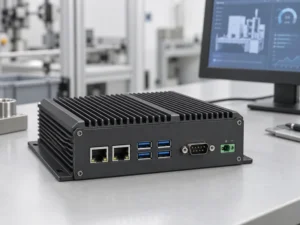
An embedded PC is a computer configured to work as part of a machine or larger …
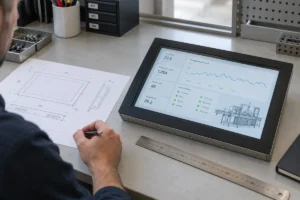
Start with the software the panel PC must run and the conditions it must fit. Then …
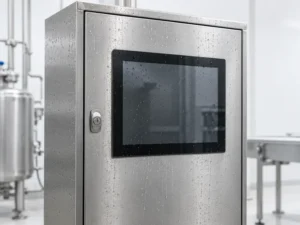
Choosing an industrial panel PC IP rating starts with two questions: what dust and water exposure …
Share your application, requirements, or current challenge. Our team will review the details and recommend a practical way forward.