Industrial Touch Screen Sensitivity Adjustment: Root Causes and Engineering Solutions
Introduction In industrial environments, touch interfaces must operate reliably under conditions such as glove use, moisture …
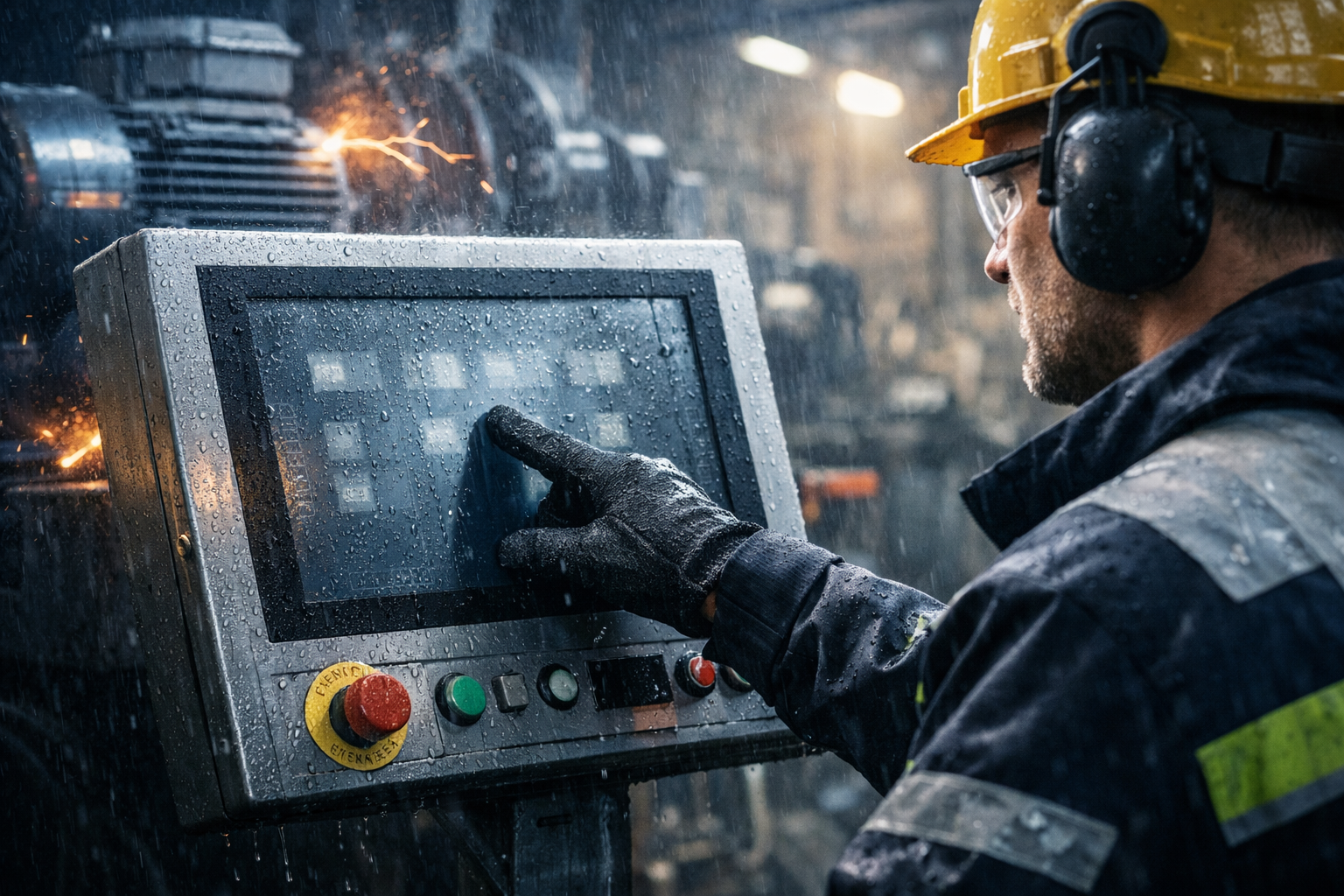
In industrial environments, a touch screen not responding is not only a usability issue—it can interrupt operations, reduce system efficiency, and increase maintenance workload.
Unlike consumer devices, touch failures in industrial systems are rarely caused by a single defective component. In most cases, they result from a mismatch between:
Understanding whether the issue is correctable or requires a design change is critical for maintaining long-term system reliability.For a broader overview of industrial touch technologies, selection criteria, and system design considerations, refer to our industrial touch screen guide.
In industrial applications, unresponsive touch behavior typically appears in three forms:
These symptoms are usually not complete hardware failures. Instead, they indicate instability in signal detection and interpretation within the touch system.
Most industrial interfaces use projected capacitive (PCAP) technology, which depends on stable electrical conditions, proper grounding, and environmental control.
Moisture is the primary cause of instability in capacitive touch systems.
Typical effects include:
Even minor condensation can alter the capacitance field, particularly in outdoor or temperature-variable environments.
Industrial systems commonly generate electromagnetic noise from:
This can lead to:
The severity of EMI impact is influenced by:
Capacitive touch systems rely on a stable electrical reference.
Insufficient grounding can result in:
Grounding issues are often system-level problems rather than display-level faults.
Industrial usage often involves:
These conditions can reduce signal coupling, leading to:
Touch performance is also affected by controller behavior.
Potential issues include:
These factors can significantly impact responsiveness even when hardware is functioning correctly.
Typical issue: unstable or intermittent touch response
Typical issue: ghost touch or complete loss of input
Typical issue: touch not detected
Typical issue: drift, wear, and inconsistent response
Corrective action is appropriate when:
These cases are typically related to integration or configuration, not hardware limitations.
Replacement should be considered when:
These situations typically indicate a mismatch between touch technology and application environment.
In industrial deployments, repeated touch failures often indicate that the selected touch technology does not match the operating conditions.
This is not a random defect, but a predictable outcome of system design choices.
Suitable for:
Limitations:
More suitable for:
Trade-offs:
To ensure stable operation:
A touch screen not responding in industrial applications is rarely a simple hardware defect. It is typically the result of interactions between:
Reliable performance depends on aligning these factors at the system design stage.
The objective is not to use the most advanced technology, but the most suitable one for the intended operating conditions.
What is the most common cause of industrial touch failure?
Moisture and condensation are the most frequent causes, particularly in capacitive systems.
Can EMI affect touch screen performance?
Yes. Without proper shielding, grounding, and filtering, EMI can disrupt signal detection.
Are these failures usually hardware-related?
No. Many issues originate from system integration, environment, or configuration.
When should a system be replaced instead of repaired?
When failures are consistent, environment-driven, and not resolved through system optimization.
If your touch system repeatedly fails under moisture, EMI, or outdoor conditions, the issue is unlikely to be resolved through standard troubleshooting.
In most cases, this indicates a mismatch between the touch technology and the operating environment.
Share your application details—including environment, mounting structure, and electrical setup—and we can help determine whether optimization or a different system design is required.
Introduction In industrial environments, touch interfaces must operate reliably under conditions such as glove use, moisture …
Introduction In industrial environments, a touch screen not responding is not only a usability issue—it can …
Introduction The multi-touch industrial screen is often assumed to improve usability in industrial HMI systems. In …
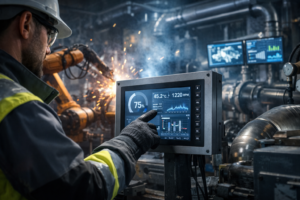
Introduction Industrial panel PC touch screen failure is a common reliability issue in applications such as …
Send your application details. We respond with configuration direction and next steps.