What Is an Industrial Panel PC? Components, Types and Applications

An industrial panel PC is a computer with a built-in display, usually a touchscreen, designed for …
Eagle Touch Engineering Team
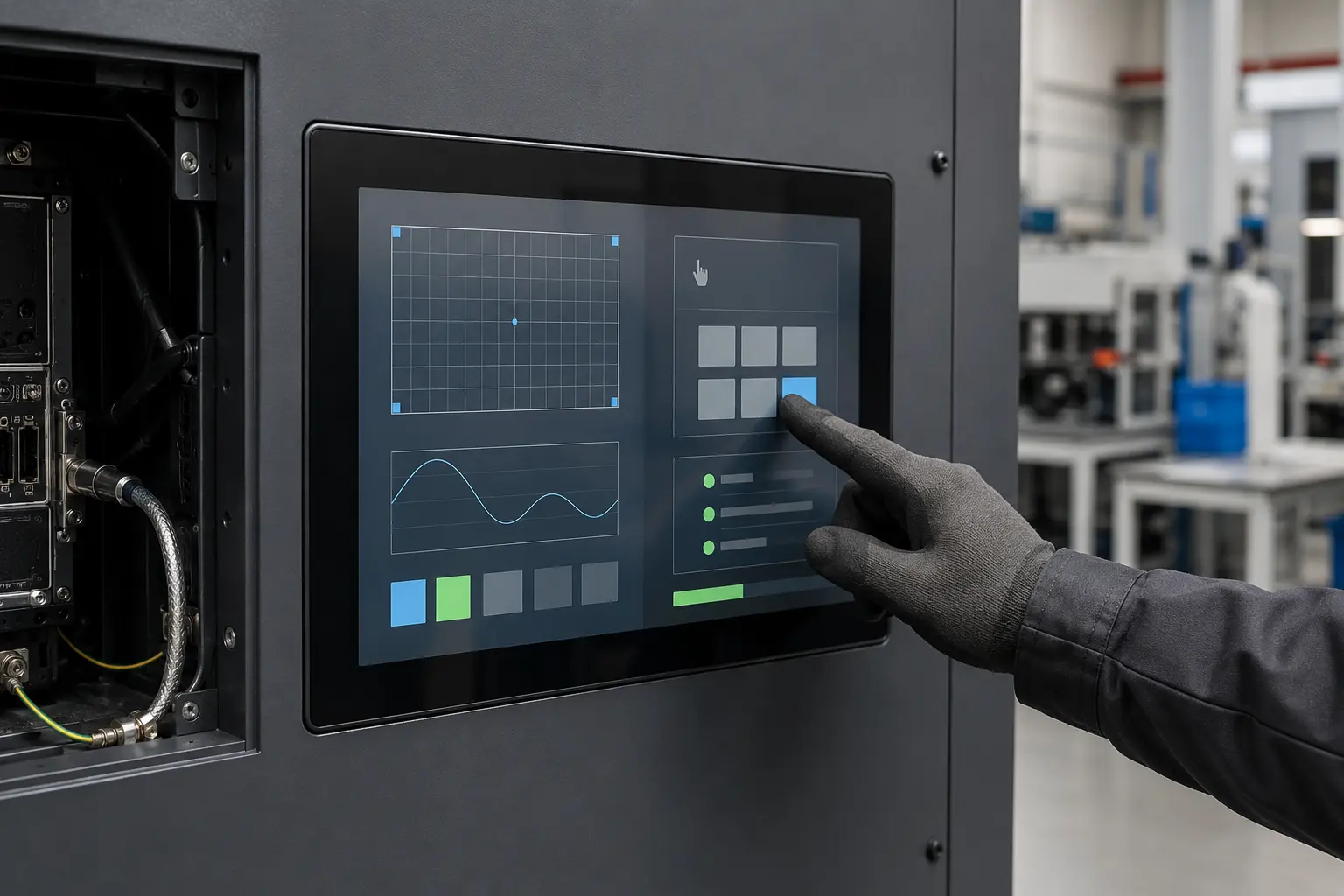
There is no single “best” industrial touchscreen monitor. A configuration that works well on an indoor control panel may be unsuitable for an outdoor charger, a washdown machine or a vehicle terminal.
The right choice starts with the application: who will use the screen, what it will be exposed to, how it fits the equipment and what system will drive it. Once those conditions are clear, most specifications become easier to decide—and unnecessary features are easier to avoid.
This guide provides a practical starting point for OEM equipment. It focuses on choosing the right type of complete touchscreen monitor rather than explaining every display technology in detail.
Before comparing models, confirm seven things:
Do not begin with the highest brightness, thickest glass, highest IP rating or largest touch-point count. Begin with the conditions the monitor must actually meet.
In this guide, an industrial touchscreen monitor means a complete display with touch, video inputs, power circuitry and a mounting structure, driven by an external PC or embedded computer. If you need only a touch sensor, a bonded LCD assembly or a computer built into the display, see our industrial touch screen guide. For a formal monitor specification and RFQ, use the industrial display monitor guide for OEM equipment.
Start with the real input method: bare finger, thin glove, insulated glove, conductive stylus or ordinary plastic stylus. Also confirm whether the interface requires simple taps, dragging, signatures or multi-touch gestures.
PCAP is the practical starting point for a flat glass front, finger operation and multi-touch. Resistive touch remains useful for pressure input, non-conductive styluses, thick gloves and some legacy systems. Neither is automatically better or cheaper in every configuration.
Use our PCAP vs resistive comparison when both are possible. If gloves are essential, define the material and thickness and test the actual glove; “works with gloves” is not a complete requirement. See the glove-compatible touch screen guide.
An indoor machine, a terminal near a window and an outdoor kiosk do not need the same optical configuration. Ambient light, screen angle, reflections and shading can matter as much as the brightness figure. For outdoor use, evaluate brightness together with reflection control, optical bonding, enclosure temperature and power consumption. A brighter backlight also adds heat.
The industrial display brightness guide covers these trade-offs in detail.
Define the actual exposure instead of writing “waterproof” as a general requirement: dust, occasional splashes, rain, condensation, oil, wiping, disinfectants and pressurized cleaning require different sealing and material decisions.
Also separate ingress protection from touch behaviour. A sealed front does not guarantee stable operation with water on the glass, and wet-touch tuning does not make the enclosure waterproof. For projects involving moisture or cleaning, review the distinction in our industrial waterproof touch screen guide.
The nominal screen size does not define the external dimensions. Two 15.6-inch monitors can have different bezels, housings, depths and connector positions.
Confirm the mounting method—panel mount, open frame or VESA—and check:
Approve the supplier’s mechanical drawing before cutting the production enclosure. A few millimetres of mismatch can delay an otherwise completed machine.
Video, touch data and power are separate connections. Confirm all three.
The host may provide HDMI, DisplayPort, DVI or VGA for video, while touch normally uses USB or, in some legacy systems, RS-232. USB-A by itself should not be assumed to carry video. Also confirm input voltage, cable length, operating system, resolution and orientation.
If more than one video interface is available, our HDMI vs DisplayPort vs USB-C guide explains the practical differences. Final compatibility should still be checked with the production host and operating-system image.
The monitor may pass a bench test but behave differently after installation. A sealed cabinet can trap heat. Motors, inverters, relays and switching power supplies can introduce electrical noise. Vehicle systems may add vibration and unstable DC power.
State the operating temperature, but also estimate the temperature inside the finished enclosure. Confirm the power arrangement, grounding, cable routing and nearby noise sources. Test PCAP with the final power supply, host, cables and metalwork.
If unexplained jumping points or false touches appear, follow a controlled touch screen interference test rather than increasing sensitivity immediately.
Industrial equipment may remain in production long after a consumer monitor has been replaced. Ask what happens if the LCD, touch controller or display board changes.
For repeat OEM orders, confirm:
“Industrial grade” is not a lifecycle commitment. The supplier’s change-control process is more useful than a general label.
The table below is a shortlisting tool, not a fixed specification. Every configuration still needs to be checked against the actual equipment.
| Application | Practical starting point | Confirm before ordering |
|---|---|---|
| Indoor factory HMI | Panel-mount monitor; PCAP or resistive according to the operator’s input method | Gloves, electrical noise, cutout, cable access and operating hours |
| Outdoor kiosk or EV charger | Glass-front PCAP with appropriate brightness and reflection control | Direct sunlight, enclosure temperature, rain, wet-touch behaviour and service access |
| Food-processing equipment | Sealed front with materials suitable for the cleaning process | Cleaning pressure, temperature, chemicals, gasket material and required touch behaviour |
| Vehicle or AGV terminal | Compact monitor with secure mounting and connections | Vibration, DC power variation, sunlight, cable retention and temperature |
| Medical or laboratory equipment | Easy-to-clean glass front with controlled touch response | Glove type, cleaning agent, required certifications and host compatibility |
Higher specifications do not always produce a more reliable monitor. They may increase cost, heat, weight and sourcing difficulty without solving a real problem.
Common examples include:
Specify the performance the equipment needs, with a reasonable engineering margin. Avoid copying requirements from an unrelated project.
Do not approve the monitor only from a desk test. Install the sample in the intended enclosure and use the actual host, power supply, cable lengths, software, glove and operating conditions.
Check the functions that matter to the application: touch accuracy, edge response, glove operation, wet behaviour, readability, startup sequence, sleep and resume, cable access, enclosure temperature and stability while nearby equipment is running.
If a production component, firmware version, cable or enclosure detail changes, repeat the affected checks.
A useful recommendation does not require a finished specification, but it does require clear application information. Send:
Eagle Touch can then recommend a practical starting configuration and identify the points that should be confirmed during sampling. Explore our industrial touchscreen monitor solutions or send your application requirements and enclosure drawing for review.
The best industrial touchscreen monitor is not the model with the longest specification sheet. It is the one that fits the equipment, works for the operator and remains stable under the real operating conditions—without adding features the project does not need.
An industrial panel PC is a computer with a built-in display, usually a touchscreen, designed for …

An embedded PC is a computer configured to work as part of a machine or larger …

Start with the software the panel PC must run and the conditions it must fit. Then …

Choosing an industrial panel PC IP rating starts with two questions: what dust and water exposure …
Share your application, requirements, or current challenge. Our team will review the details and recommend a practical way forward.