Industrial Panel PC Touch Screen Failure: Causes, Prevention, and Selection Guide
Introduction Industrial panel PC touch screen failure is a common reliability issue in applications such as …
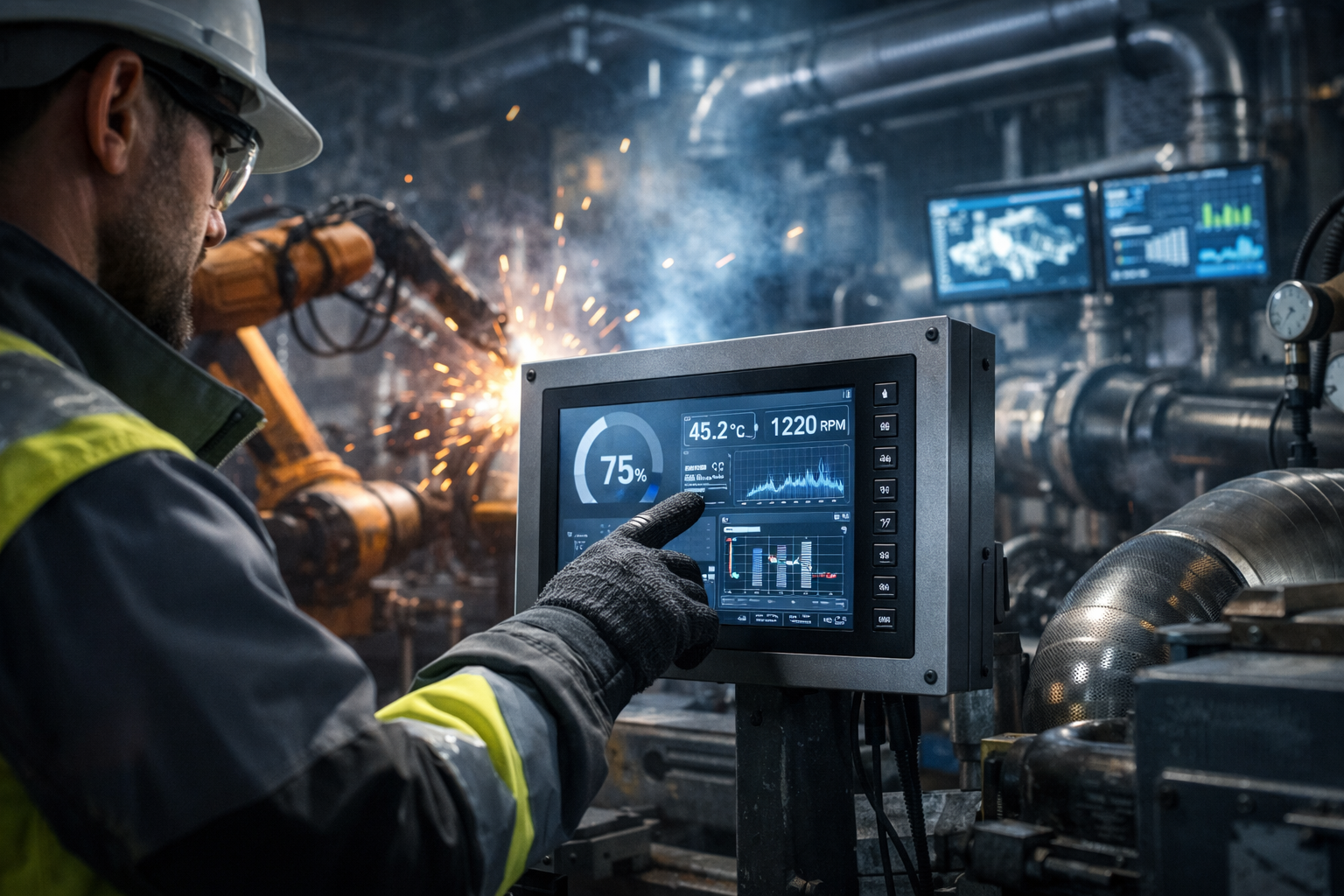
Industrial panel PC touch screen failure is a common reliability issue in applications such as industrial automation, EV charging stations, kiosks, and infrastructure control systems.
In these deployments, the touch interface is not only a user input layer—it directly affects system uptime, operator efficiency, and maintenance cost. A failure can lead to unplanned downtime, field service intervention, and increased lifecycle cost.
In most cases, failures are not caused by a single defective component. They result from the interaction between environmental stress factors and system-level design decisions, including material selection, sealing strategy, and electrical integration.
For engineers and technical buyers, the key is not only understanding failure mechanisms, but selecting a system architecture that aligns with real operating conditions.For a complete overview of how to specify and customize industrial panel PCs for different environments, refer to our Industrial Panel PC OEM Guide.
An industrial panel PC integrates multiple subsystems into a single enclosure:
The touch subsystem typically consists of:
Projected Capacitive (PCAP)
Supports multi-touch and high optical clarity. Sensitive to moisture, EMI, and grounding conditions.
Resistive Touch
Pressure-based input. More tolerant to water, oil, dust, and electrical noise.
Infrared (IR)
Used in some open-frame designs. Less suitable for sealed industrial environments.
Note:
PCAP is widely used in modern systems, but requires proper mechanical and electrical design to maintain stability.
Moisture-related issues are the most common cause of touch failure.
Typical effects:
Root causes:
Industrial deployments often exceed commercial temperature ranges.
Effects include:
Repeated thermal cycling accelerates long-term reliability issues.
PCAP touch systems rely on stable capacitance sensing and are sensitive to electrical noise.
Common interference sources:
Typical symptoms:
Common in industrial equipment and mobile systems.
Failure modes:
Outdoor deployments introduce additional risks:
Optical bonding removes the air gap between the display and cover glass.
Benefits:
Systems without bonding are more susceptible to moisture-related failures.
Ingress protection depends on both design and installation quality.
Key factors:
The front panel seal is typically the most critical barrier against moisture ingress.
Stable touch performance requires proper electrical design.
Important considerations:
Inadequate grounding is a common cause of unstable touch behavior.
Engineering insight:
Touch technology should be selected based on environmental constraints, not interface preference.
Advantages:
Limitations:
Advantages:
Recommended for:
Before selecting a system or supplier, verify:
Touch reliability in industrial panel PCs is determined by four interacting factors:
Failures typically occur when these factors are not aligned.
Reliable system design requires evaluating these elements as a complete system rather than independent components.
Industrial panel PC touch screen failure is a system-level reliability issue rather than a single-component problem.
Improving long-term performance requires:
For engineering teams, the objective is not selecting the most advanced technology, but selecting a configuration that is aligned with the actual deployment environment.
As a provider of industrial panel PCs and touch display solutions for harsh environments, we support applications such as automation systems, EV charging infrastructure, and outdoor equipment.
Our designs focus on long-term reliability under moisture, EMI, temperature, and vibration constraints.
What is the most common cause of touch screen failure?
Moisture ingress and condensation.
How does optical bonding improve reliability?
It eliminates internal air gaps and reduces condensation risk.
Why does EMI affect PCAP touch systems?
It interferes with capacitance sensing, leading to unstable or false inputs.
Is PCAP suitable for outdoor use?
Yes, if combined with proper sealing, bonding, and EMI control.
When should resistive touch be used instead of PCAP?
In environments with heavy contamination, glove use, or unstable electrical conditions.
If you are evaluating touch reliability under conditions such as humidity, EMI, vibration, or outdoor exposure, our engineering team can help.
Share your application details, including:
We will recommend the most suitable touch technology and system architecture to reduce failure risk and improve long-term stability.
Introduction Industrial panel PC touch screen failure is a common reliability issue in applications such as …
Introduction When an industrial panel PC is not powering on, the root cause typically falls into …
Introduction Panel PC mounting options are a key aspect of industrial panel PC system design.Selecting the …
Introduction: Why Industrial Panel Pc Power Input Selection Matters Selecting the correct power input for an …
Send your application details. We respond with configuration direction and next steps.